4
You
should
see
a list
of
your favorite channels. Turn the wheel
to
highlight
the
desired channel then press the XM
button
to
select it.
To
remove
a
channel
from
your
IIFavorites"
list:
1 Tune
to
that
channel.
2 Select
options
~
Remove Favorite.
Pause
and
Replay Live XM
Need
to
take a phone call or step away for a few minutes? Now
you can, and you
won't
have
to
miss a second
of
live
XM
-
simply pause by pressing
the>
II
button
and you can walk away
up
to
30
minutes.
Press
the>
II
button
to
resume playing.
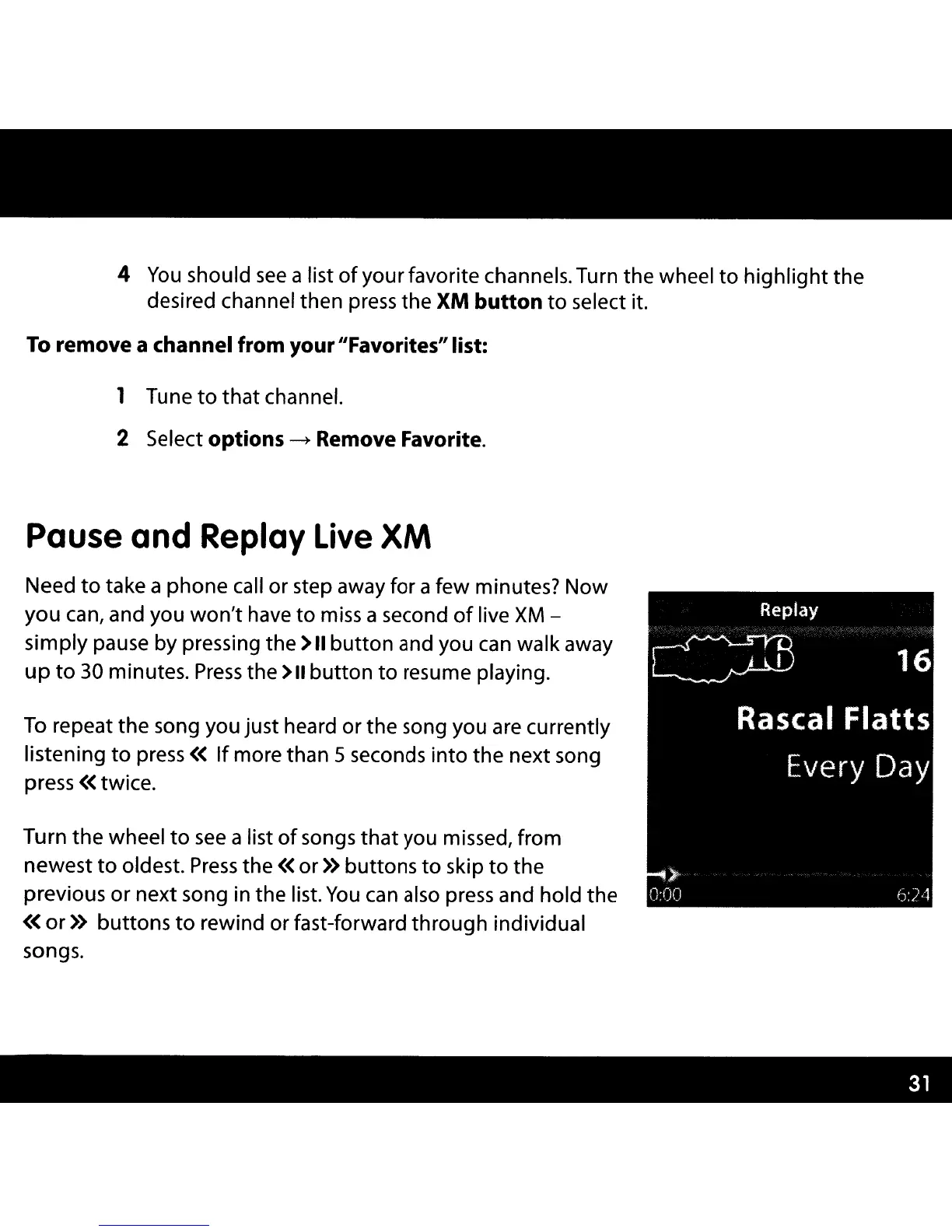
To
repeat the song you just heard or the song you are currently
listening
to
press«
If
more than 5 seconds
into
the next song
press « twice.
Replay
CZB
16
Rascal
Flatts
Every Day
Turn
the
wheel
to
see
a list
of
songs
that
you missed, from
newest
to
oldest.
Press
the « or » buttons
to
skip
to
the
previous or next song in the list.
You
can
also press and hold the
«
or»
buttons
to
rewind or fast-forward through individual
songs.
)-
0:00
6:7'1



 To Next Page