EasyManua.ls Logo

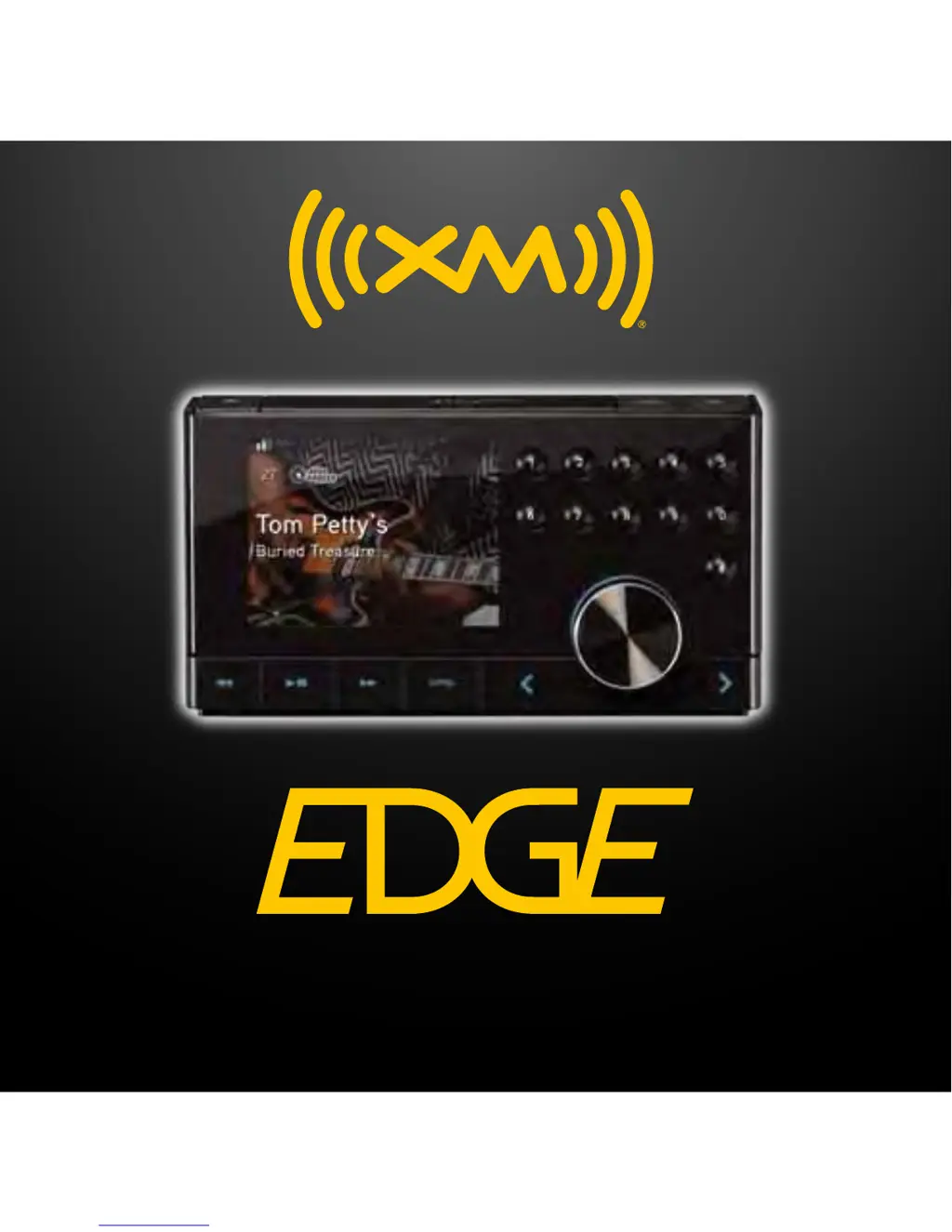
XM EDGE - User Manual

Default Icon
53 pages
Print Icon
To Next Page IconTo Next Page
Loading...
User Guide
XM Plug & Play Radio
Vehicle Kit Included

Questions and Answers

  • J
    johnsnyderAug 14, 2025
    Why is my XM EDGE Radio not getting a satellite signal?
    • J
      Jennifer DixonAug 14, 2025
      If your XM Radio isn't receiving a satellite signal, make sure your vehicle is outdoors with a clear view of the sky. Also, verify that the Magnetic Mount Antenna is mounted outside the vehicle and away from any obstructions. Ensure that you have subscribed to the service. You can also go to www.xmradio.ca and follow the directions to refresh your Radio or call 1-877-438-9677 for further assistance.
  • S
    Stephanie RowlandAug 17, 2025
    How to fix XM EDGE when audio fades or has static?
    • W
      william94Aug 17, 2025
      To resolve audio fading or static issues with your XM Radio, start by checking all cables for a secure connection. If using PowerConnect via your vehicle's FM radio, the problem is most likely interference from another FM station. Try to find an unused FM channel in your area. If problems persist, try connecting the audio using the Aux In Cable or a Cassette Adapter. As an alternative, consider using an FM Direct Adapter.
  • T
    Travis MitchellAug 20, 2025
    How to fix XM Radio when it is not acquiring a signal?
    • G
      Gabriel BrownAug 21, 2025
      If your XM Radio is not acquiring a signal, check that all connections are firm and secure. Make sure the vehicle power socket is clean and free of corrosion. Ensure that you have connected Edge as described in this User Guide. Verify that the PowerConnect Power Adapter is plugged into the vehicle’s cigarette lighter or power adapter socket, and that the LED on the PowerConnect Power Adapter is lit. If not, your vehicle may need to be running to provide power to the socket.
  • Z
    zblackburnAug 25, 2025
    What to do if my XM EDGE Radio has no audio when using Aux In?
    • C
      Christina VillanuevaAug 25, 2025
      If you're not getting any audio from your XM Radio when using the Aux In, first check all the cables between your Edge and your vehicle’s stereo system to ensure they are firmly and securely connected. Then, make sure you have selected the correct input source on your vehicle’s stereo system. You may also need to increase the audio level of your Edge.
  • T
    Troy GloverAug 27, 2025
    What to do if my XM EDGE Radio has no audio when using PowerConnect or FMDA?
    • M
      Michael HudsonAug 27, 2025
      If you're not getting any audio from your XM Radio when using PowerConnect or FMDA, first check that your Edge and your vehicle’s FM radio are tuned to the same FM channel. When using PowerConnect, ensure you are using the PowerConnect Vehicle Dock and PowerConnect Power Adapter. If you are using the Vehicle Dock that came with the Universal Xpress Car Kit, ensure that the FM Transmitter in Edge is turned On.
  • J
    Jacqueline WilliamsAug 30, 2025
    How to turn off demo mode on XM EDGE Radio?
    • S
      Steven RossAug 31, 2025
      If your XM Radio is stuck in demo mode, it could be because your Magnetic Mount Antenna is not connected or you are not receiving a signal. Check that the antenna is connected properly and is not obstructed. You can also press and hold the Select button for 10 seconds to exit Demo Mode or disable Demo Mode.
  • O
    oliviarollinsSep 3, 2025
    Why does my XM Edge Radio turn off unexpectedly?
    • J
      Jennifer MejiaSep 3, 2025
      If your XM Edge Radio turns off unexpectedly, it might be because the Auto Shut Off feature is enabled. When enabled, Edge will automatically turn off after eight hours of inactivity. To prevent this, disable the Auto Shut Off setting.
  • D
    Desiree HowardSep 7, 2025
    Why do XM Traffic and Weather channels sound different?
    • L
      Leslie MoralesSep 7, 2025
      Traffic and Weather channels on XM Radio use a different audio technology than other channels, which is why they often sound different.
  • S
    Shelby VincentSep 9, 2025
    Why is no song title or artist name displayed on my XM EDGE Radio?
    • C
      Cassandra SmithSep 10, 2025
      If your XM Radio is not displaying the song title or artist name, the information may not be available or updates may be in progress.

Summary

Introduction to XM Edge

Safety and Care Instructions

Provides essential safety precautions and care instructions for operating the XM Edge device.

Vehicle Installation Guide

Choosing a Radio Location

Guidance on selecting an optimal and safe mounting location for the Edge radio in the vehicle.

Installing Dash or Vent Mount

Detailed instructions for installing either the Dash Mount or the Vent Mount for the XM Edge.

Mounting the Magnetic Mount Antenna

Guidance on positioning and attaching the magnetic mount antenna for optimal satellite signal reception.

Routing the Magnetic Mount Antenna Cable

Instructions for properly routing the antenna cable through the vehicle to avoid damage and ensure a clean installation.

Connecting Antenna and Power Adapter

Instructions for connecting the magnetic mount antenna and the PowerConnect power adapter to the dock.

Connecting Audio Output Options

Details various options for connecting the XM Edge audio to the vehicle's stereo system.

Aux In Cable Audio Connection

Step-by-step guide for connecting the XM Edge using the provided Aux In cable to the vehicle's stereo.

PowerConnect FM Audio Connection

Guide for setting up the XM Edge to transmit audio through the vehicle's FM radio using PowerConnect.

XM Service Subscription and Activation

General Activation Process

Steps for activating the XM Edge device and subscribing to the XM satellite radio service.

Using Your XM Edge Radio

XM Edge Navigation Basics

Explains how to use the Power Button, Rotary Knob, Select, Category, and Menu buttons for navigation.

Special XM Edge Features

Pause and Replay Live Broadcast

Explains how to pause, rewind, and replay up to 30 minutes of live satellite radio content.

XM Edge Parental Controls Setup

Details how to lock channels or categories using a 4-digit parental code.

Configuring Your XM Edge Settings

XM Edge Troubleshooting Guide

Troubleshooting: No Satellite Signal

Steps to resolve issues related to the XM Edge not receiving a satellite signal.

Troubleshooting: Antenna Issues

Steps to diagnose and fix problems related to the magnetic mount antenna connection or placement.

Troubleshooting: Unexpected Power Off

Steps to resolve the issue of the XM Edge device turning off unexpectedly.

XM EDGE Specifications

General IconGeneral
BrandXM
ModelEDGE
CategoryRadio
LanguageEnglish

Related product manuals