To
designate a specific channel
to
be auto-recorded:
1 Tune
to
that
channel.
2 Select
rec
~
Set
to
Auto Record.
You
can designate
up
to
5 channels in this manner.
To
remove channels from the auto-record list, select rec
~
Remove Auto
Rec.
Listening
to
Recorded
Content
Recorded
XM,
MP3 and WMA files, audiobooks - they're all in one place.
1 Select
menu
~
My
Music Library.
2 Choose Recorded XM, MP3s
and
WMAs,
or
My
Books.
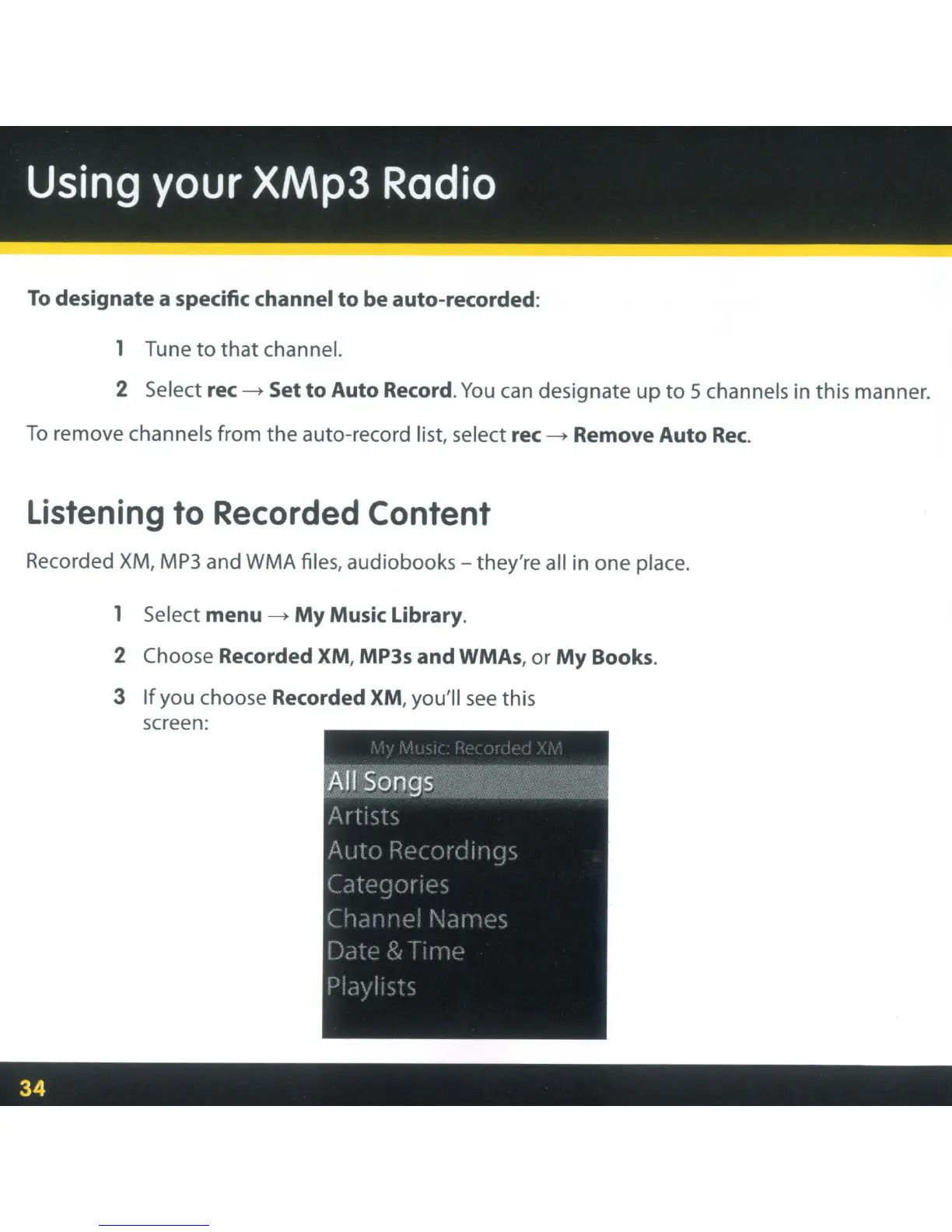
3
If
you choose Recorded XM, you'll
see
this
screen:



 To Next Page