the
volume
of
other audio sources.
1 Select
menu
~
Settings
~
Line
Out
Level.
2 Turn the wheel
to
increase
or
decrease the audio level.
3
Press
the XM
button
to
set
that
level.
Do
not
use
the
Line-Out Level menu
item
as
a volume control; you should use
the
volume
control on your home or car stereo instead.
Aiming the Antenna
For
best reception, your
XM
antenna should have
an
unobstructed view
of
the
XM
satellites
in
the
southern
sky.
In
large cities,
XM's
network
of
repeaters
helps increase signal coverage.
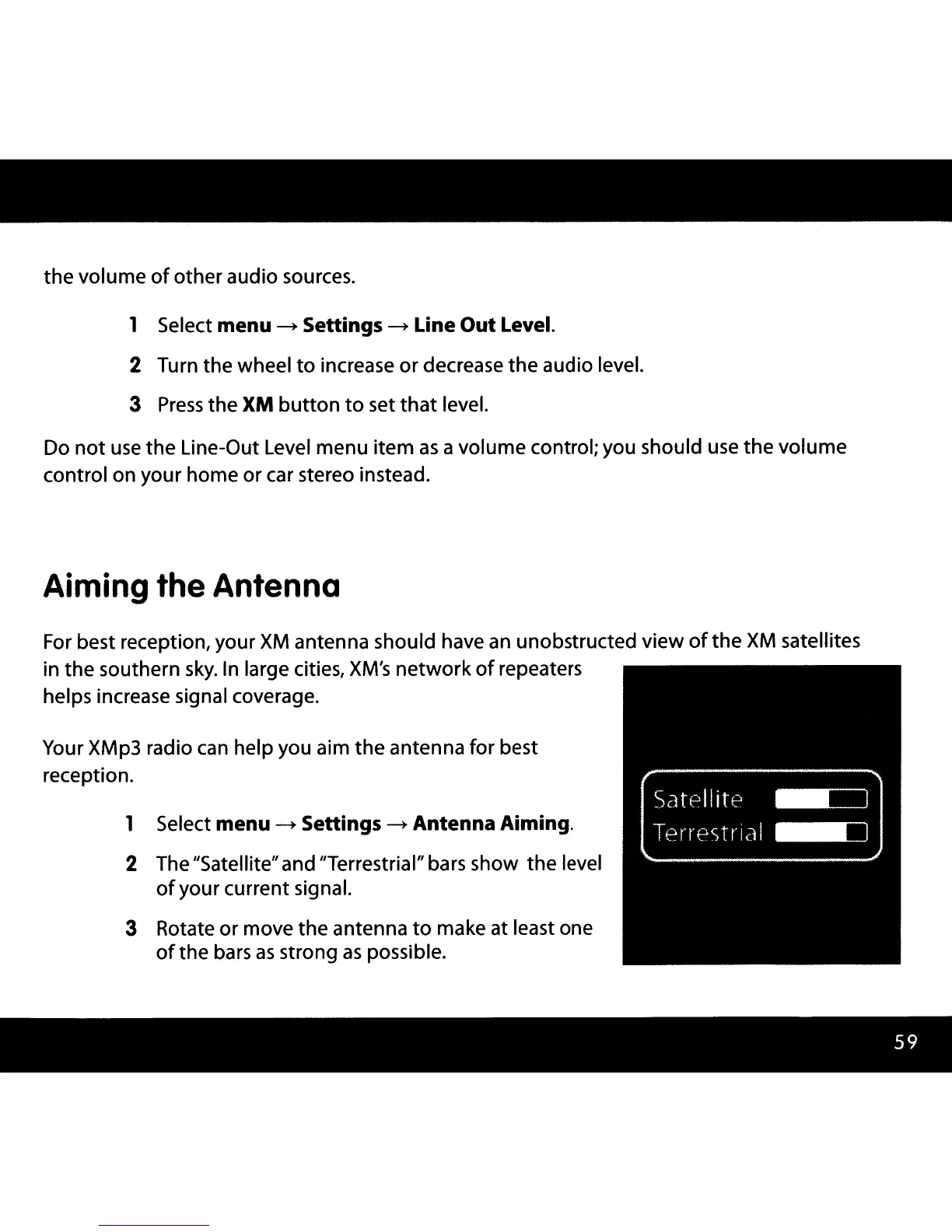
Your XMp3 radio
can
help you aim
the
antenna for best
reception.
1 Select
menu
~
Settings
~
Antenna Aiming.
2 The "Satellite"and "Terrestrial" bars show
the
level
of
your current signal.
3 Rotate or move the antenna
to
make at least one
of
the bars
as
strong
as
possible.



 To Next Page