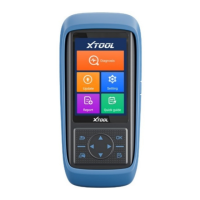
2.2. Sub-menus and Function Buttons
Opens the PS90 diagnostic application. It can read diagnostic
information, view live data, perform actuation tests and
special functions etc.
By selecting “Settings”, users can access the language setting
and other system related settings.
Online Communication Platform for PS90 users.
(English version is coming soon)
Click UPDATE after PS90 is connected to internet, then you
can download the latest diagnostic software directly to PS90.
Users can view all the diagnostic reports and diagnostic data
generated in the diagnosis process.
Users can get remote help and support when needed.
2.3. Toolbar Function Buttons
Returns to previous interface
Returns to the main interface of Android System
Shows (recently used) applications
Bluetooth connection will turn blue color and Bluetooth
disconnection will stay white color
Click here to return to diagnostic vehicle models interface


 To Next Page