VESDA-EVEP-A00-P Product Guide
62 www.xtralis.com
5.5.8 General Purpose Inputs Options
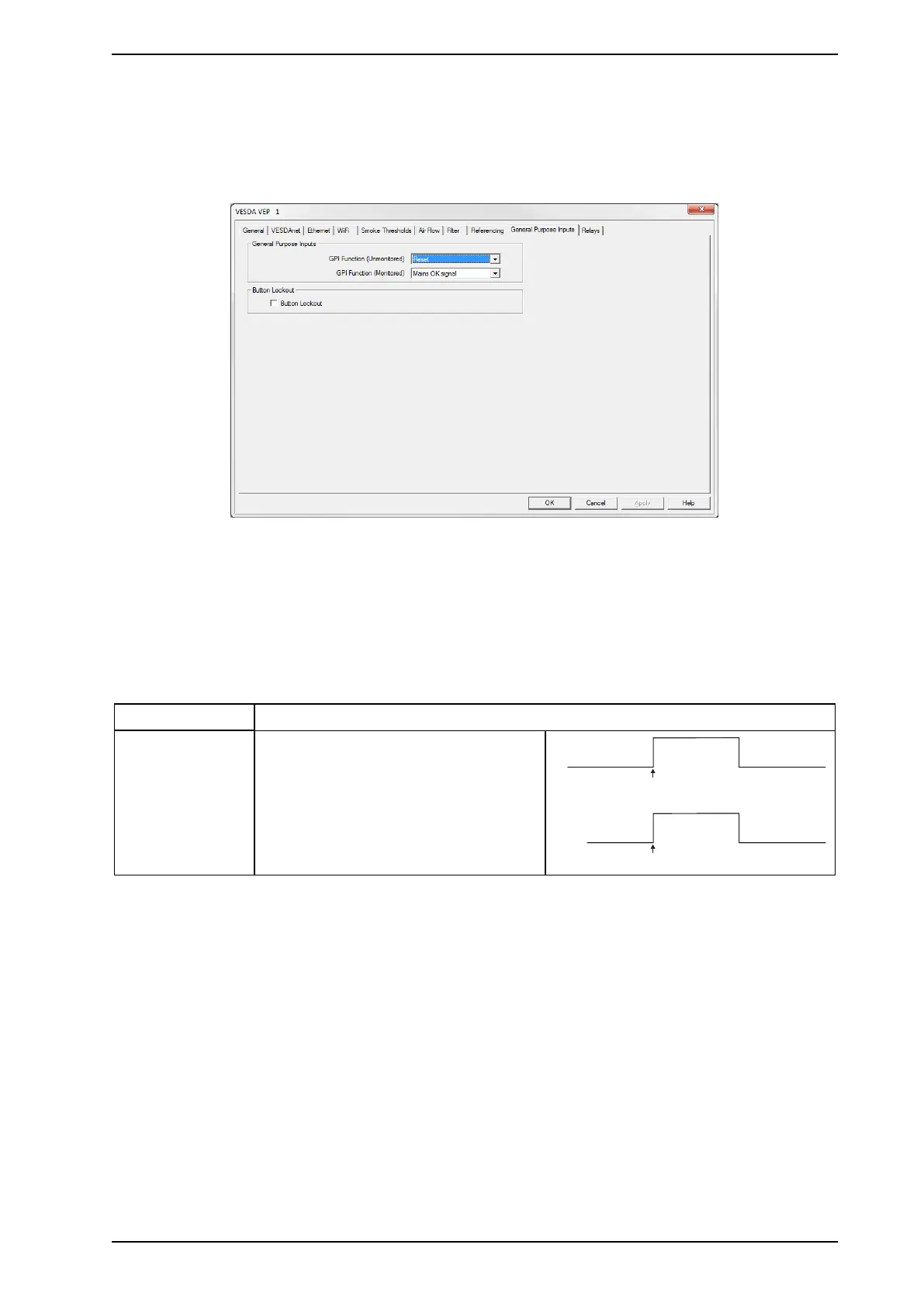
The General Purpose Inputs options page provides the ability to control the behavior of the Unmonitored and
Monitored General Purpose Inputs (GPIs).
The GPIs can be configured to initiate a number of different actions.
Figure5-18: General Purpose Input Options
The configuration options are as follows:
l GPI function (Unmonitored) and GPI function (Monitored): Refer to Table5-3 below for a description
of the individual selections.
l Button Lockout:If the checkbox is ticked the Reset, Disable and Acknowledge functions can't be
executed using the front panel button.
Function State Change
External Reset Unmonitored GPI
The detector resets on a 0 VDC to 5 VDC
rising edge.
Monitored GPI
The detector resets on a contact closure.
Table5-3: GPI Operation



 To Next Page