EasyManua.ls Logo

Xylem CentriPro Aquavar SOLO - User Manual

Xylem CentriPro Aquavar SOLO
48 pages
Print Icon
To Next Page IconTo Next Page
Loading...
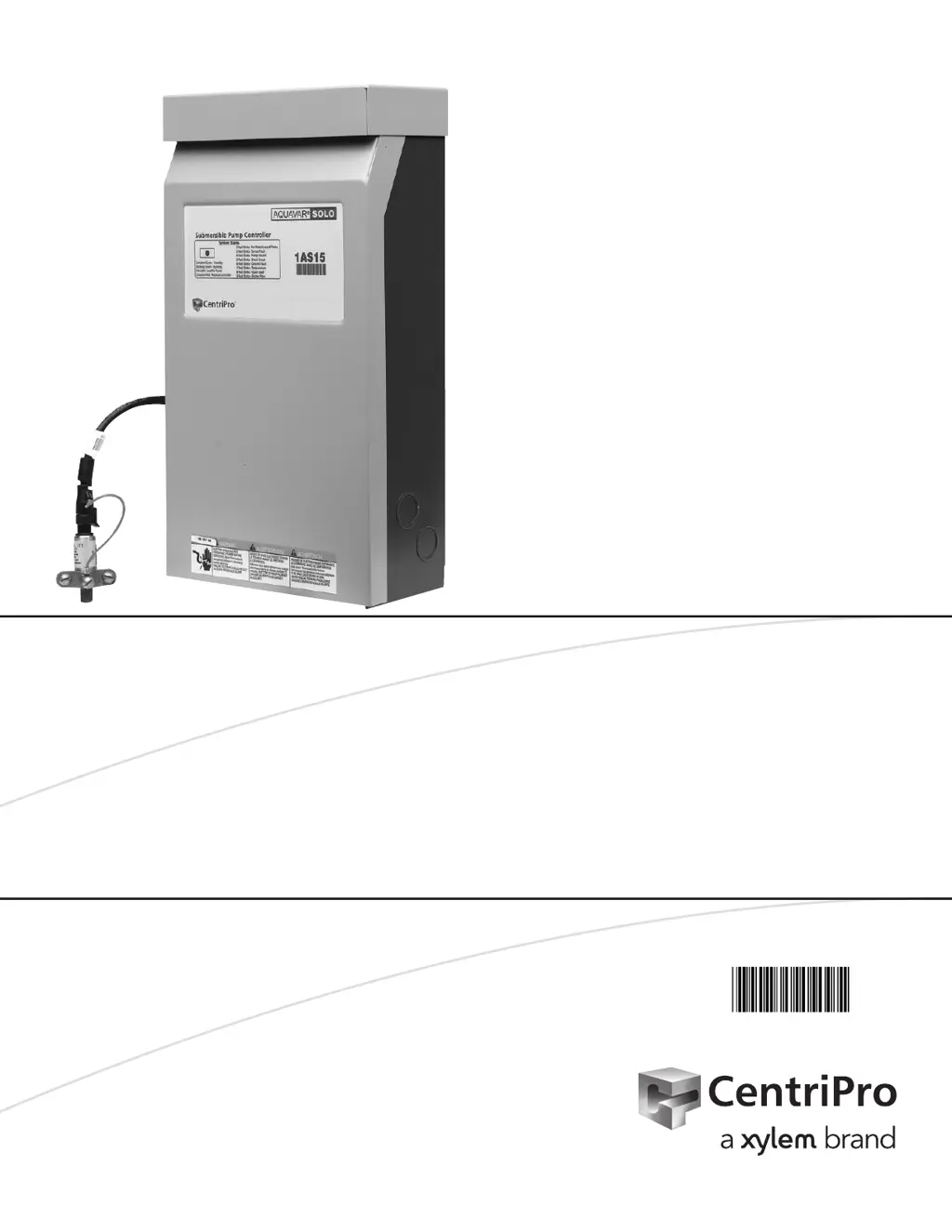
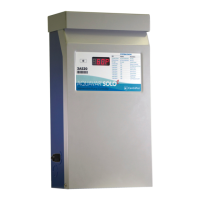
AQUAVAR SOLO
SUBMERSIBLE PUMP CONTROLLER
INSTALLATION, OPERATION AND TROUBLESHOOTING MANUAL
INSTRUCTION MANUAL
IM229R06

Table of Contents

Questions and Answers

Summary

Safety Instructions

Ratings

Information regarding product ratings and specifications.

Required Materials

List of materials necessary for installation.

Typical Installation

Opening Controller Cover

Steps for accessing the controller enclosure.

Mounting Controller

Instructions for securely mounting the controller unit.

Pump and Piping

Guidance on installing pump and piping systems.

Tank Sizing and Pressure Setting

Recommendations for tank size and pressure settings.

Splicing Drop Cable to Motor Leads

Procedure for waterproof splicing of motor drop cables.

Wiring Pressure Transducer

Instructions for connecting the pressure transducer wiring.

Input Power

Connecting the unit to the main power supply.

Input Power and Motor Lead Connections

Detailed connections for power and motor leads.

Wire Sizing and Voltage Drop

Guidelines for selecting wire size and managing voltage drop.

Controller, Breaker, Generator Sizing

Selecting appropriate controllers, breakers, and generators.

Service Factor Amps

Information on motor service factor amps.

Installer Pre-Start Selections

Drive Settings and Protection

Configuration of drive settings and motor protection.

Motor Overload Setting Dial

Adjusting the motor overload setting dial.

Purge the System of Air

Procedure for purging air from the system.

Controller Status Indicator

Understanding the controller status indicator light.

Pressure Adjustment

Adjusting system pressure beyond the default setting.

Switch Input Options

Optional Switch Input and Status Light

Using optional switches and their status indicators.

Constant Pressure System with Over-Pressure Switch

Setup for constant pressure systems with over-pressure switches.

Float Switch Operation for Filling

Operating with float switches for filling ponds or tanks.

Insulation and Winding Resistance Tests

Insulation Resistance

Measuring insulation resistance of the motor.

Motor Winding Resistance Checkout

Checking motor winding resistance.

Cable Resistance - Copper

Table for copper cable resistance values.

Advanced Settings;Options

When to Use Advanced Settings

Situations requiring advanced settings adjustments.

How Settings Are Changed

Procedure for changing advanced settings.

Resetting Factory Defaults

Restoring controller settings to factory defaults.

Dry Well Trigger Conditions

Setting conditions for dry well fault detection.

Dry Well Power Calibration

Calibrating the controller for dry well detection.

Manual Reset of Dry Well Fault

Dry Well Restart Time

Pressure Variation for Flow Detection

Troubleshooting

Troubleshooting Error Codes

Understanding system error codes indicated by the status light.

No Light Fault

Troubleshooting when no light is visible on the controller.

Green Light Codes

Interpreting green light status indicators.

Controller Error Fault

Addressing internal controller errors.

Dry Well Fault

Troubleshooting dry well faults.

Sensor Fault

Over Current Fault

Short Circuit Fault

Ground Fault

Temperature Fault

Open Lead Fault

Low Pressure Cut-Off Fault

CentriPro Limited Warranty

Xylem CentriPro Aquavar SOLO Specifications

General IconGeneral
Control MethodVariable Frequency Drive (VFD)
EnclosureNEMA 3R
Output Voltage200-480V AC
CommunicationModbus RTU
DisplayLCD
Operating Temperature-10°C to 40°C (14°F to 104°F)

Related product manuals