45
3.7.1 Connection of a USB drive
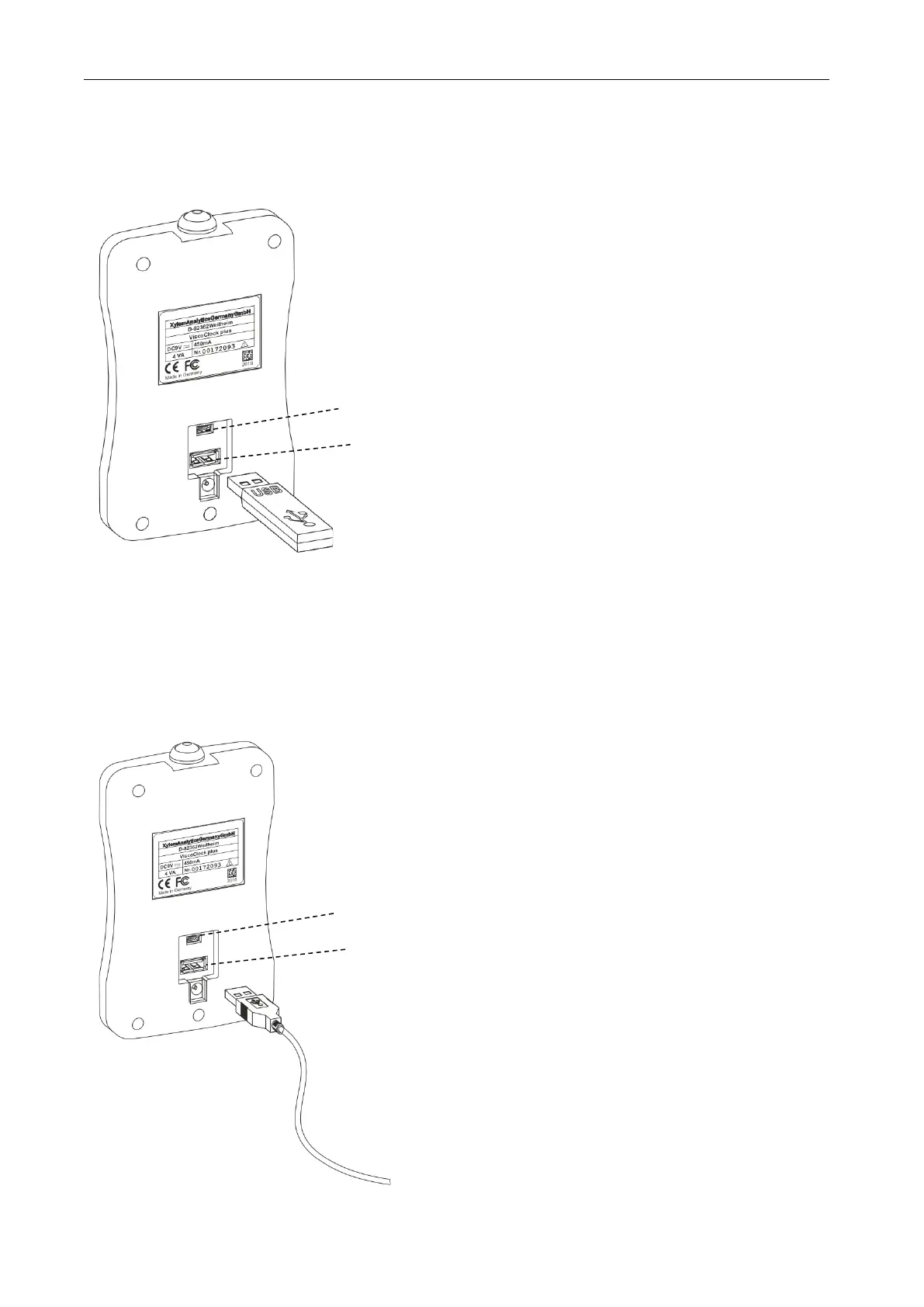
To transfer the measured data to a USB drive, this can simply be connected to the USB-A connector (18).
As an alternative, the connection can also be made via the USB Mini-B socket (17) via an optional USB
OTG adapter cable VZ6570.
Fig. 5 Connection of a USB drive to the ViscoClock plus
3.7.2 Connection of the printer TZ 3863
To print the measured data to the printer TZ 3863, this can simply be connected to the USB-A connector
(18). As an alternative, the connection can also be made via the USB Mini-B socket (17) via an optional
OTG adapter cable VZ6570.
Fig. 6 Connection of a printer to the USB A connector on the ViscoClock plus














 To Next Page