EasyManua.ls Logo

Y-E Data YD-380 - Page 10

Y-E Data YD-380
48 pages
Print Icon
To Next Page IconTo Next Page
To Previous Page IconTo Previous Page
Loading...
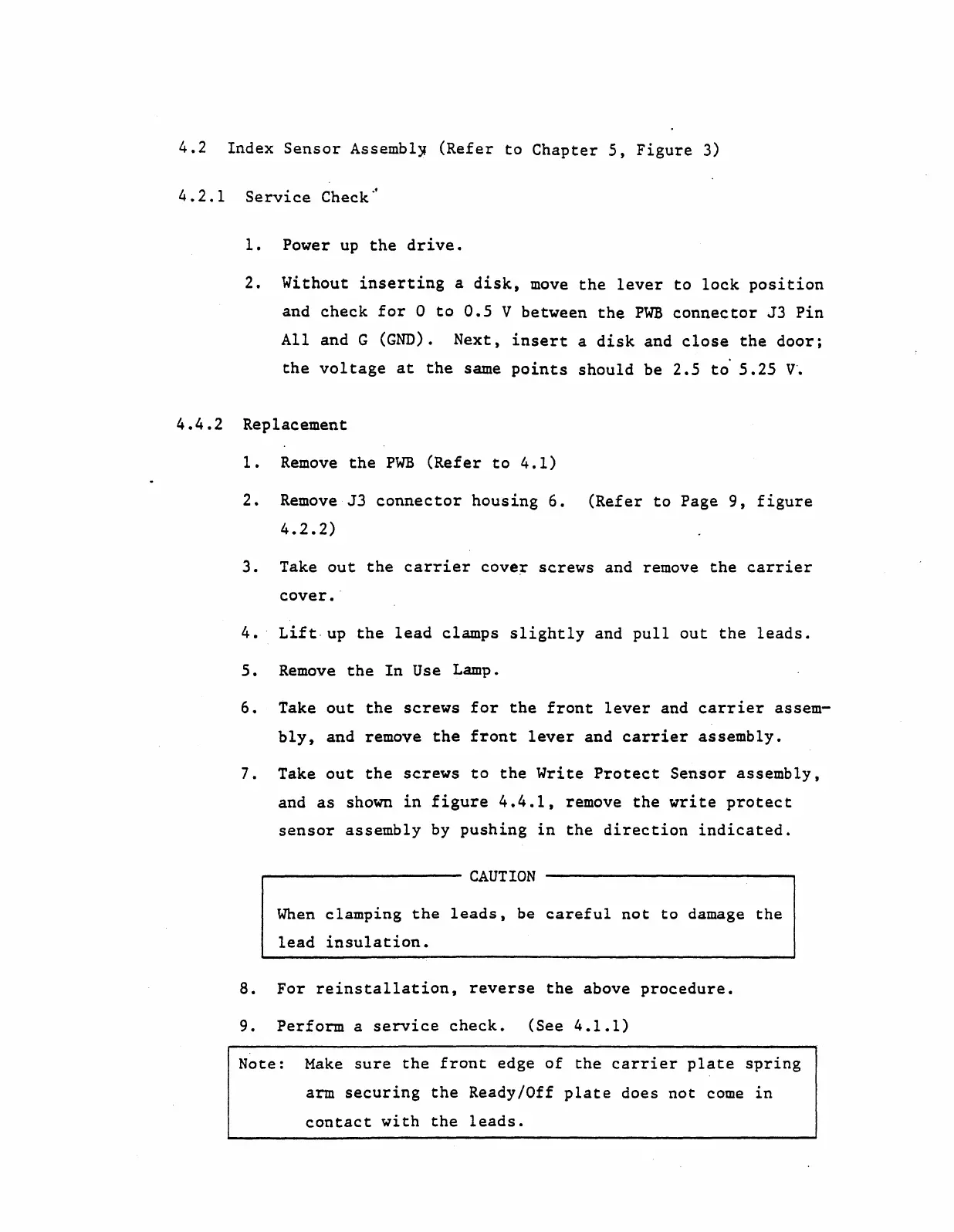
4.2
Index
Sensor
Assembly
(Refer
to
Chapter
5,
Figure
3)
4.2.1
Service
Check~
1.
Power
up
the
drive.
2.
Without
inserting
a
disk,
move
the
lever
to
lock
position
and
check
for
a
to
0.5
V
between
the
PWB
connector
J3
Pin
All
and G
(GND).
Next,
insert
a
disk
and
close
the
door;
the
vol
tage
at
the
same
points
should
be
2.5
to'
5.25
V'.
4.4.2
Replacement
1.
Remove
the
PWB
(Refer
to
4.1)
2.
Remove
J3
connector
housing
6.
(Refer
to
Page
9,
figure
4.2.2)
3.
Take
out
the
carrier
cover
screws
and remove
the
carrier
cover.
'
4.'
Lift,
up
the
lead
clamps
slightly
and
pullout
the
leads.
5.
Remove
the
In
Use Lamp.
6.
Take
out
the
screws
for
the
front
lever
and
carrier
assem-
bly,
and remove
the
front
lever
and
carrier
assembly.
7.
Take
out
the
screws
to
the
Write
Protect
Sensor
assembly,
and
as
shown
in
figure
4.4.1,
remove
the
write
protect
sensor
assembly
by
pushing
in
the
direction
indicated.
CAUTION
When
clamping
the
leads,
be
careful
not
to
damage
the
lead
insulation.
8.
For
reinstallation,
reverse
the
above
procedure.
9.
Perform
a
service
check.
(See
4.l.l)
Note:
Make
sure
the
front
edge
of
the
carrier
plate
spring
arm
securing
the
Ready/Off
plate
does
not
come
in
contact
with
the
leads.