EN 16
· Android Mirroring
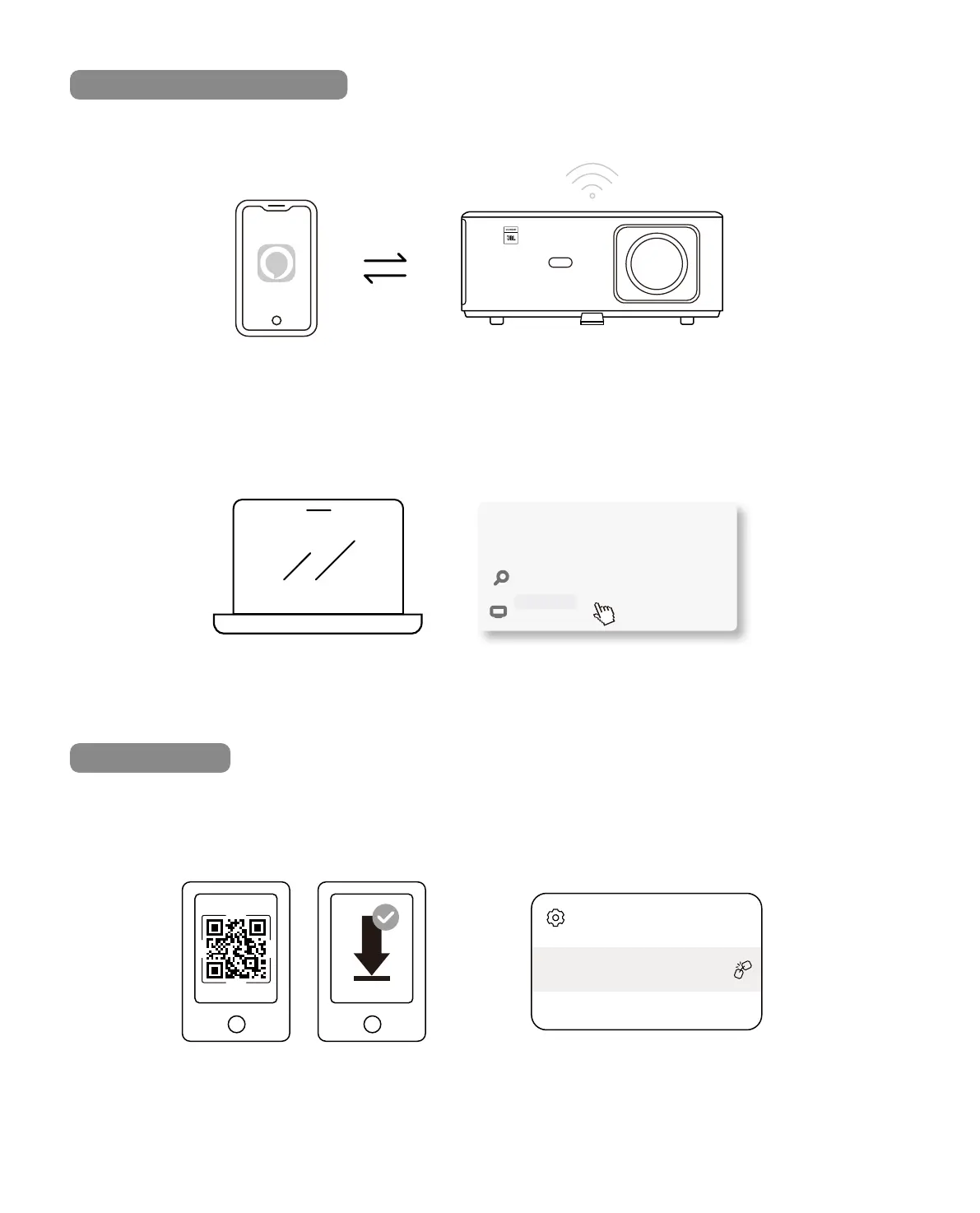
Miracast for Android Devices
NFC Screencast
1. Turn on the Wi-Fi on the mobile phone.
2. Turn on the Wireless Display / Screen Mirroring function in the phone settings and choose
[K2s_xxxx] to start screen mirroring.
1. Press Windows logo key [Win+K] on your keyboard.
2. Select [K2s_xxxx] to connect and start wireless projection.
1. Download and install E-share App by scan QR code or visit http://h.eshare.app
2. Make sure your phone and projector are connected to same network, and connect the
projector on E-share App.
EShare
K2s_1234
Connected to:
CONNECT
Dirplay
K2s_440E
Search
Searching for wireless display and audio devices
Where in my devices



 To Next Page