EN 12
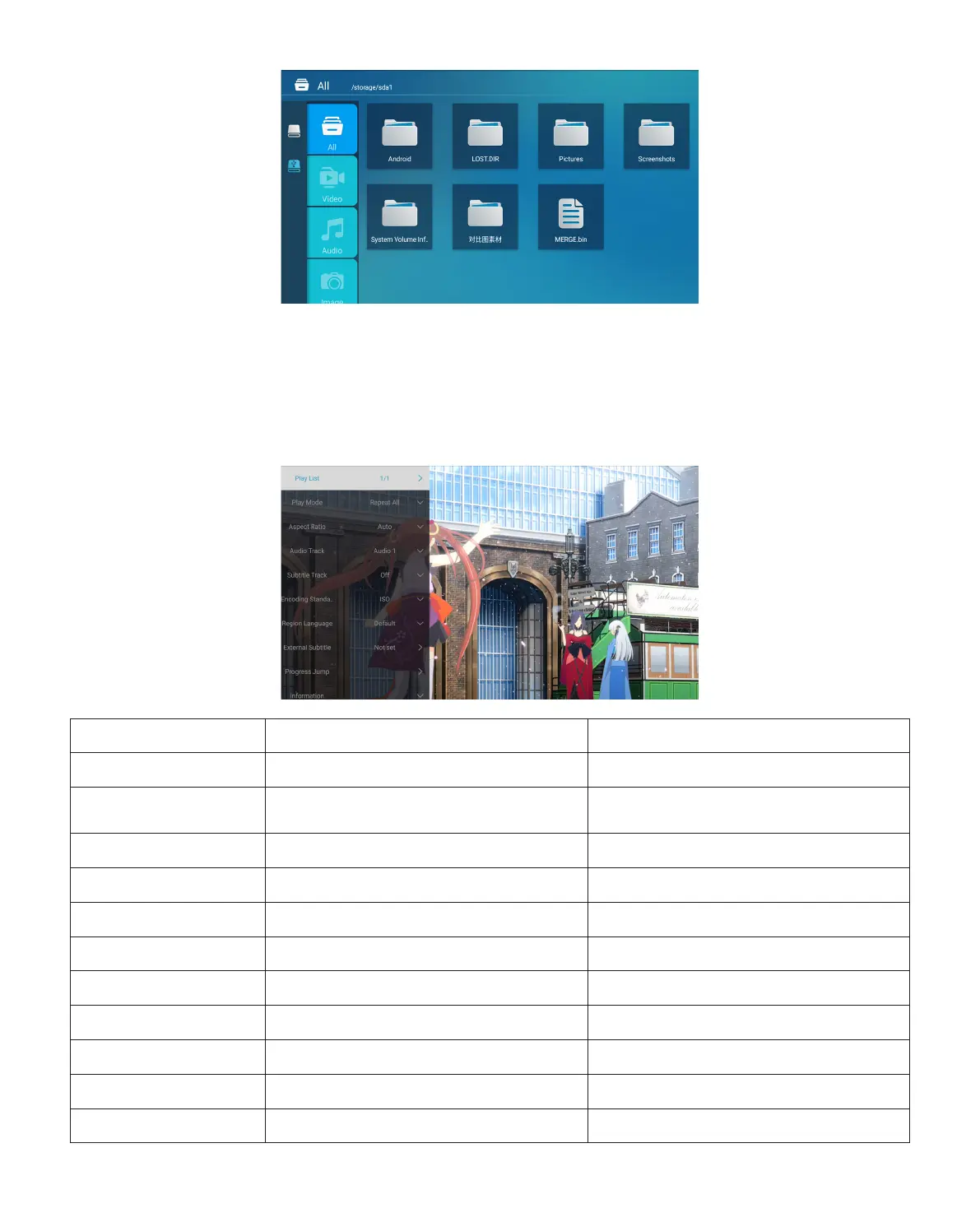
2.2 Play Interface
PS: 1.Pro U6 upgraded projector supports U disk to directly play PPT, Word, Excel files.
2.If you enter from the [Video] menu, you can only play the video, The same as other 3
options.
Playing setting Include Function
Play List the videos of current folder change video from the current folder
Play mode
repeat all, auto exit, repeat one,
random, play list
change play mode
Aspect Ratio auto, 16:9, 4:3, zoom1, zoom2 set video aspect ratio
Audio Track audio track set audio track
Subtitle Track subtitle track set subtitle track
Encoding Standard iso, windows set encoding standard
Region Language various language set region language
External Subtitle external subtitle choose subtitle from other folders
Progress Jump progress jump fast forward video to specific time
Information resolution, size, duration, bitrate see the basic video information
Picuture & Sound piture and sound mode set picture and sound mode



 To Next Page