EN 22
About the Standyby/on/last Power mode
Standby mode: When the projector is connected to the power, you need to press the
button on the remote control to turn on the projector
On mode: When the projector is connected to the power, the projector will automatically
turn on
Last mode: Memorise the last power mode - either standby mode or on mode
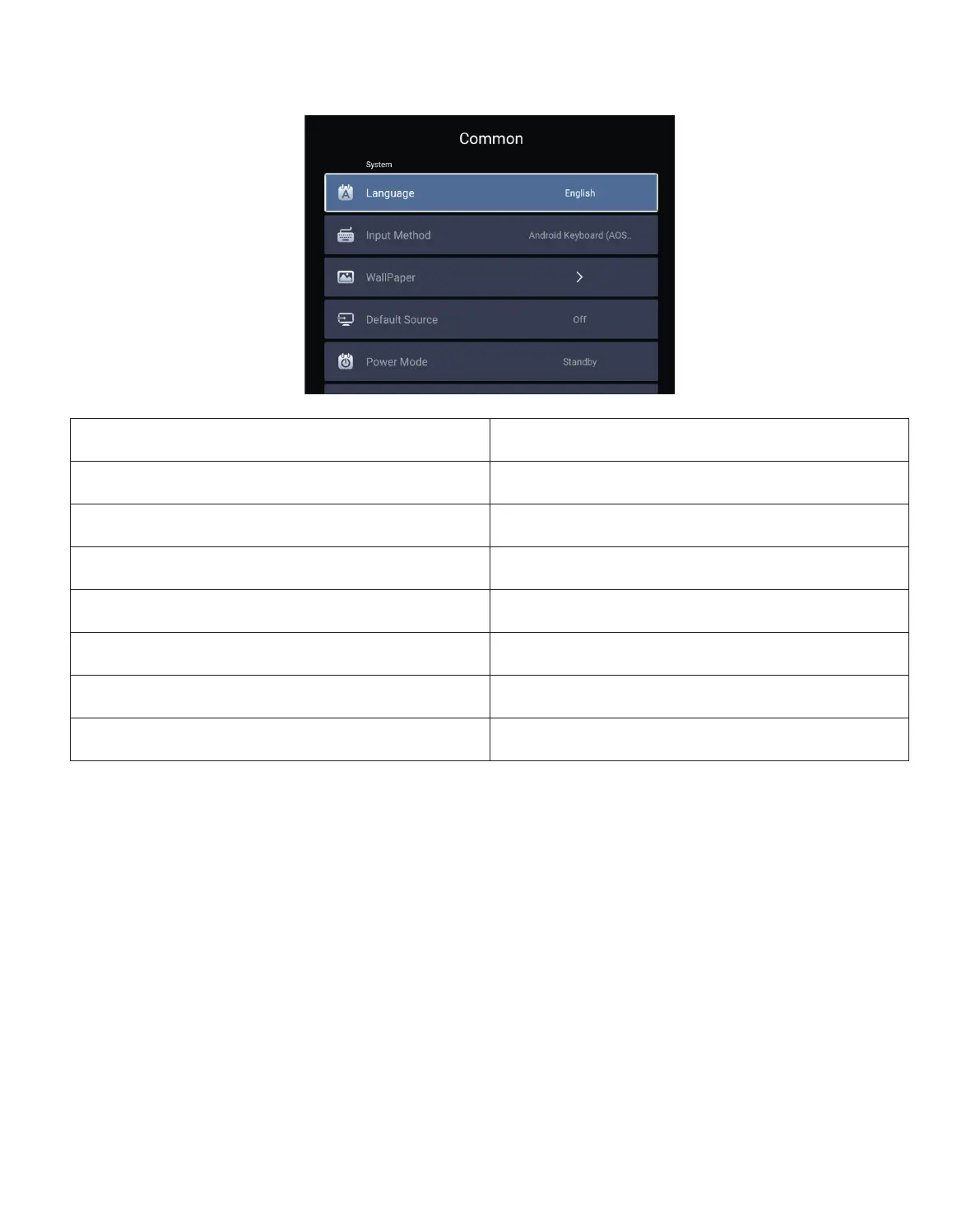
7. Common
Menu Function
Language
Set up system language
Input method Set current input method
Wallpaper Change wallpaper
Default source Set up default source: AV, HDMI1, HDMI2
Power mode Set power mode: standby, on, last
System Recovery Recover the system and all data
The device name Change projector name



 To Next Page