EN 14
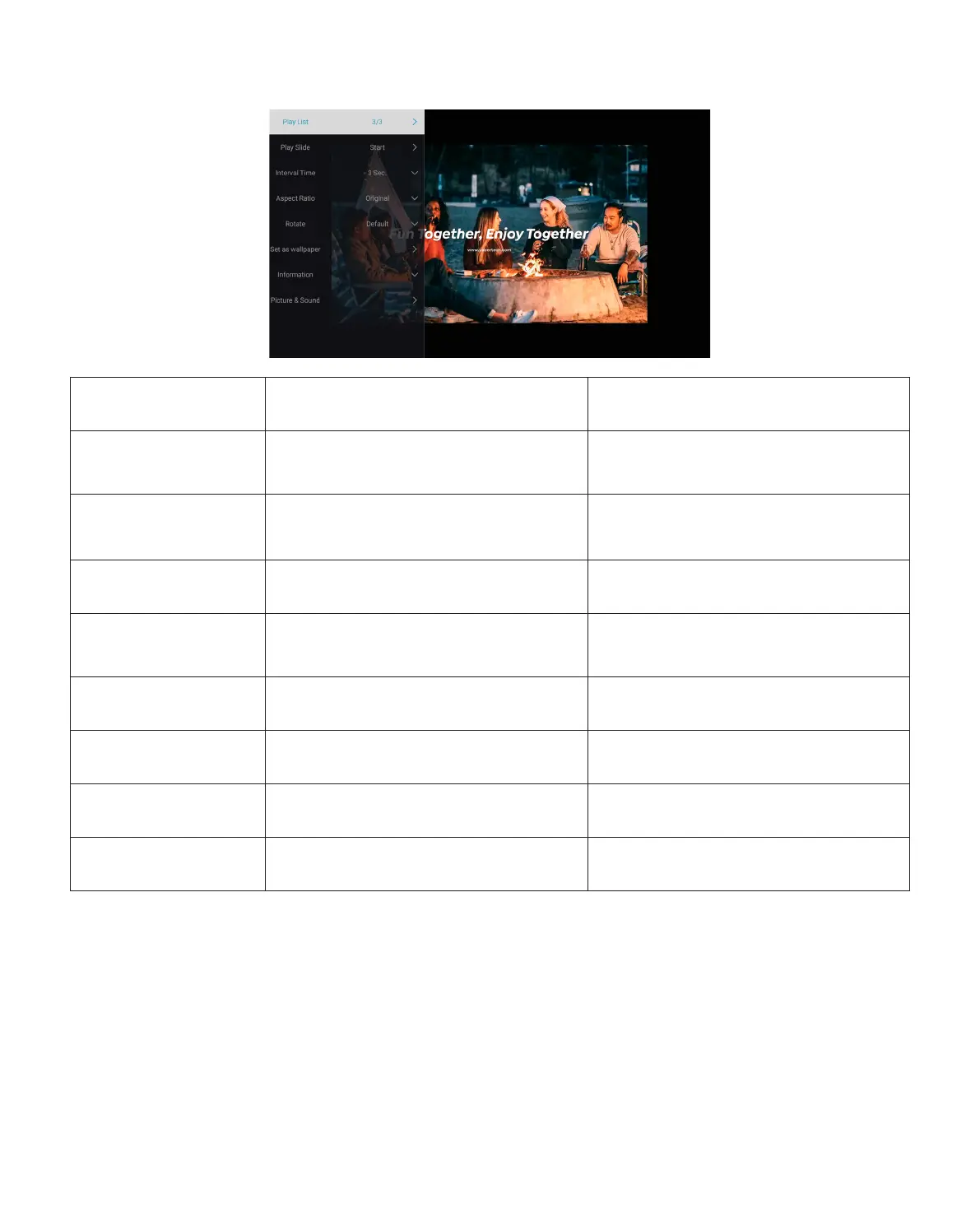
2.4 Picture Play Interface
Playing setting Include Function
Play List the pictures of current folder
change picture from the current
folder
Play Slide start, stop
start playing slides from the current
folder
Interval Time 3 sec, 5 sec, 8 sec, 12 sec
set interval time of playing slides
Aspect Ratio
auto, full screen, zoom out, original,
zoom1, zoom2
set picture aspect ratio
Rotate default, rotate right, rotate left rotate picture
Set as wallpaper Set as wallpaper Set as wallpaper
Information resolution, size see the basic picture information
Picture&Sound piture and sound mode set picture and sound mode



 To Next Page