22
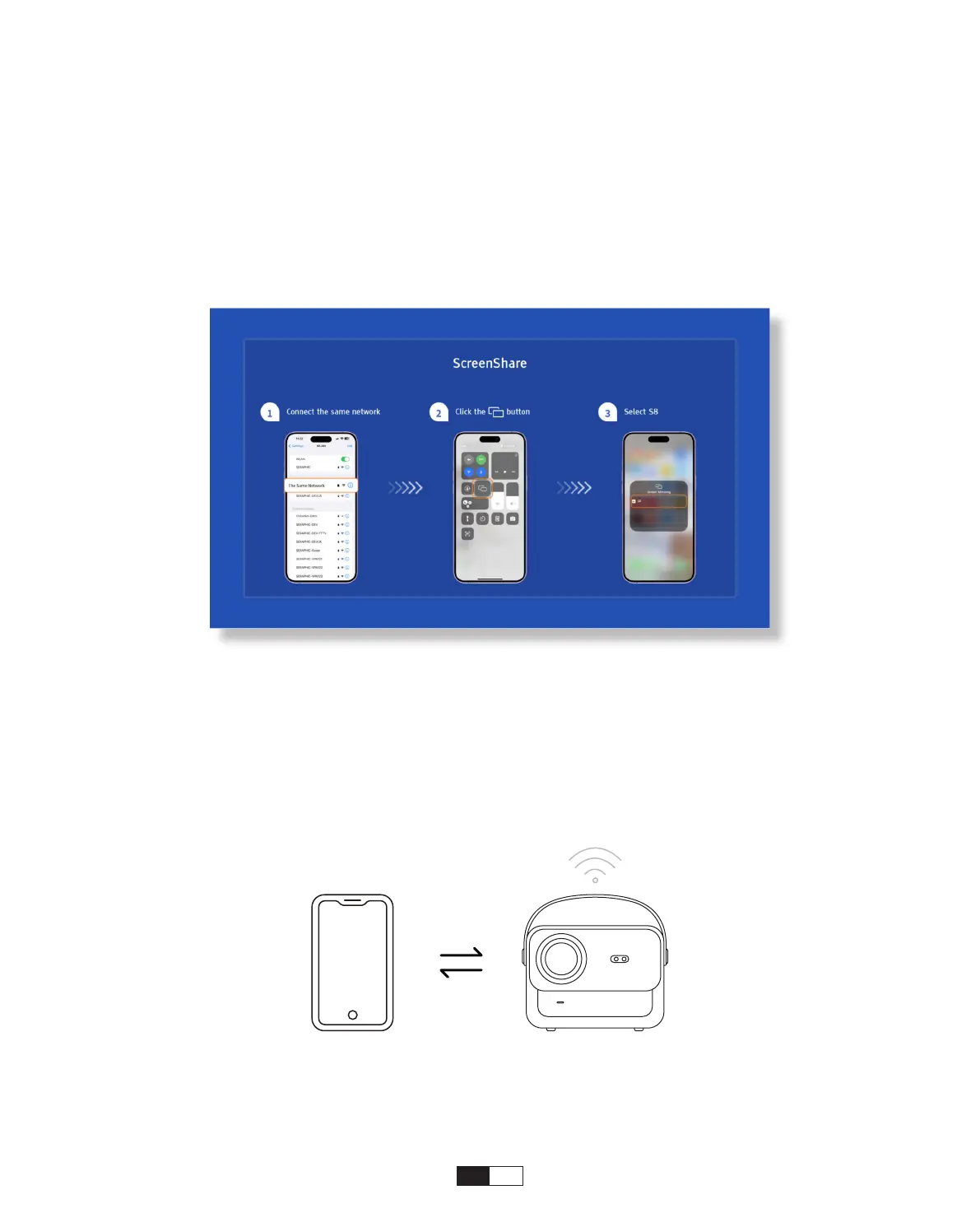
Step4:
Go to the
Control Center
of your iOS device. Then tap
Screen Mirroring/Air Playing
to
search for the projector.
Step5:
Choose
[Smart_Projector_XXXX]
from the list, and once the connection is successful,
the content on your iOS device will be mirrored onto the projection screen or wall.
Step1:
Turn on the Wi-Fi on your iPhone/iPad and connect to projector hotspot: [Smart_
Projector_XXXX]
• iOS AP Mirroring



 To Next Page