30
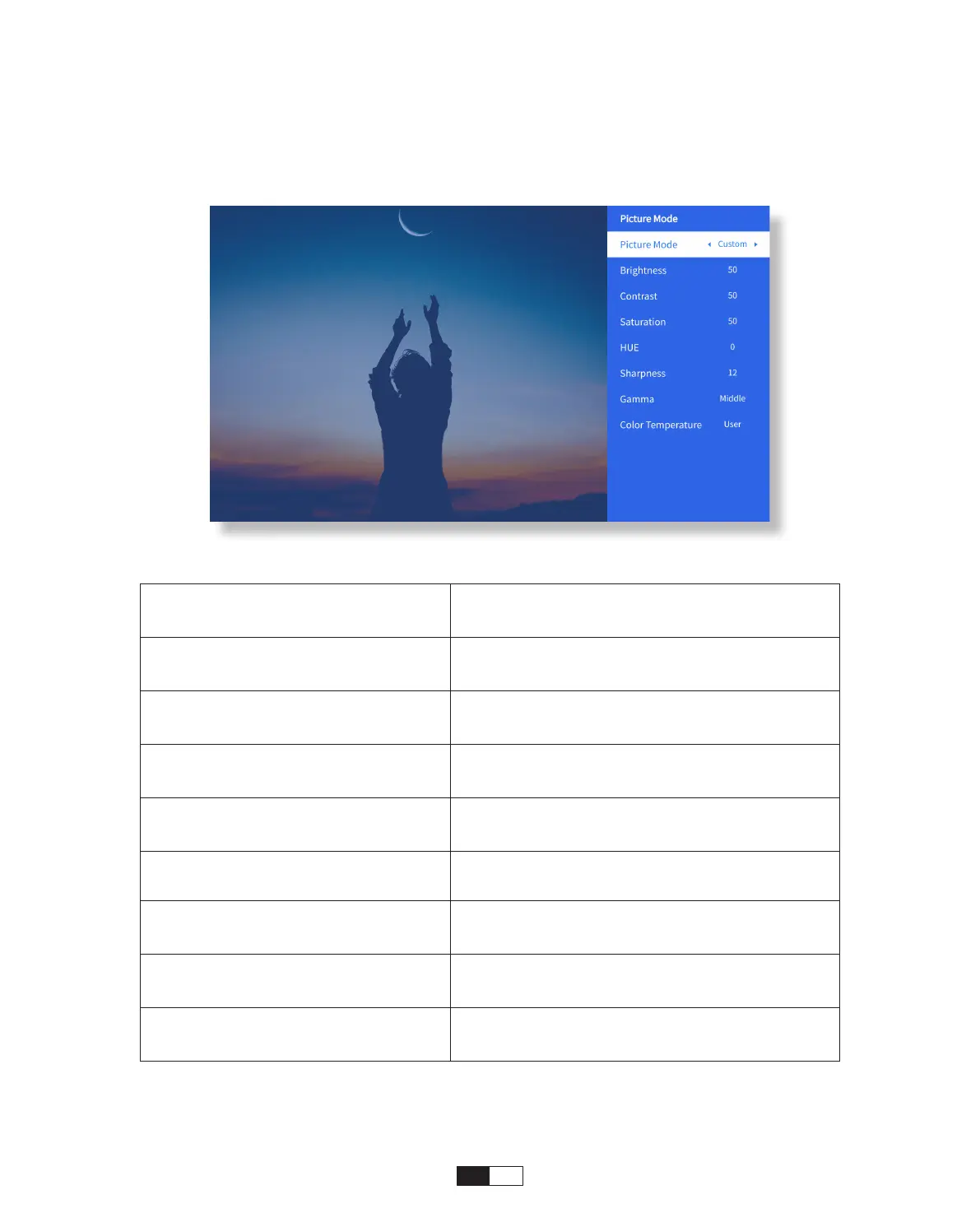
• Picture Mode Menu
Menu Content
Picture Mode
Standard/Cinema/Sport/Vivid/Hi-
Bright/Custom
Brightness Set the Screen Brightness Value
Contrast Set the Screen Contrast Value
Saturation Set the Screen Saturation Color
Hue Set the Screen Hue Color
Sharpness Set the Screen Sharpness Value
Gamma Bright/Dark/Middle
Color Temperature Normal/Cool/Warm/Standard
Go to home page -> Select [ Setting ] -> Select the [ Picture Mode ]. Use the arrow keys
on the remote control to switch the menu, press the “OK” to confirm and set.



 To Next Page