31
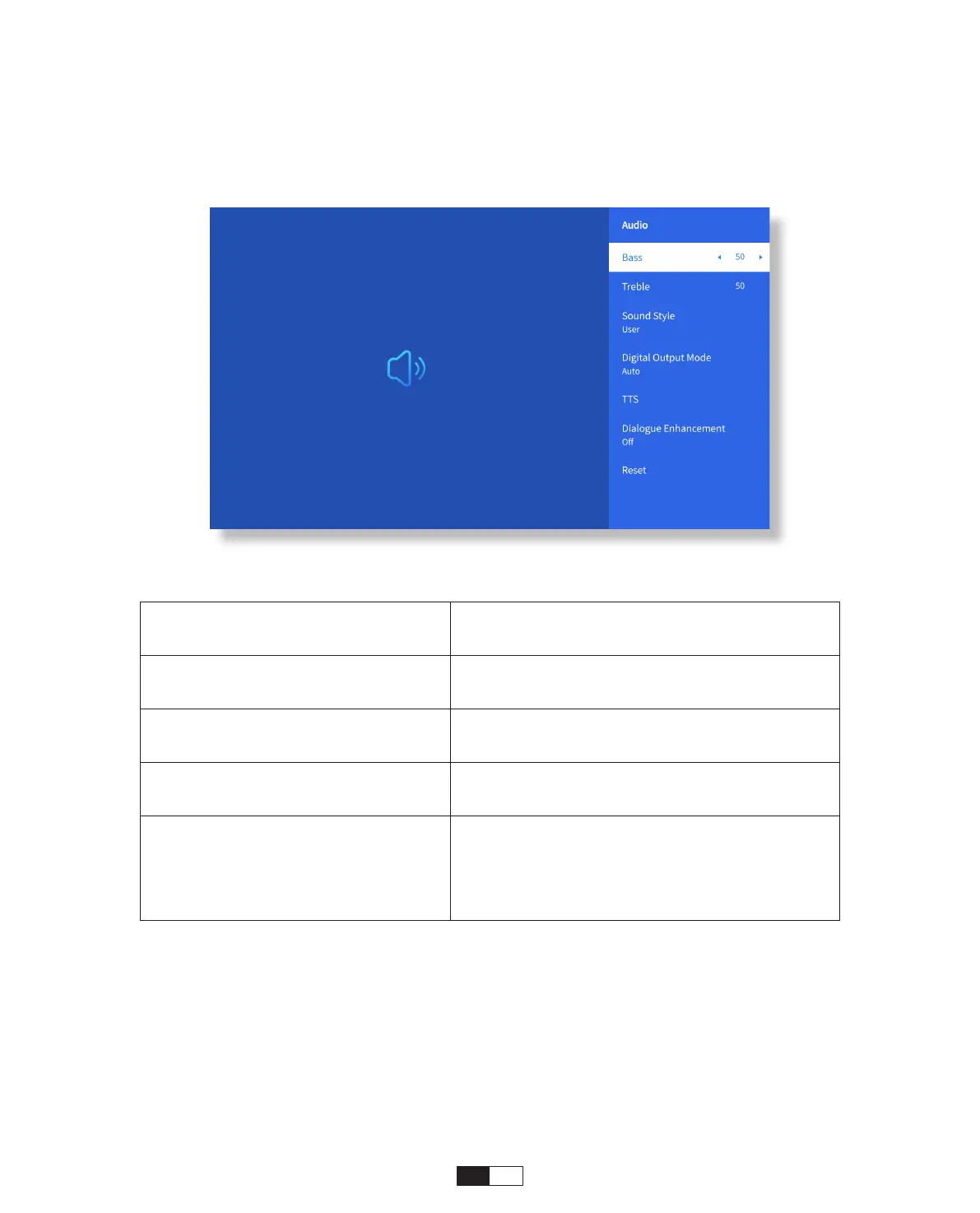
• Audio Setting
Go to home page -> Select [
Setting
] -> Select the [
Audio
]. Use the arrow keys on the
remote control to switch the menu, press the “OK” to confirm and set.
Menu Content
Bass/Treble Set Preferred Values
Sound Style
User/Standard/Movie/Music/Sports/
Vivid/News
Digital Output Mode
Auto/PCM/Dolby Audio-Dolby Digital/
Dolby Audio-Dolby Digital Plus
Dialogue Enhancement
On/Off: Conversation enhancement
function, voice, broadcast function for
special people
Low/Medium/High



 To Next Page