VX-2R OPERATING MANUAL30
phone number string.
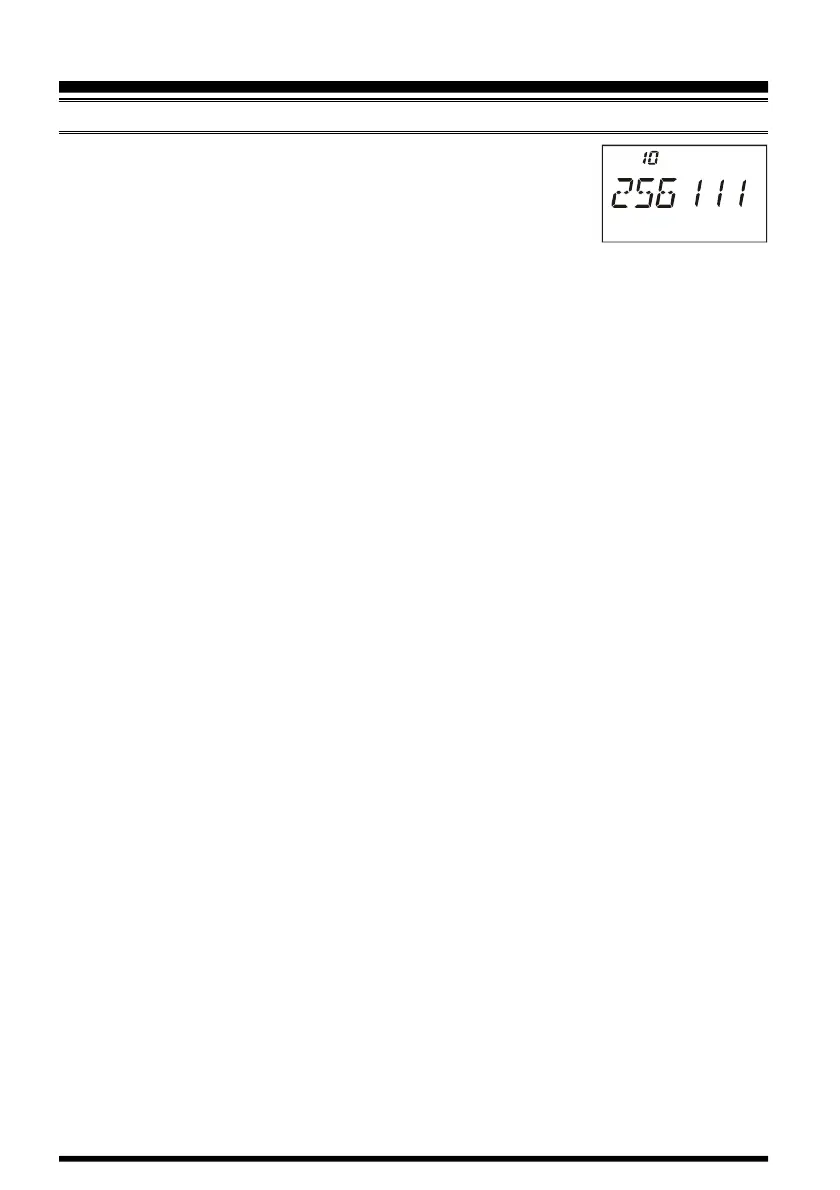
9. If you make a mistake, press the
[
BAND
]
key to back-space the
cursor, then re-enter the correct digit.
10. Press the
[
H/L
]
key momentarily to store the string into the
DTMF memory.
11. To store another number, press the
[
H/L
]
key again, then rotate the DIAL knob to
select another DTMF Memory register, and repeat this procedure.
12. When finished storing DTMF Memories, press the PTT switch to return to normal
display.
To send the telephone number:
1. Press and hold in the
[
H/L
]
key for one second to enter the Set mode.
2. Rotate the DIAL knob to select Set Mode Item 17: DTMF.
3. Press the
[
H/L
]
key to enable adjustment of this Set Mode Item.
4. Rotate the DIAL knob to set this Item to “AUTO.”
5. Press the PTT switch to return to normal display.
6. Hold the PTT switch to continue transmitting during following steps.
A. Press the
[
H/L
]
key momentarily.
B. Rotate the DIAL knob to select the DTMF Memory register (CH 1 through CH 9)
you wish to send.
C. Press the
[
H/L
]
key momentarily to transmit the tone string. Once the string be-
gins, you may release the PTT key, as the transmitter will be held “on the air” until
the DTMF string is completed.
ADVANCED OPERATION
DTMF OPERATION


 To Next Page