VX-2R OPERATING MANUAL 33
ADVANCED OPERATION
DISABLING THE BUSY INDICATOR
Further battery conservation may be accomplished by disabling the BUSY indicator while
receiving a signal. Use the following procedure:
1. Press and hold in the
[
H/L
]
key for one second to enter the Set mode.
2. Rotate the DIAL knob to select Set Mode Item 9: BSYLED.
3. Press the
[
H/L
]
key momentarily to enable adjustment of this Set Mode Item.
4. Rotate the DIAL knob to set this Set Mode Item to “OFF” (thus disabling the BUSY
lamp).
5. When you have made your selection, press the PTT key to save the new setting and
exit to normal operation.
AUTOMATIC POWER-OFF
(
APO
)
FEATURE
The APO feature helps conserve battery life by automatically turning the radio off after a
user-defined period of time within which there has been no dial or key activity. The avail-
able selections for the time before power-off are 0.5/1/3/5/8 hours, as well as APO Off.
The default condition for the APO is OFF, and here is the procedure for activating it:
1. Press and hold in the
[
H/L
]
key for one second to enter the Set mode.
2. Rotate the DIAL knob to select Set Mode Item 1: APO.
3. Press the
[
H/L
]
key momentarily to enable adjustment of this Set Mode Item.
4. Rotate the DIAL knob to select the desired time period after which the radio will
automatically shut down.
5. When you have made your selection, press the PTT key to save the new setting and
exit to normal operation.
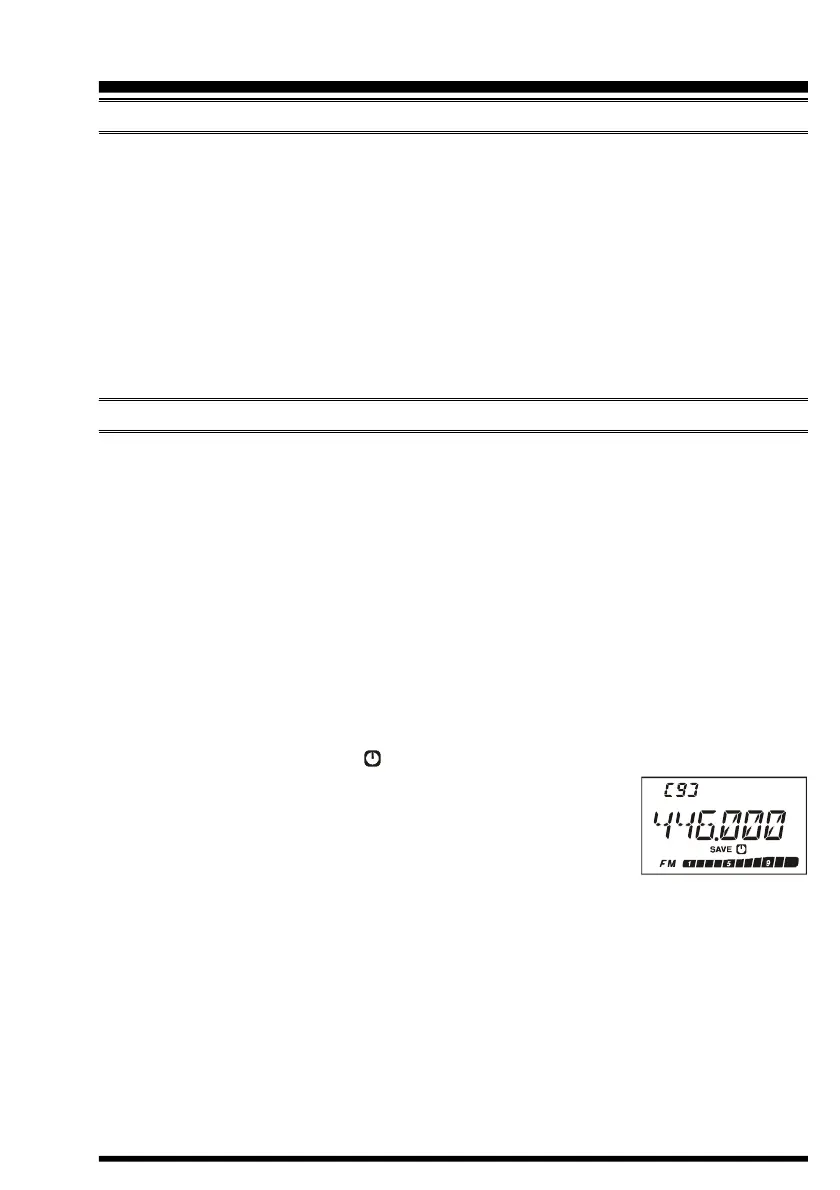
When the APO is activated, the “ ” icon will appear at the center bottom on the LCD. If
there is no action by you within the time interval programmed, the
microprocessor will shut down the radio automatically.
Just press and hold in the POWER switch for one second to turn
the transceiver back on after an APO shutdown, as usual.


 To Next Page