1
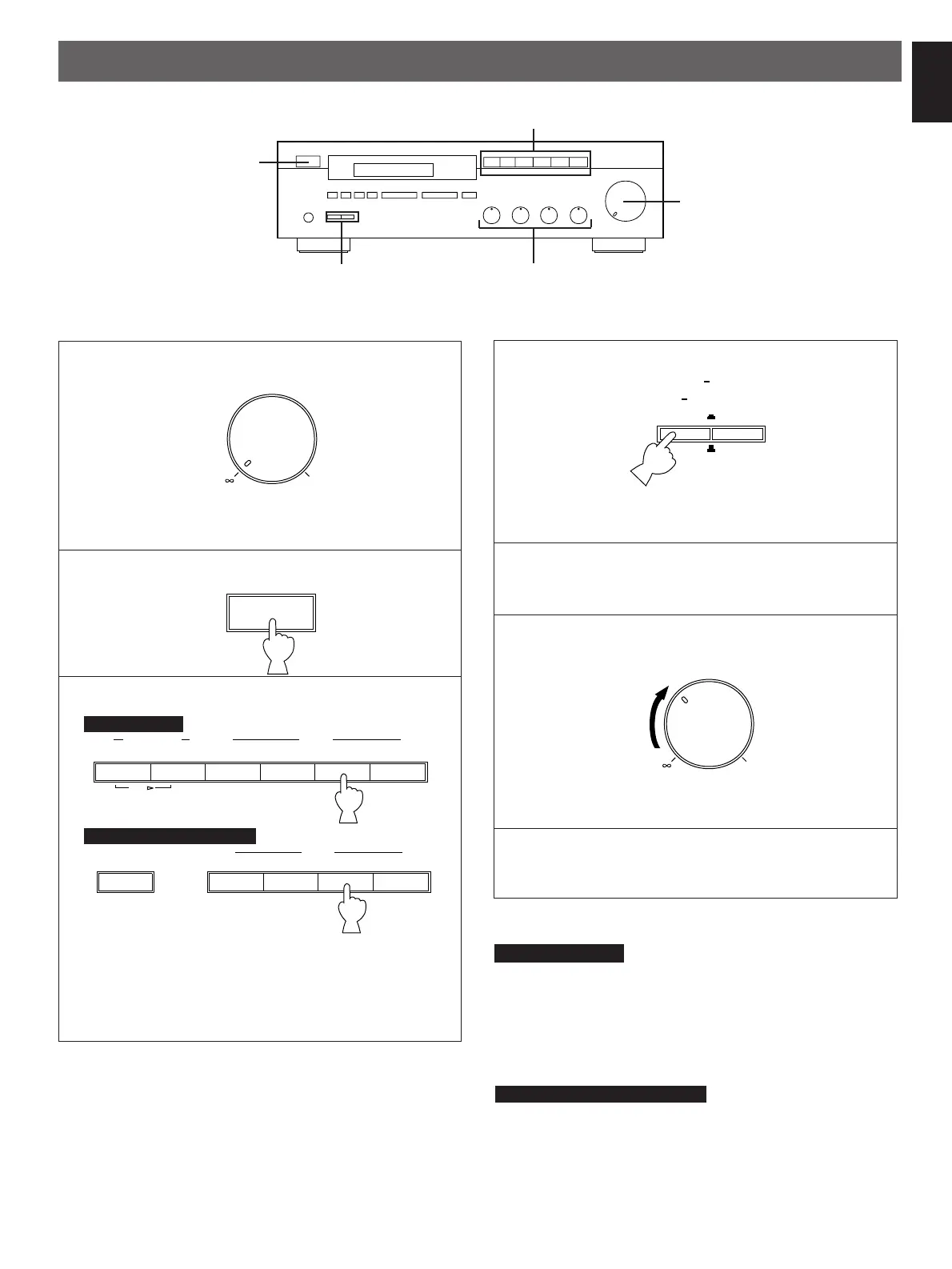
Set to the “
∞
” position.
2
3
Select a desired input source.
* The name of the selected input source will appear in the
display.
* Note that pressing on each input selector button selects
the source which is connected to the corresponding input
terminals on the rear panel.
4
Select the speakers to be used.
* If you use two speaker systems, press both the A and B
switches.
5
Play the source. (For detailed information on the tuning
operations, refer to the page 12.)
6
Adjust to the desired output level.
7
If desired, adjust the BASS, TREBLE, BALANCE and
LOUDNESS controls, etc. (Refer to page 11.)
Notes
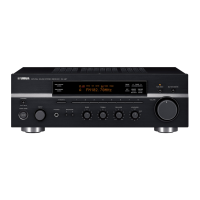
RX-485 RDS only
●
If you select AUX, TUNER, CD or PHONO, be sure that
TAPE 1 and/or TAPE 2 are not being selected.
●
If you select TAPE 1 and TAPE 2 at the same time, the
result will be the sound from the tape deck 1.
●
For TAPE 1 and TAPE 2, whenever the button is pressed,
the corresponding input source is selected or canceled
alternately.
RX-385 and RX-385 RDS only
●
If both TAPE MONITOR and another input selector button
are selected, TAPE MONITOR has priority.
9
English
OPERATIONS
TO PLAY A SOURCE


 To Next Page