SYSTEM OPERATIONS
14 En
To turn off Pure Direct mode
Press PURE DIRECT again. The PURE DIRECT
backlight turns off and the front panel display turns on.
■ Muting the sound (MUTE)
Press MUTE to reduce the current volume level
by approximately 20dB.
“MUTE ON” appears on the front panel display.
Press MUTE again to restore the audio output to the
previous volume level.
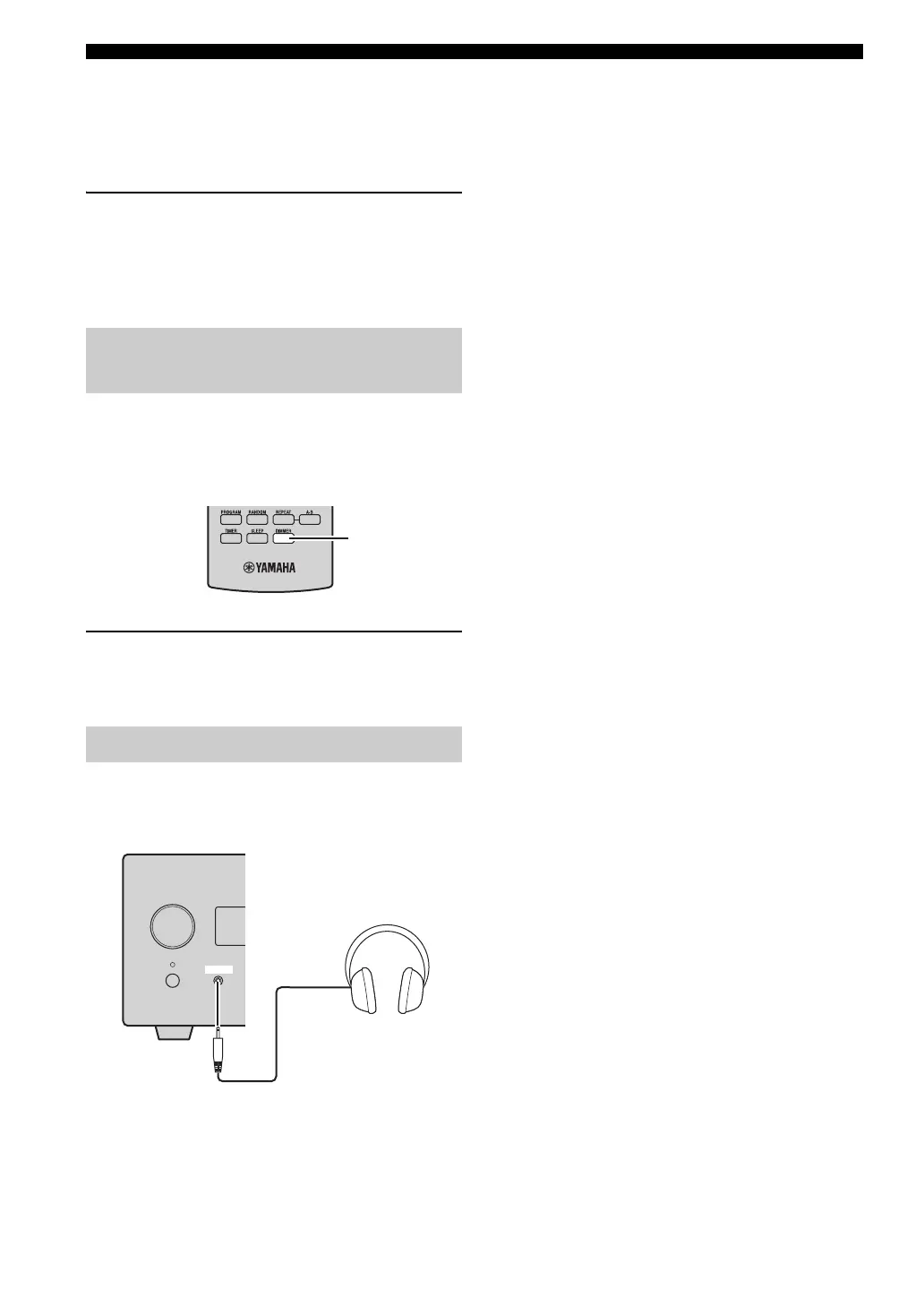
You can dim the front panel display of the receiver. The
front panel display of the CD player also dims by the
system control connection (☞p.8). (The default setting is
“DIMMER OFF”.)
Press DIMMER.
You can choose your desired brightness of the front panel
display between normal (bright), mid dim, and dim.
You can connect your headphones to the PHONES jack on
the front panel of the receiver.
The sound from the speakers and the subwoofer stops.
Changing the brightness of the
front panel display
Using headphones
DIMMER
INPUT
PHONES



 To Next Page
 Loading...









