3 En
English
INTRODUCTION
■ Playable MP3 and WMA files (USB
device and Data Disc)
MP3
* Variable bitrate is also supported.
WMA
•Version 8
• Version 9 (Standard and variable bitrates are supported.
Professional and Lossless are not supported.)
* Variable bitrate is also supported.
Notes
• Playback for Data Disc starts in alphanumeric order.
• Playback for USB starts in order by date and time of creation.
• Copyright-protected WMA (DRM) files cannot be played back
by the CD player.
• The disc must be ISO 9660 compatible.
• Elapsed time may not be displayed correctly while playing back
variable bitrate contents.
* The root is counted as one of the folders.
■ Playable discs
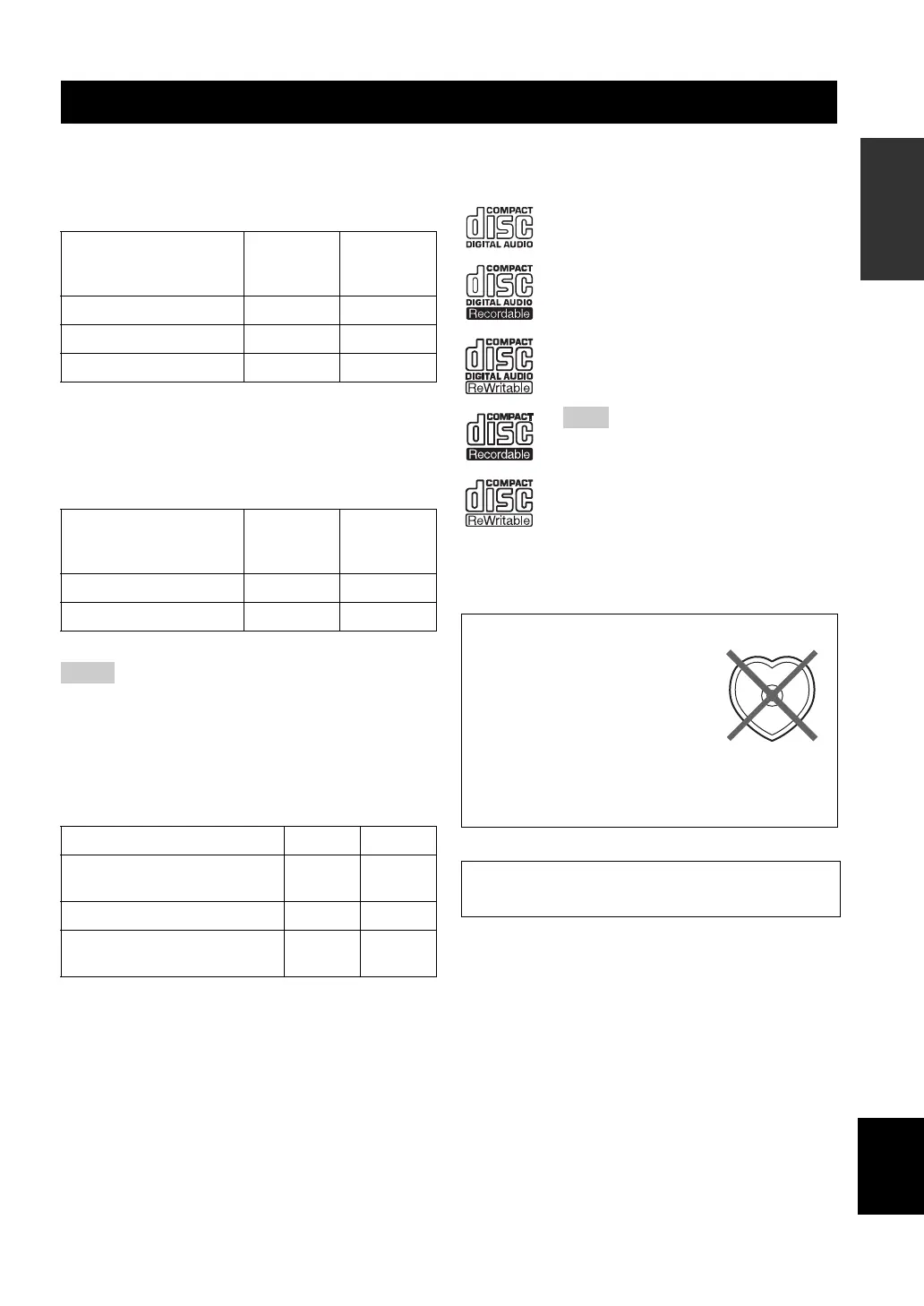
Use compact discs bearing the marks below.
To play back an 8-cm (3-inch) CD
Place it in the inner recessed area of the disc tray. Do not
put a normal (12-cm) CD on top of an 8-cm (3-inch) CD.
PLAYABLE DISC AND FILE FORMAT
Format
Bitrate
(kbps)
Sampling
frequency
(kHz)
MPEG 1 Audio Layer-3 32-320 * 32/44.1/48
MPEG 2 Audio Layer-3, 2 8-160 * 16/22.05/24
MPEG-2.5 Audio Layer-2 8-160 * 8/11.025/12
Profile
Bitrate
(kbps)
Sampling
frequency
(kHz)
High Profile 32-320 * 32/44.1/48
Mid Profile 16-32 16/22.05
Data Disc USB
Maximum total number of file
and folder*
512 999
Maximum folder number* 255 255
Maximum file number per
folder
511 255
....
Compact discs (digital audio)
....
CD-R, CD-RW digital audio discs
• CD-R or CD-RW discs bearing one of
the following phrases.
FOR CONSUMER
FOR CONSUMER USE
FOR MUSIC USE ONLY
• Finalized CD-R or CD-RW discs.
Note
The CD player may not be able to play some
CD-R/CD-RW discs or discs on which
recording was not made correctly.
To prevent a malfunction of this unit:
• Do not use any nonstandard
shaped disc (heart, etc.) available
on the market because it might
damage the unit.
• Do not use a disc with tape, stickers, or paste on it. If
you use such a disc, the disc may get stuck in the
unit, or damage to the unit may result.
Note: Do not use any lens cleaners as they may be a
cause of malfunction.


 To Next Page
 Loading...










