• About MP3 and WMA discs
You
can play back MP3 and WMA files recorded on a
CD-R or CD-RW with similar uses
as
a music CD.
MP3
MP3 (MPEG-I Audio Layer-3)
is
a standard technology
and format for compressing an audio sequence into a
small-sized file. However, the original level
of
sound
quality
is
preserved during playback.
• This unit plays back MP3 files
in
alphanumeric order.
• Up to 648 folders and files (combined) and up to 299 folders are
recognized: however, some folders and tiles may not be
rccognized depending on their directory structurc.
• Dcpending on recording conditions such as recording software
settings, this unit may not bc able to play back the disc
or
tiles
in
the order they were recorded.
• This unit is compatible with a sampling frequency
of
44.1 kHz.
• This unit is compatible with a bitrate
of
32, 40, 48, 56, 64, 80,
96, 112, 128, 160,
192,224,256,
or
320 kbps. Variable bitrate
is
not supported.
• The disc must be
1509660
compatible.
• The text data contained
in
the tiles are not displayed on this
unit.
WMA
WMA (Windows Media Audio)
is
a Microsoft file format
for encoding digital audio files similar to MP3 although
WMA can compress files at a higher rate than MP3.
• This unit plays back WMA files
in
alphanumeric order.
• Up to 648 folders and tiles (combined) and up to 299 folders are
recognized: however, some folders and files may not be
recognized depending on their directory structure.
• This unit is compatible with a sampling frequency
of
44.1 kHz.
• This unit
is
compatible with a bitrate 01'48, 64, 80, 96, 128, 160,
or
192 kbps. Variable bitrate
is
not supported.
• The disc must be
1509660
compatible.
• Copyright-protected WMA tiles cannot be played back with
this unit.
• The text data contained
in
the files are not displayed on this
unit.
20 En
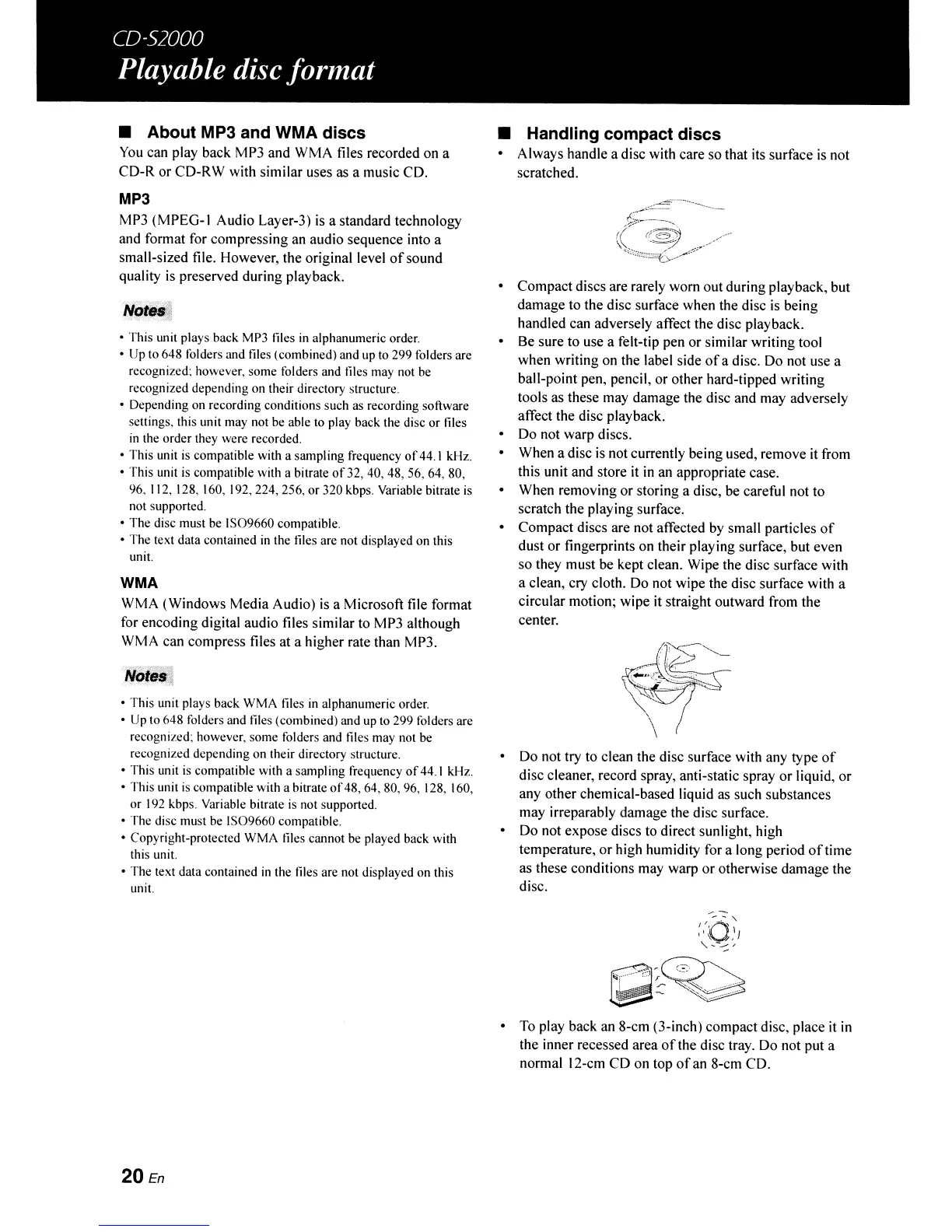
• Handling compact discs
• Always handle a disc with care so that its surface
is
not
scratched.
• Compact discs are rarely worn out during playback, but
damage to the disc surface when the disc
is
being
handled can adversely affect the disc playback.
• Be sure to use a felt-tip pen or similar writing tool
when writing on the label side
of
a disc. Do not use a
ball-point pen, pencil, or other hard-tipped writing
tools as these may damage the disc and may adversely
affect the disc playback.
• Do not warp discs.
• When a disc
is
not currently being used, remove
it
from
this unit and store
it
in
an appropriate case.
• When removing or storing a disc, be careful not to
scratch the playing surface.
• Compact discs are not affected
by
small particles
of
dust or fingerprints on their playing surface, but even
so they must be kept clean. Wipe the disc surface with
a clean, cry cloth. Do not wipe the disc surface with a
circular motion; wipe it straight outward from the
center.
• Do not try to clean the disc surface with any type
of
disc cleaner, record spray, anti-static spray or liquid, or
any other chemical-based liquid as such substances
may irreparably damage the disc surface.
• Do not expose discs to direct sunlight, high
temperature, or high humidity for a long period
of
time
as these conditions may warp or otherwise damage the
disc.
•
To
play back an 8-cm (3-inch) compact disc, place
it
in
the inner recessed area
of
the disc tray. Do not put a
normal 12-cm CD on top
of
an 8-cm CD.



 To Next Page