DISC OPERATION
32 En
■ Disc navigator
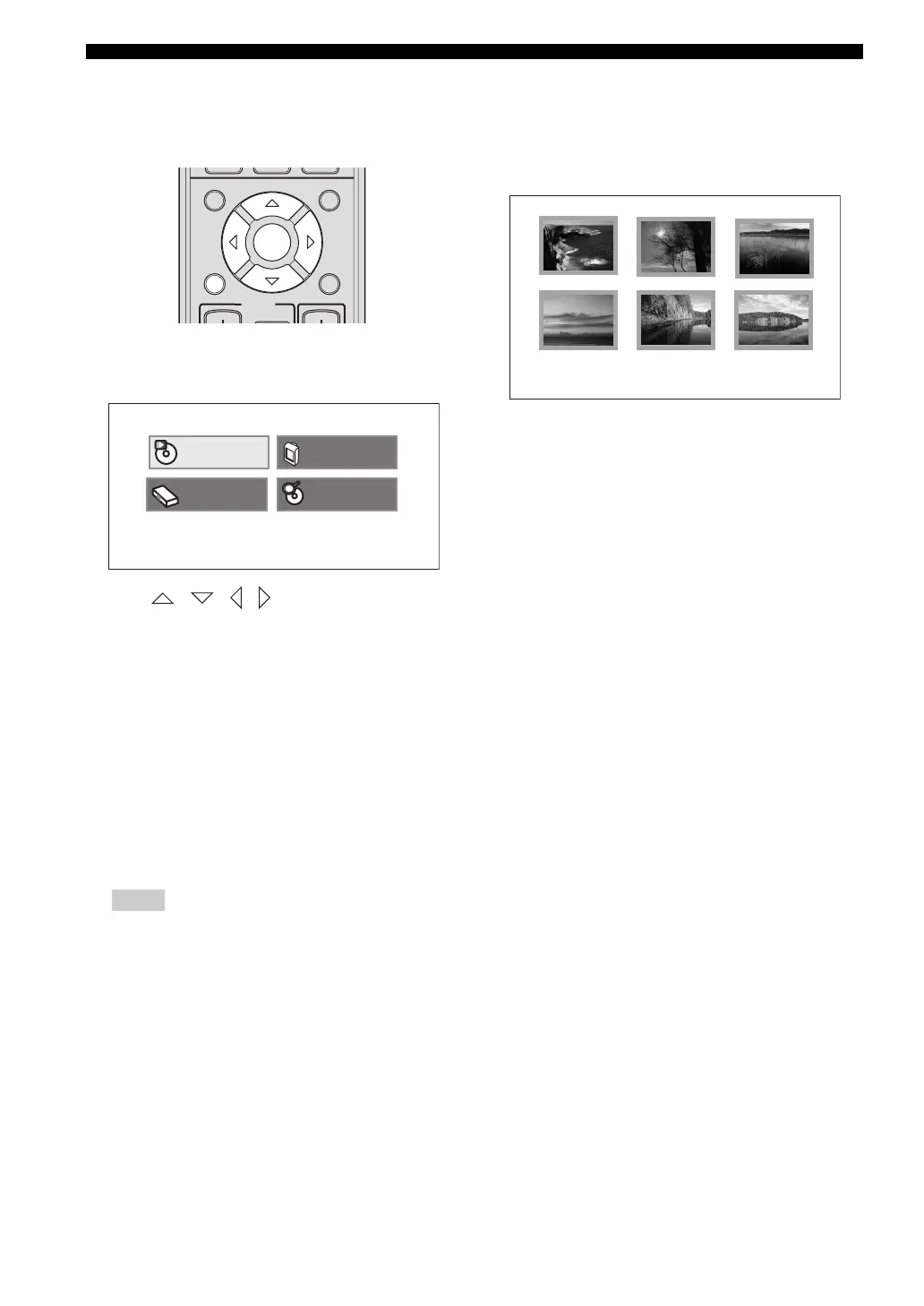
When playing DVD or Video CD, you can display a list of
titles and tracks using disc navigator.
1 Press SETUP on the remote control.
DVD setup menu appears.
2 Press / / / to highlight [Disc
Navigator], then press ENTER.
3 Select the item that you want to display in a list, then
press ENTER.
The available items vary depending on the disc that
you are loading.
Hints
– Select [Time] to display an image from every 10
minutes.
– Original means the titles recorded on a DVD
recorder. Playlist means the titles arranged based
on Original.
4 Select a number, then press ENTER to start playback.
6 titles/chapters/tracks will be displayed on the screen.
Press b / a to display the next/previous page.
You can select the number either from the menu or
remote control.
DVD-Video:
[Title], [Chapter]
DVD-R/-R DL/-RW
(VR format):
[Original: Title],
[Original: Time],
[Playlist: Title],
[Playlist: Time]
Video CD:
[Track], [Time]
INFO.
A-E/CAT. A-E/CAT.
MENU
TOP MENU
SETUP RETURN
CODE SET
PRESET/CH
ENTER
TV
/
STB
Play Mode
Initial Setting
Disc Navigator
Video Adjust
01
04 05 06
02
03











 To Next Page