USEFUL OPERATION
66 En
– The next time you turn on the system after
selecting an item between 1 and 4 in the system
menu, the system starts with DVD as an input
source.
■ Setting the preset code
You can use the remote control to control the power, TV
input, channel, and volume for up to two components,
such as TV or Set top box (STB). Set the preset codes
depending on the components.
Hint
The preset cords are set to “298” (TV) and “748”
(STB) as the default settings.
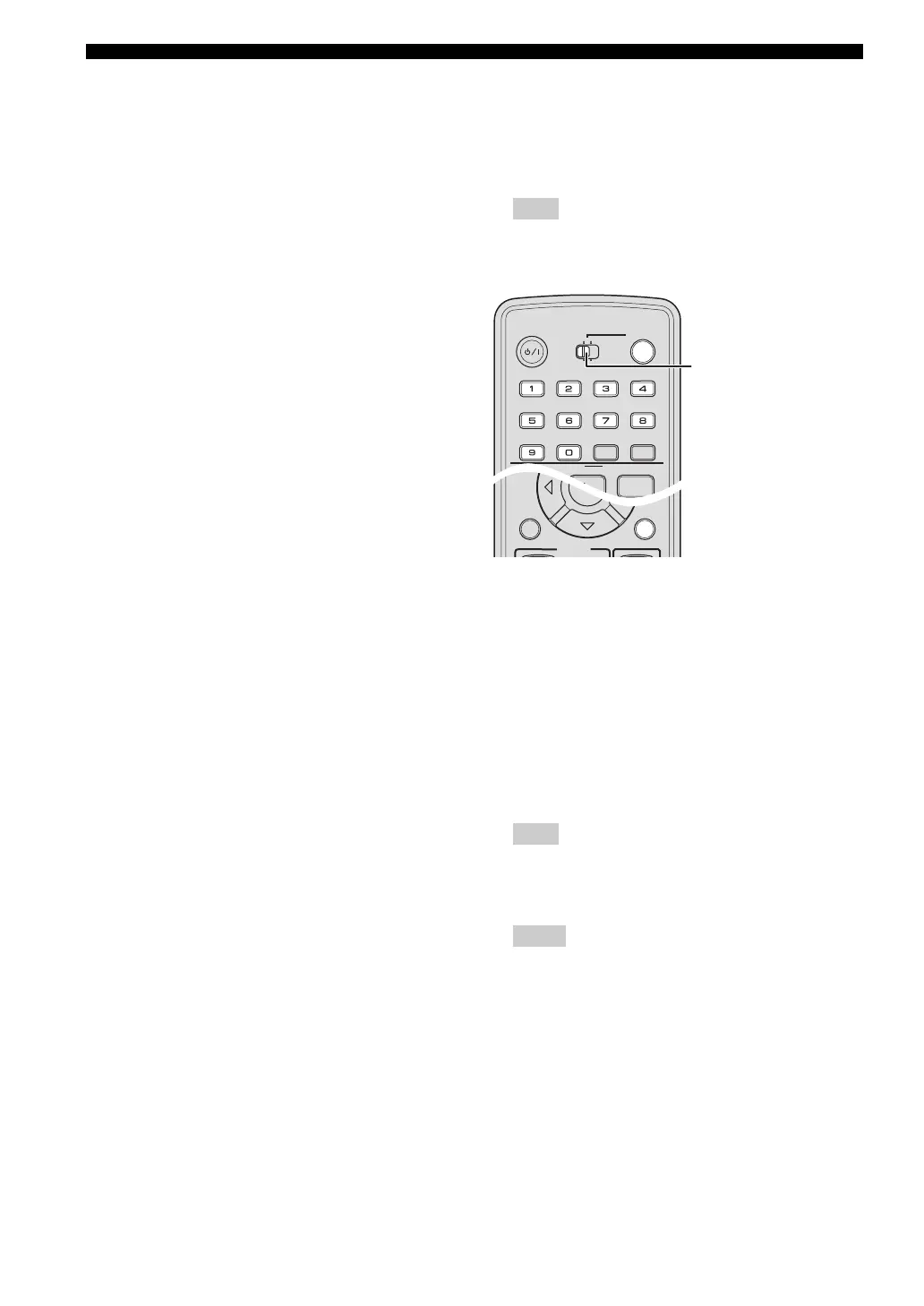
1 Switch TV/STB to the side you want to set.
2 Press and hold CODE SET, then press POWER.
3 Point the remote control toward the remote control
sensor on the DVD controller and enter a 3-digit code
while holding CODE SET.
Refer to “LIST OF PRESET CODES” on the
appendix for the corresponding codes.
4 Release CODE SET.
If the preset cord is set correctly, “PRESET OK!”
appears in the front panel display.
Note
If you have failed to set the preset code, “PRESET
NG!” appears in the front panel display. Try to set it
again.
Hints
– When you select the preset cord for “cable” or
“DBS”, you can use only POWER and CH +/–. If
a preset cord for “TV” is set on the other side, you
can use TV VOL +/– or TV INPUT to control TV.
– To set another preset code, switch TV/STB to the
other side and repeat the step 2 to step 4.
Operating a TV/STB
Once you set the preset code, you can operate your TV/
STB.
1 Switch TV/STB to the side, which the preset code is
set.
2 Press the button you want to operate.
SLEEP
NIGHT
ENHANCER
AUDIO DELAY
AUDIO ANGLE
SUBTITLE
STEREO
ON SCREEN
ZOOM
ON OFF
BLUETOOTH
DISP. MODE
GAMESPORTS
MUSIC
FUNC.
WP87010DVX-700
TV STB
POWER
STANDBY
/
ON
10KEY
MOVIE
A-E/CAT.
A-E
SETUP RETURN
CODE SET
ENTER
TV
/
STB
Switches TV or STB.











 To Next Page