3
Chapter 1 Getting Started
Starting the Application
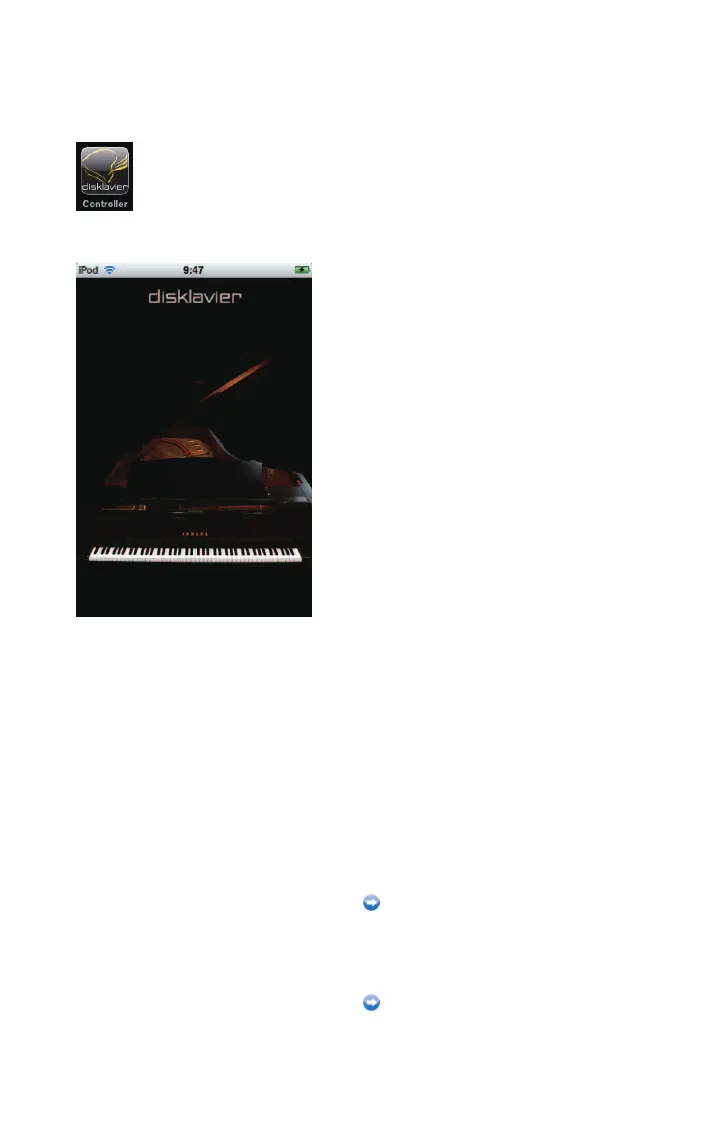
Tap on the application icon.
The opening screen appears.
When you have previously connected to a
piano:
The application connects to that piano
automatically.
Operation during playback (page 13)
When connecting to a piano for the first
time:
The application searches for a piano.
Searching for a piano (page 4)












 To Next Page