PSR-E283 YPT-280 Reference Manual
30
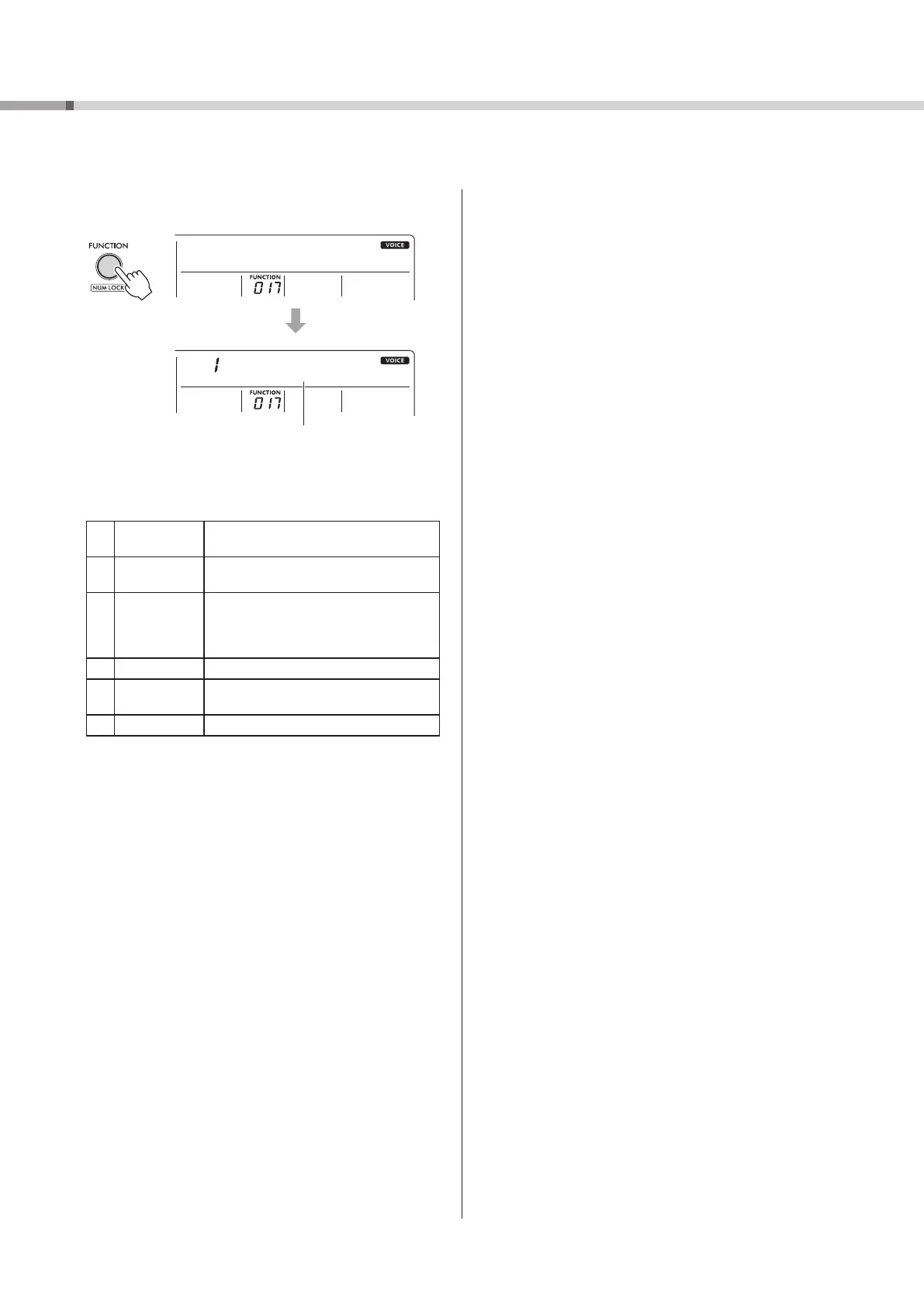
1 Press [FUNCTION] !6 repeatedly until “MasterEQ (017)”
appears.
MasterEQ
Speaker
Current Master EQ type
2 Press [+] or [-] !5 repeatedly to select the desired
Master EQ type.
Master EQ types
1 Speaker
Optimum for listening via the
instrument’s built-in speakers.
2 Headphone
Optimum for headphones, or for
listening via external speakers.
3 Boost
Features more powerful sound. However,
depending on the type of Voice and Style
you select, the sound may become more
distorted than other EQ types.
4 Piano Optimum for piano solo performances.
5 Bright
Lowers the mid range for a brighter
sound.
6 Mild Lowers the high range for a softer sound.
Selecting an EQ Setting for the Best Sound
Master equalizer (EQ) settings ensure the best sound when listening to a variety of playback systems, including your
instrument’s speakers, headphones, or an external speaker system.



 To Next Page