7
PSR-E283 YPT-280 Reference Manual
Setting Up
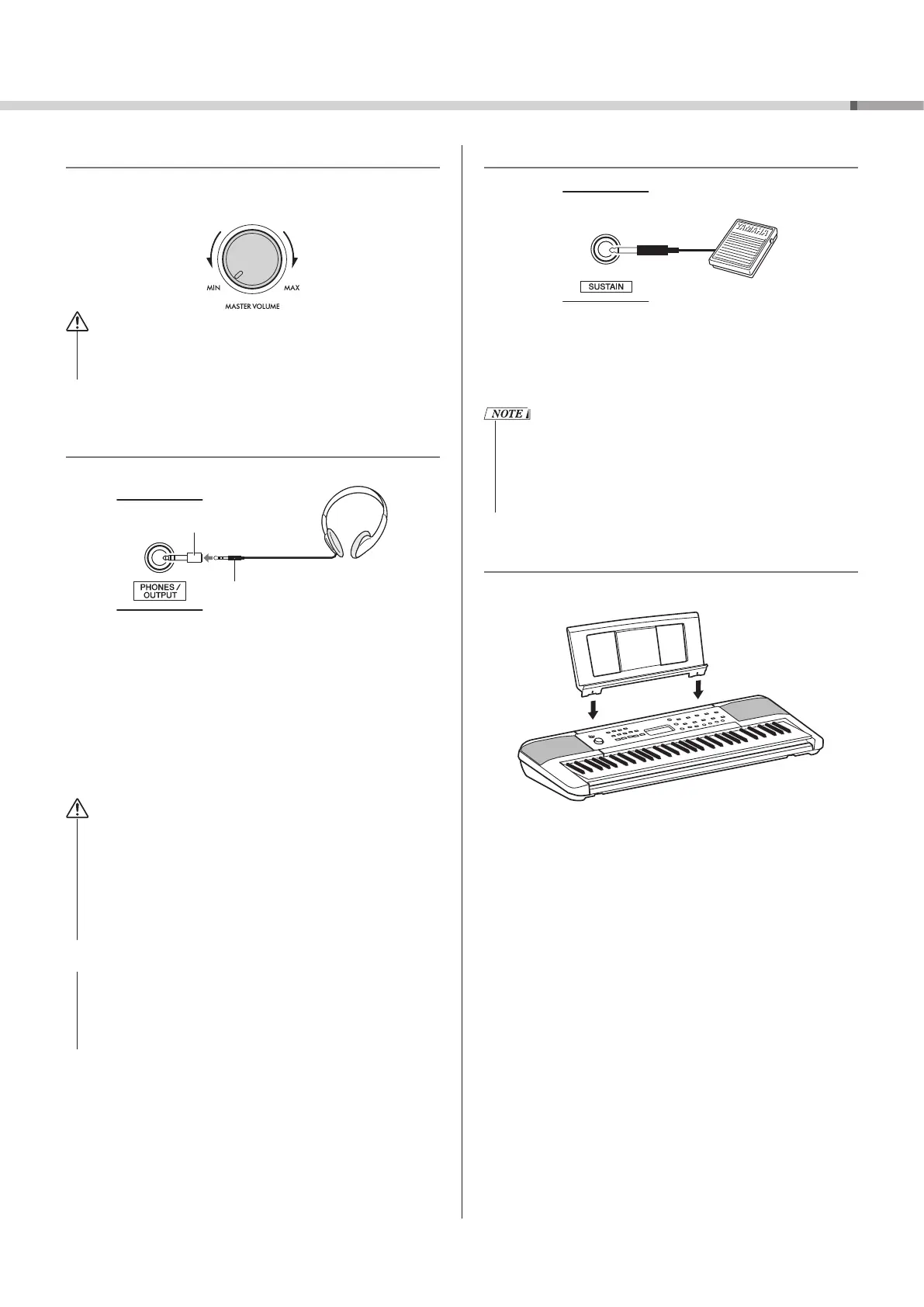
Adjusting the Master Volume
To adjust the volume of all keyboard sounds, use the
[MASTER VOLUME] dial while playing the keyboard.
CAUTION
• Do not use the instrument for a long period of time at a
high or uncomfortable volume level, since this can cause
permanent hearing loss.
Connecting Headphones or External
Speakers
Conversion plug (3.5 mm to 6.3 mm)
Stereo mini plug (3.5 mm)
* This is an illustration of the connection when using Yamaha headphones
(sold separately).
Connect a pair of headphones to the [PHONES/OUTPUT]
jack. This jack also functions as an external output. By
connecting to a speaker with a built-in amplifier, computer,
keyboard amplifier, recorder, or other audio device, you can
output audio signals from this instrument to the external
device. The speakers of the instrument are automatically
shut off when a plug is inserted into this jack.
CAUTION
• Do not use the instrument or headphones for a long period of
time at a high or uncomfortable volume level, since this can
cause permanent hearing loss.
• Before connecting the instrument to other external devices,
turn off the power of all the devices. Also, before turning any
devices on or off, make sure to set all volume levels to the
minimum. Otherwise, damage to the devices or electrical
shock may occur.
NOTICE
• To avoid possible damage to the external device, first turn on
the power to the instrument and then to the external device.
When turning off the power, do so in the reverse order: first
turn off the power to the external device and then to the
instrument.
Using a Pedal (Sustain)
By connecting a foot switch (FC5 or FC4A; sold separately)
to the [SUSTAIN] jack, you can make the sound continue to
resonate for a long time even if you take your fingers off
the keyboard while you press the foot switch, similar to a
damper pedal on a piano.
• Plug or unplug the foot switch while the power is turned off.
• Do not press the foot switch when turning the power on.
Doing so changes the polarity of the foot switch, resulting in
reversed operation.
• The sustain function does not affect Styles (automatic
accompaniment; page 23).
Using the Music Rest
Insert the music rest into the slots as shown.



 To Next Page