Connecting a USB Flash Drive
PSR-E473, PSR-EW425 Owner’s Manual
58
1
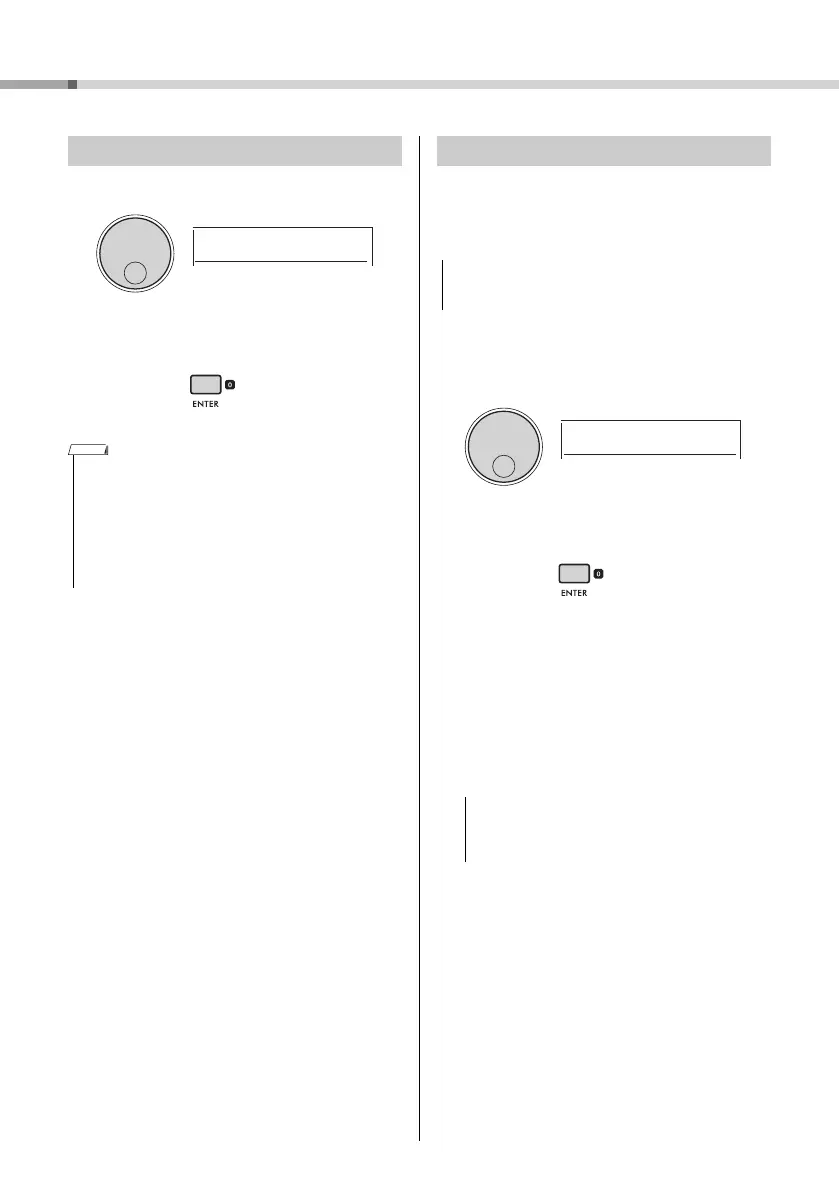
Rotate the dial until “Exit?” appears.
2
Press the [ENTER] button to exit the File
Control display.
The Format operation lets you prepare commercially
available USB flash drives for use with the instru-
ment.
1
Perform steps 1 to 3 of “Using a USB
Flash Drive” (page 57) to display “For-
mat?”
2
Press the [ENTER] button.
The confirmation message “Sure?” will appear.
To cancel the operation, press the [EXIT] button.
3
Press the [ENTER] button to format the
USB flash drive.
After a while, the “Complete” message indicating
completion of the operation appears, and a folder
named “USER FILES” will be created in the USB
flash drive. The instrument returns to the display
described in Step 1.
4
Exit the File Control display.
For details about this operation, refer to “Exiting
the File Control Display” in the left column of this
page.
Exiting the File Control Display
You can also press one of the following buttons to exit the File
Control display.
•[EXIT] button
• [FUNCTION] button
• [VOICE] button
• [SONG/AUDIO] button
• [STYLE] button
• [GROOVE CREATOR] button
• [PORTABLE GRAND] button
Formatting a USB Flash Drive
The format operation overwrites any previously existing
data. Make sure that the USB flash drive you are formatting
does not contain important data.
The Format operation cannot be cancelled during exe-
cution. Never turn off the power or disconnect the USB
flash drive during the operation. Doing so might result
in data loss.



 To Next Page