En 110
If this unit is connected to the Internet, the corresponding message
will be displayed on the TV when a newer firmware is available. In
this case, follow the procedure below to update the firmware of this
unit.
• You can also update the firmware using the USB memory device from the
“ADVANCED SETUP” menu (p.105).
If the following message is displayed after ON SCREEN is pressed,
firmware update is available.
1
Read the on-screen description.
2
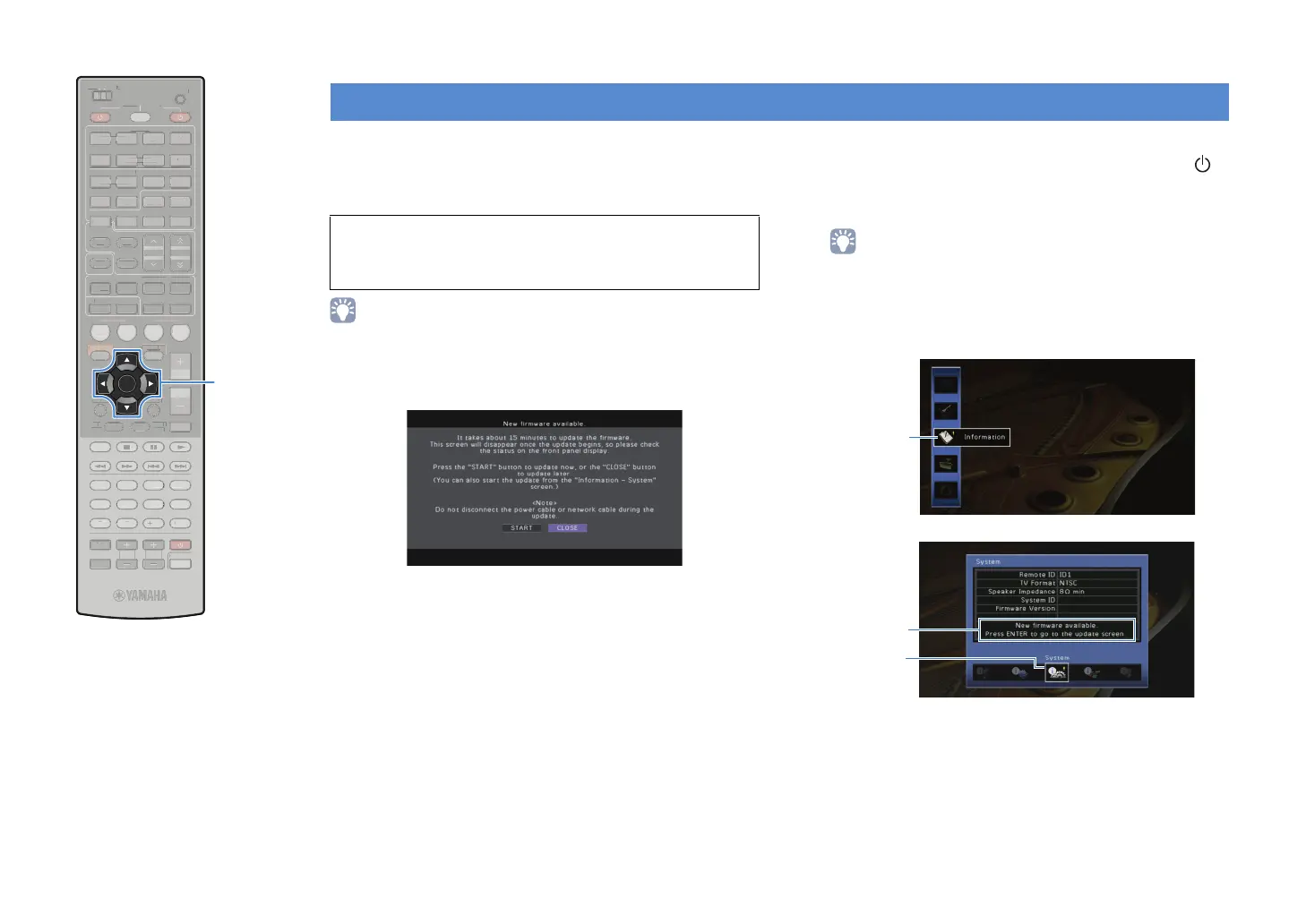
To start the firmware update, use the cursor keys to
select “START” and press ENTER.
The on-screen display turns off.
3
If “UPDATE SUCCESS PLEASE POWER OFF!”
appears on the front display, press MAIN ZONE
on the front panel.
The firmware update is complete.
• If you want to update the firmware later, select “CLOSE” in step 2. In this
case, “!” (exclamation mark) appears at the upper right of the “Information”
and “System” icons, and the corresponding message will be displayed in the
“System” screen (p.102). You can update the firmware of this unit by
pressing ENTER in the “System” screen.
Updating the firmware of this unit
Note
• Do not operate this unit or disconnect the power cable or network cable during
firmware update. Firmware update takes about 15 minutes.
Information
icon
Message
System icon
SCENE
RETURN
VOLUME
SUR. DECODE
STRAIGHT
ENHANCER
SLEEP PURE DIRECT
HDMI
AV
123
67
4
V-AUX
5
FM
INFO
MEMORY
AM
PRESET
PA RT Y
MOVIE MUSIC
BD
DV
D
TV
CD
RADIO
MUTE
ENTER
7856
90
10
1234
MODE
ENT
HDMI OUT
TV
TV VOL TV CH
TOP
MENU
POP-UP
MENU
DISPLAY
SOURCE
MAIN
ZONE 2
RECEIVER
CODE SET
INPUT
MUTE
DOCK
AUDIO
OPTION
ON SCREEN
5
1234
6
NET USBPHONO
TUNING
TUNER
EN
R. DE
D
TRAI
H
ENHAN
E
LEEP PURE DIRE
HDM
AV
1
4
-
INF
MEM
R
PRE
ET
VIE M
I
D
D
DE
N
HDMI
UT
V
V
P
P-
UR
ZONE
E
EIVE
DE
E
D
AU
PTI
N
REEN
NET
H
N
T
NIN
NE
ENTER
Cursor keys


 To Next Page