89
Voice Mode
Voice Store
You can store (save) your original parameter settings
for up to 128 Normal Voices and 2 Drum Voices to
User Memory. The procedure is as follows.
n When you perform this, the settings for the destination
Voice will be overwritten. Important data should always
be backed up to computer, Yamaha MIDI Data Filer
MDF3 or some other storage device.
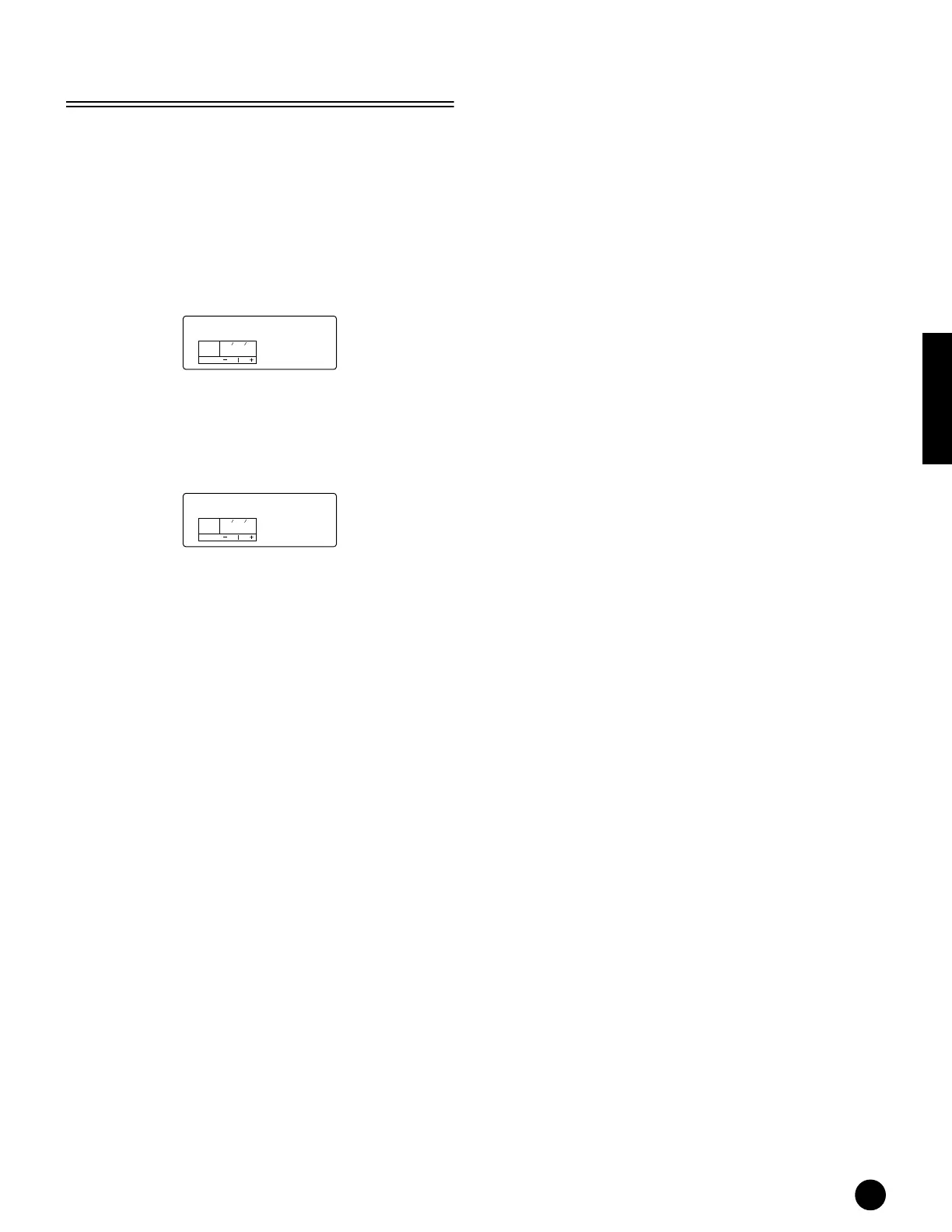
1Press the [STORE] button after editing a Voice.
The Voice Store screen appears.
2Use [DEC/NO] and [INC/YES] buttons to select the
destination Voice Number
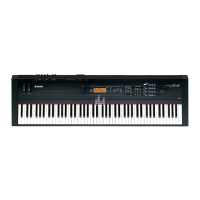
3When you press the [ENTER] button, you will be
prompted for confirmation.
4Press the [INC/YES] button to confirm. The
message “Excuting..” will be displayed while the Job
is being processed. When it has been completed, a
“Completed” message appears, and operation
returns to the Voice Play mode.
n You can press the [DEC/NO] button to cancel the Job.
This will return you to the original screen.
Store
KEYELEMPAR T
OCTAVE
PAG E
US001
Store
KEYELEMPAR T
OCTAVE
PAG E
Sure?



 To Next Page