Instrument and control functions
4-9
4
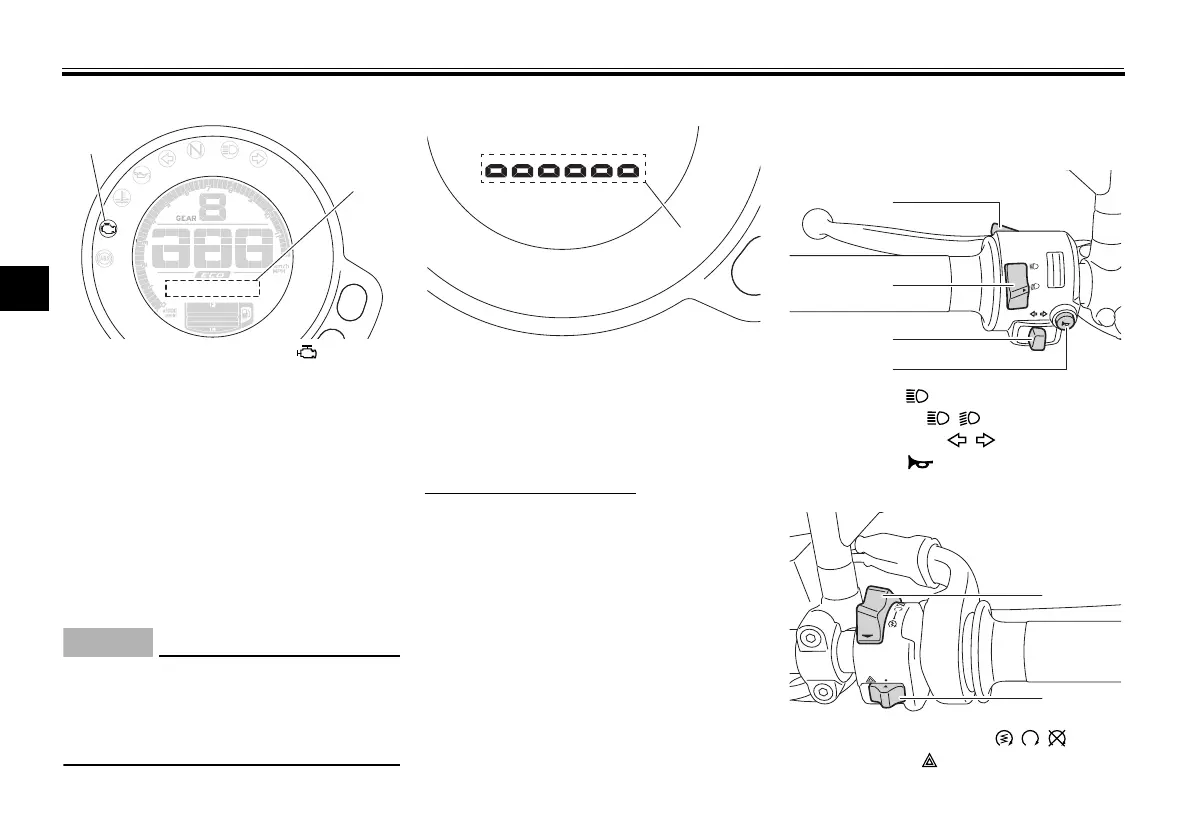
Self-diagnosis mode
This model is equipped with a self-di-
agnosis function for various electrical
circuits. If a problem is detected in any
of those circuits, the engine trouble
warning light will come on and the dis-
play changes to self-diagnosis mode. If
the display indicates any error codes,
note the code number and have a
Yamaha dealer check the vehicle.
ECA11591
If the display indicates an error co-
de, the vehicle should be checked as
soon as possible in order to avoid
engine damage.
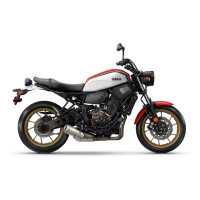
Brightness control mode
The brightness control mode allows
you to adjust the brightness level of the
multi-function meter unit.
To adjust the brightness
1. Turn the key to “OFF”.
2. Push and hold button B.
3. Turn the key to “ON” and continue
pushing button B until the display
switches to the brightness control
mode.
4. Push button A to set the bright-
ness level.
5. Push button B to confirm the se-
lected brightness level and exit the
brightness control mode.
EAU1234M
Handlebar switches
Left
Right
1. Engine trouble warning light “ ”
2. Error code display




 To Next Page