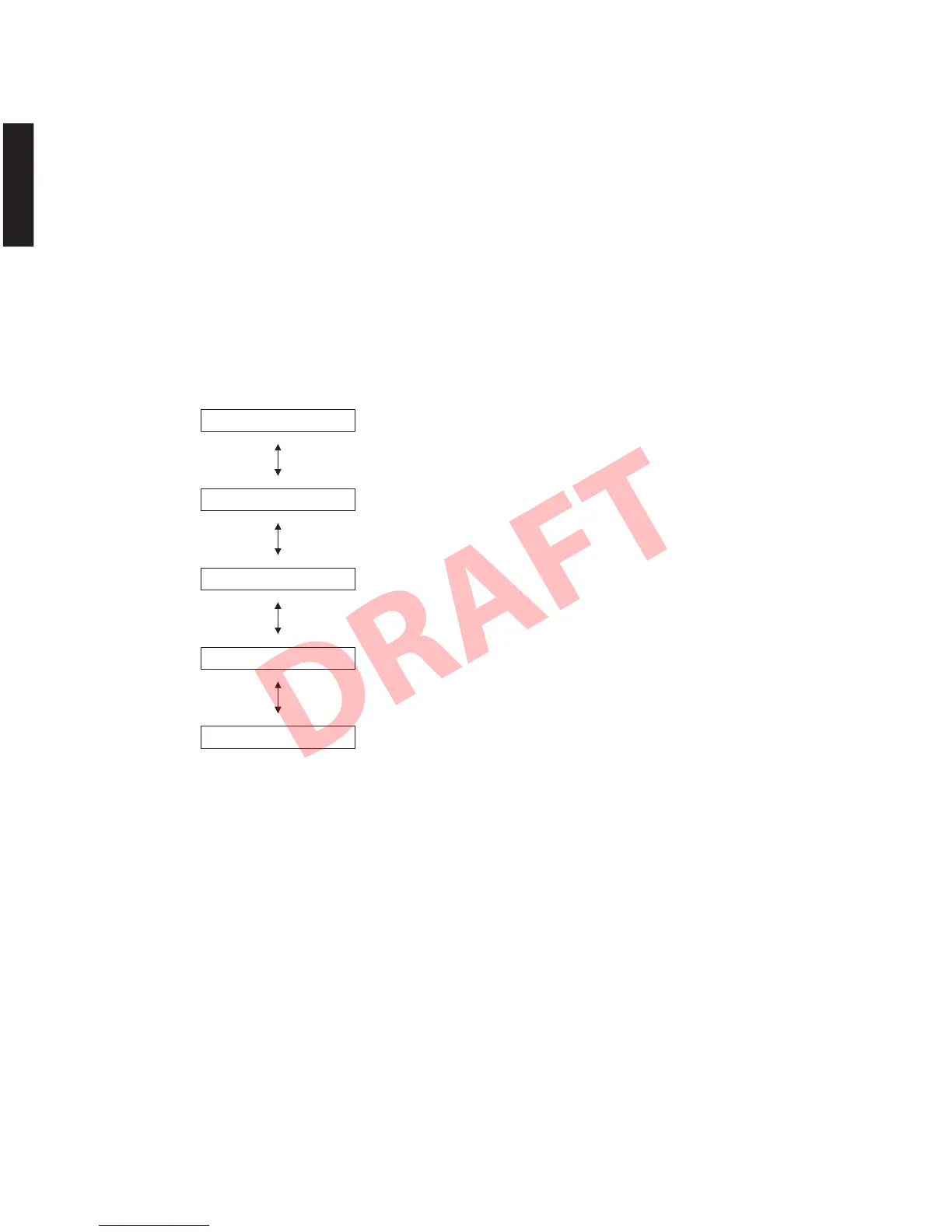
1-1. MASTER VOLUME 0 (Mute)
1-2. MASTER VOLUME 1 (-96.5 dB minimum volume)
1-3. MASTER VOLUME 30 (-40 dB)
1-4. MASTER VOLUME 60 (-20 dB)
1-5. MASTER VOLUME 100 (0 dB maximum volume)
11.VOL0
12.VOL1
13.VOL30
14.VOL60
15.VOL100
● Details of Self-Diagnostic Function menu
1. DSP THROUGH
This menu is used to select the volume level.
The signal is output in digital full bit without including
the head margin.
Using the input key, select the input source. (Default
set : ANALOG input).
* When the multi-channel signal is input, the
surround L/R is not output.
* When the 2-channel stereo signal is input, the L
channel signal is output to center and subwoofer
outputs.
● ダイアグメニュー詳細
1. DSPTHROUGH
ボリュームレベルを選択します。
ヘッドマージンを含まず、デジタルフルビットで出
力されます。
INPUT キーで入力ソースを切り替えます。(デフォル
ト設定:ANALOG 入力)
※ マルチチャンネル信号が入力された場合、サラウ
ンド L/R は出力されません。
※ 2ch ステレオ信号が入力された場合、L チャンネ
ルの信号がセンターとサブウーファー出力に出力
されます。
64
YSP-CU4300/YSP-CU3300/NS-WSW160
YSP-CU4300/YSP-CU3300/
NS-WSW160


 To Next Page