EasyManua.ls Logo

YASKAWA GA500 series - User Manual

YASKAWA GA500 series
79 pages
Go to English
Print Icon
To Next Page IconTo Next Page
Loading...
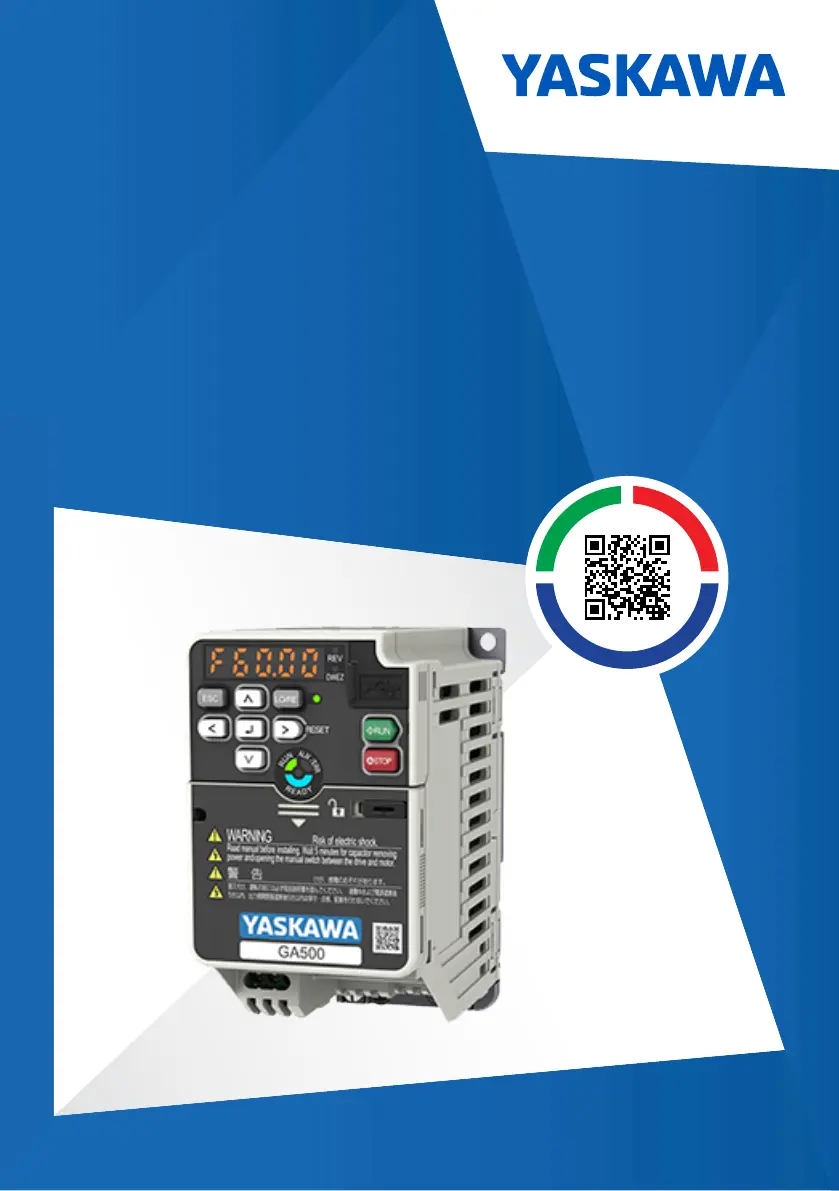
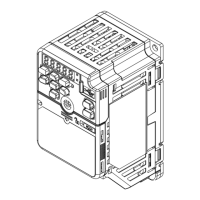
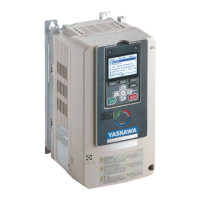
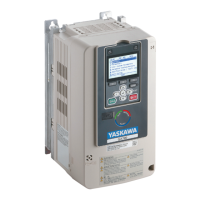
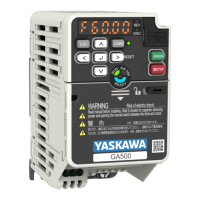
YASKAWA AC Drive GA500
Installation and Operation Instruction
Type CIPR-GA50Cxxxxxxxx
200 V Class, Three-Phase Input: 0.1 to 22 kW
200 V Class, Single-Phase Input: 0.1 to 4.0 kW
400 V Class, Three-Phase Input: 0.37 to 30 kW
PDF

Table of Contents

Other manuals for YASKAWA GA500 series

Questions and Answers

  • J
    Jennifer PatelAug 14, 2025
    What to do if I get a Modbus Communication Error on my YASKAWA Industrial Electrical?
    • A
      Andrew MitchellAug 14, 2025
      A Modbus communication error in YASKAWA Industrial Electrical can stem from several issues. Check for incorrect wiring, short circuits, or disconnected cables. Electrical interference can also cause data errors, so inspect the control, main circuit, and ground wiring. Ensure the communication protocol is compatible by examining the values set in H5-xx. If H5-09 [CE Detection Time] is too small, adjust the controller software settings. Finally, investigate the controller for any software or hardware problems.
  • P
    Paul LoveAug 17, 2025
    What to do if I get an Option Communication Error on my YASKAWA Industrial Electrical?
    • P
      patrickedwardsAug 17, 2025
      An option communication error in YASKAWA Industrial Electrical can occur due to several reasons. Start by checking for wiring errors and repairing any short circuits or disconnected cables. Electrical interference can also cause communication data errors, so examine the control circuit lines, main circuit lines, and ground wiring to minimize interference. Ensure the option is correctly installed in the drive. If the problem persists and the wiring is correct, the option may be damaged and need replacement.
  • B
    Brittany TaylorAug 20, 2025
    Why am I getting a Control Fault on my YASKAWA Industrial Electrical?
    • W
      walkermatthewAug 20, 2025
      A control fault in YASKAWA Industrial Electrical can be caused by several factors. First, ensure that the motor parameters are set correctly and perform Auto-Tuning again. If the torque limit setting is too low, adjust L7-01 to L7-04 [Torque Limit]. For large load inertia, adjust C1-02, C1-04, C1-06, and C1-08 [Deceleration Times]. If the drive attempts to ramp to stop a machine that doesn't require it, correctly set b1-03 [Stopping Method Selection]. Finally, verify that the motor and drive are wired correctly.
  • S
    Samuel BrownAug 25, 2025
    What to do for Braking Transistor Overload Fault in YASKAWA Industrial Electrical?
    • D
      dpetersonAug 25, 2025
      A braking transistor overload fault in YASKAWA Industrial Electrical can occur if the braking transistor's duty cycle is too high. Consider installing a regenerative converter. If you have a regenerative converter and the protective function for the braking transistor is enabled, set L8-55 = 0 [Internal DB TransistorProtection Selection = Disable]. If the braking transistor is broken, replace the drive.
  • F
    Frank FryeAug 27, 2025
    Why is there a DC Bus Undervoltage in my YASKAWA Industrial Electrical?
    • M
      Michael FoleyAug 27, 2025
      A DC Bus Undervoltage in YASKAWA Industrial Electrical can happen for a few reasons. First, check the input power for any issues causing voltage fluctuations. Also, verify the main circuit drive input power wiring for phase loss. If U4-05 is more than 90%, the main circuit capacitors may be failing, requiring replacement of the control board or the entire drive.
  • L
    Larry ReyesAug 30, 2025
    What causes a Control Circuit Error in YASKAWA Industrial Electrical?
    • C
      Christopher Frank Jr.Aug 30, 2025
      A control circuit error in YASKAWA Industrial Electrical can arise from a drive hardware problem; try re-energizing the drive. Check the thermistor wiring that detects motor temperature for defects and correct any wiring errors. Also, ensure the motor isn't overheating by checking the load level, acceleration/deceleration time, and motor start/stop frequency.
  • B
    Brittany RivasSep 3, 2025
    What to do if I see a Current Offset Fault in my YASKAWA Industrial Electrical?
    • T
      Tracy GallegosSep 3, 2025
      A current offset fault in YASKAWA Industrial Electrical can occur if the drive starts operation while induced voltage remains in the motor. Create a sequence that prevents restarting operation when induced voltage is present. It can also indicate a drive hardware problem, so perform a Fault Reset or de-energize the drive.
  • D
    douglasfloresSep 6, 2025
    How to fix Bluetooth Communication Fault on YASKAWA Industrial Electrical?
    • J
      Jennifer RobertsSep 6, 2025
      A Bluetooth communication fault in YASKAWA Industrial Electrical could be due to distance. Ensure the smartphone or tablet with DriveWizard Mobile is within 10 meters (32.8 ft) of the keypad. Radio interference from other devices using the same bandwidth (2400 MHz to 2480 MHz) may also be the cause; prevent such interference.
  • J
    James DavisSep 9, 2025
    What to do if the YASKAWA Industrial Electrical keypad battery is low?
    • J
      Jacob BakerSep 9, 2025
      If you are getting a Keypad Battery Low Voltage error on your YASKAWA Industrial Electrical, it means the keypad battery voltage is low. Replace the keypad battery.

Summary

UL Standards and Installation Requirements

Area of Use and Temperature Limits

Specifies installation location requirements and ambient temperature ranges for operation.

Main Circuit Terminal Block Wiring

Provides guidelines for wiring the main circuit terminal block, including wire gauges and tightening.

Wiring Notes and Precautions

Important notes and precautions for wiring the main circuit terminal block for safe operation.

Branch Circuit Protection for UL Listing

200 V Class Protection Requirements

Specifies recommended branch circuit protection fuses for 200V class drives for UL listing.

400 V Class Protection Requirements

Specifies recommended branch circuit protection fuses for 400V class drives for UL listing.

Low Voltage Control Circuit Wiring

Specifies requirements for low voltage wiring for control circuit terminals.

Motor Overload and Overheat Protection

Motor Rated Current Parameters

Parameters (E2-01, E5-03, E9-06) for setting motor rated current for protection.

Motor Overload Protection Enable

Parameter L1-01 to enable or disable motor overload protection.

Motor Thermistor Alarm Select

Parameter L1-03 to set drive operation for PTC overheat alarm.

Motor Thermistor Fault Select

Parameter L1-04 to set drive operation for PTC overheat fault.

Variable Torque Motor Protection Settings

Settings for variable torque motors (60Hz base frequency).

Constant Torque Motor Protection Settings

Settings for constant torque motors (10:1 and 100:1 speed ranges).

PM Motor Protection Settings

Settings for PM motors (variable and constant torque).

Main Circuit Wire Gauges and Tightening Torques (CE Standards)

Three-Phase 200 V Class (CE)

Wire gauges and tightening torques for CE standards, Three-Phase 200 V Class.

Single-Phase 200 V Class (CE)

Wire gauges and tightening torques for CE standards, Single-Phase 200 V Class.

Three-Phase 400 V Class (CE)

Wire gauges and tightening torques for CE standards, Three-Phase 400 V Class.

Main Circuit Wire Gauges and Tightening Torques (UL Standards)

Three-Phase 200 V Class (UL)

Wire gauges and tightening torques for UL standards, Three-Phase 200 V Class.

Single-Phase 200 V Class (UL)

Wire gauges and tightening torques for UL standards, Single-Phase 200 V Class.

Three-Phase 400 V Class (UL)

Wire gauges and tightening torques for UL standards, Three-Phase 400 V Class.

YASKAWA GA500 series Specifications

General IconGeneral
Control MethodV/f Control
Protection FeaturesOvercurrent, Overvoltage, Undervoltage, Short Circuit
Communication InterfacesModbus
Operating Temperature-10°C to +50°C
Humidity5% to 95% RH (non-condensing)
AltitudeUp to 1, 000m (3, 300ft) without derating

Related product manuals