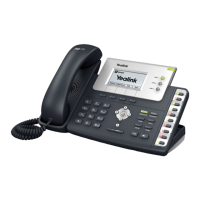
LED STATUS INDICATOR OF THE T58 PRO
For full user guides and video tutorials, visit help.ena.com and select ENA SmartVoice
Quick Reference Guide
Yealink SIP-T58W and T58W-Pro
LED Status Description
Solid Green The handset charges fully.
Green for 1s The handset powers on.
Fast-ashing orange The handset is pairing with the phone.
Slowly-ashing orange The handset is reconnecting.
Orange for 2s The handset is connected to the phone.
Fast-ashing red Receives a call and the handset is not on the phone handset cradle.
Slowly-ashing red The handset’s battery is low.
Solid red The handset is charging.
Red for 3s The handset powers off automatically.
Red and green ashing alternately The handset is nding the phone.
Red, green, and orange ashing alternately The handset is upgrading.



 To Previous Page
 Loading...