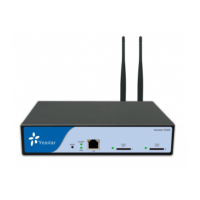
NeoGate TG Series Installation Guide
http://www.yeastar.com 2/14
Contents
1. Preparation before Installation .................................................... 4
2. Hardware Specifications ........................................................... 6
2.1 Overview ............................................................................................................................................................. 6
2.2 LED Indicators and Ports ..................................................................................................................................... 7
2.3 Specifications and Operating Environment ......................................................................................................... 9
3. NeoGate TG Series Installation .................................................. 10
3.1 Placement Instructions ..................................................................................................................................... 10
3.2 Installation Instructions ..................................................................................................................................... 10
3.2.1 Connection of Ethernet Ports ..................................................................................................................... 10
3.2.2 Connection of GSM ports ........................................................................................................................... 10
3.2.3 Power Connection ...................................................................................................................................... 11
3.2.4 Indicators Status ........................................................................................................................................ 11
4. NeoGate TG Series Basic Configurations ........................................ 12
4.1 Factory Defaults ................................................................................................................................................ 12
4.2 Logging in the Web Configuration Panel ........................................................................................................... 12
4.3 Network Settings ............................................................................................................................................... 13
4.4 Make and Receive calls ..................................................................................................................................... 13
4.5 Reset to Factory Defaults .................................................................................................................................. 14
5. Conclusion ......................................................................... 14


 To Next Page
 Loading...