12
Purging Non-Condensable Gases
The Model 830 is designed to purge
automatically non-condesable gases such as
air present in the storage tank. When the
pressure in the tank exceeds a threshold value,
the unit will automatically purge the excess
pressure. The unit will only purge when it is first
turned on. The current purge status is
displayed in the upper right corner of the LCD
when in Select Mode.
The purge status in the LCD should either be
“Y”, “N”, or “E.” A “Y” indicates air is present
in the tank. The unit will purge next time it is
turned off and on. An “N” in the windows
indicates a purge is not needed.
An “E” will display on the LCD if the previous
purge was insufficient to lower the non-
condensable gas value below the limit. The
purge time is set to 30 seconds to minimize
refrigerant loss. If the LCD continues to display
an “E” after several purge cycles, there may be
an error in the system. Check the pressure in
the tank to determine if the system is purging
unnecessarily.
To check the tank pressure, let the unit sit
undisturbed for at least three hours. Connect
the high side service hose to the auxiliary port
on the storage tank. Read the value on the
high pressure gauge. The reading should be
close to those in the following table.
If the unit continues to display “Y” or an “E”
and the tank pressure is near the value in the
table below, contact technical services at 1-
800-769-8370.
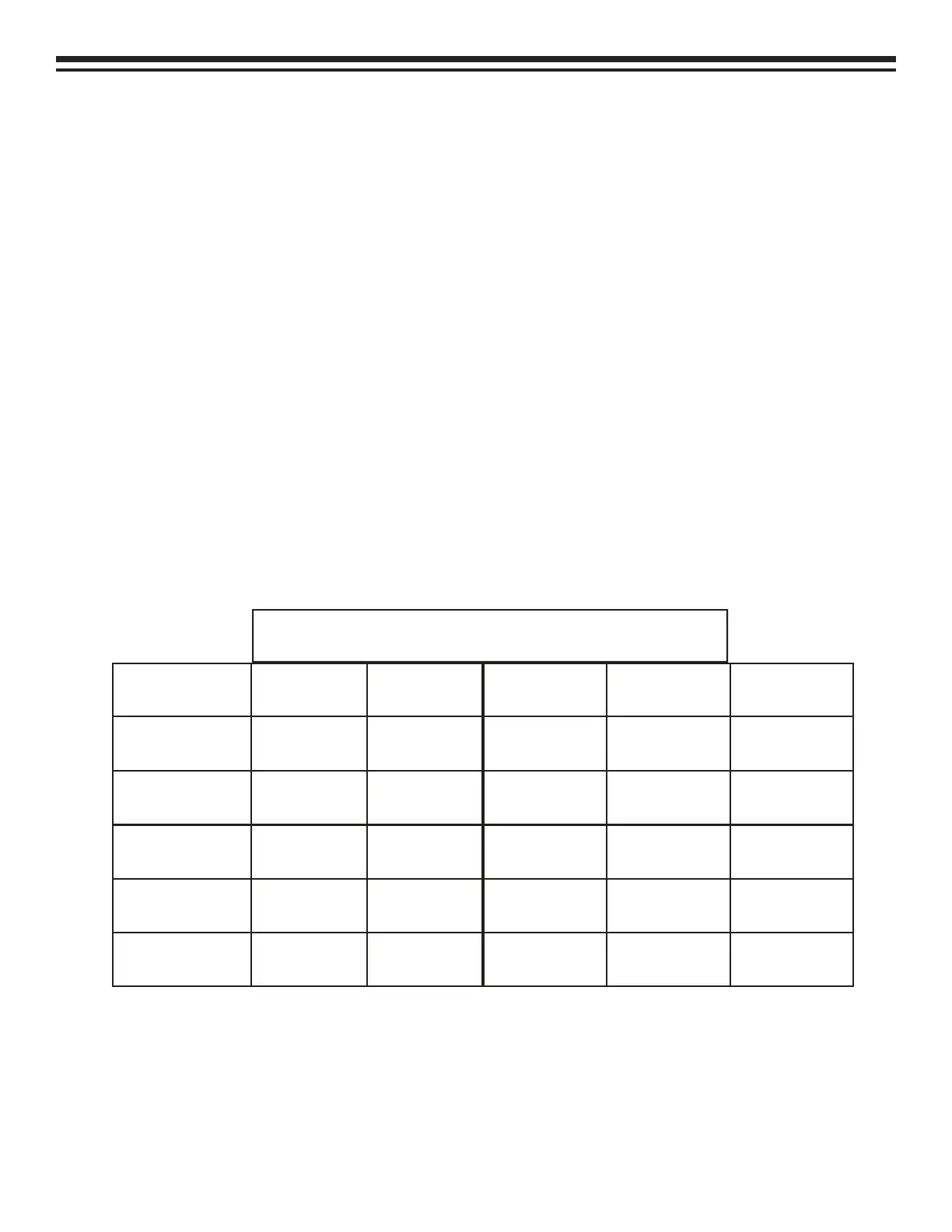
Approximate Pressure (psig)
Temp (ºF) R-12 R-134a
65 74 74
70 80 81
75 87 88
80 96 97
85 102 115
Temp (ºF) R-12 R-134a
90 110 120
95 118 126
100 127 135
105 136 145
110 146 155


 To Next Page