10
3. SET MEMORY POSITIONS
STEP 1:
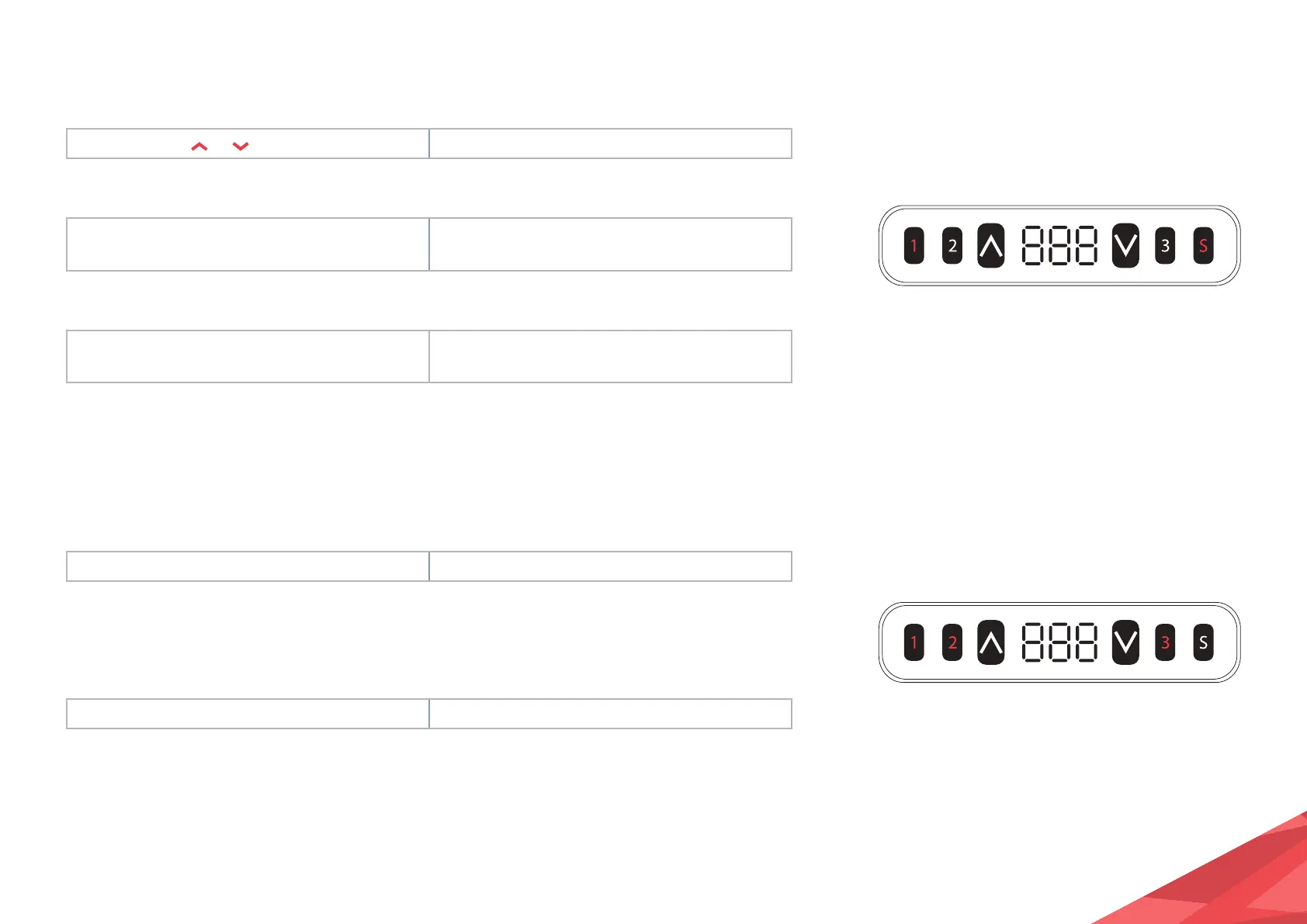
Press and hold
or and then release. Move the legs to your desired standing height.
STEP 2:
Press the S button, then press button 1 within
6 seconds.
The height of position 1 is saved.
STEP 3:
To save other heights, repeat steps 1 and 2
but press button 2 and 3 to finish.
The heights of positions 2 and 3 are saved.
1. Memory position will be erased after initialisation.
2. Memory position can be overwritten.
4. MOVE TO MEMORISED POSITIONS
STEP 1:
Press and hold button 1, 2 or 3. The legs return to the corresponding position.
5. ONE-CLICK OPERATION TO MEMORY POSITION 1, 2 OR 3
STEP 1:
Press and hold button 1, 2 or 3. The legs return to the memory position.


 To Next Page