13
9. SET UP STROKE LIMIT OF RISING AND LOWERING
9.1 Lock up the rising stroke
STEP 1:
Press and
or and then release the key. Run the column to your desired height.
STEP 2:
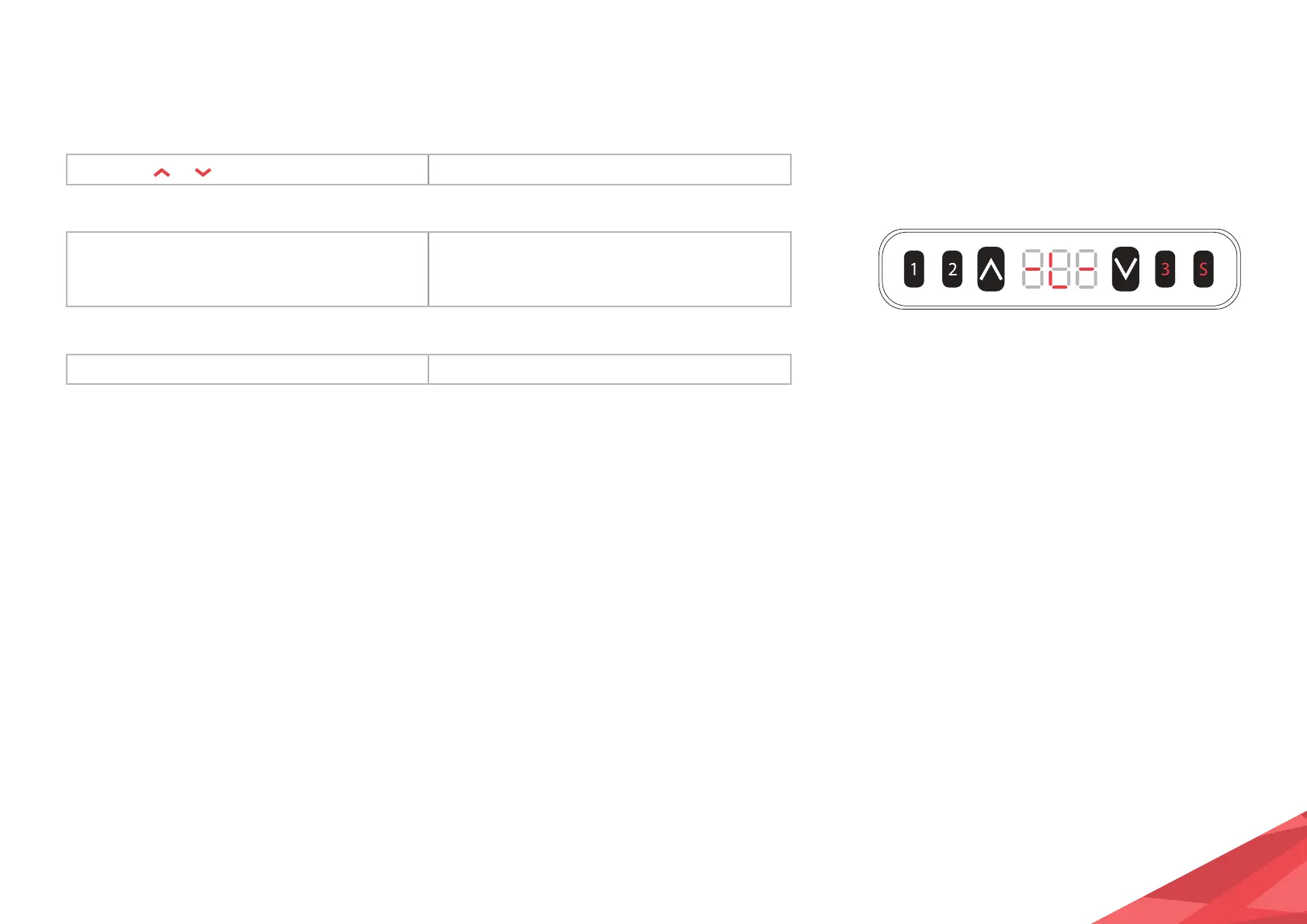
Hold the S key, then hold key 3 for
at least 3 second.
The caption “- L -” will display on the screen,
indicating that the current height is locked as
the highest running height.
STEP 3:
Release the keys The setting is complete.
1. The column cannot run higher than the locking height.
2. Setting the highest stroke limit will erase the positions higher than the locking height and,
even if the stroke unlocking operation is performed, the memory positions higher than the
locking height cannot be recovered. You must reset the memory position according to the
memory position setting instructions.
3. The locking height will not be unlocked after initialisation.


 To Next Page