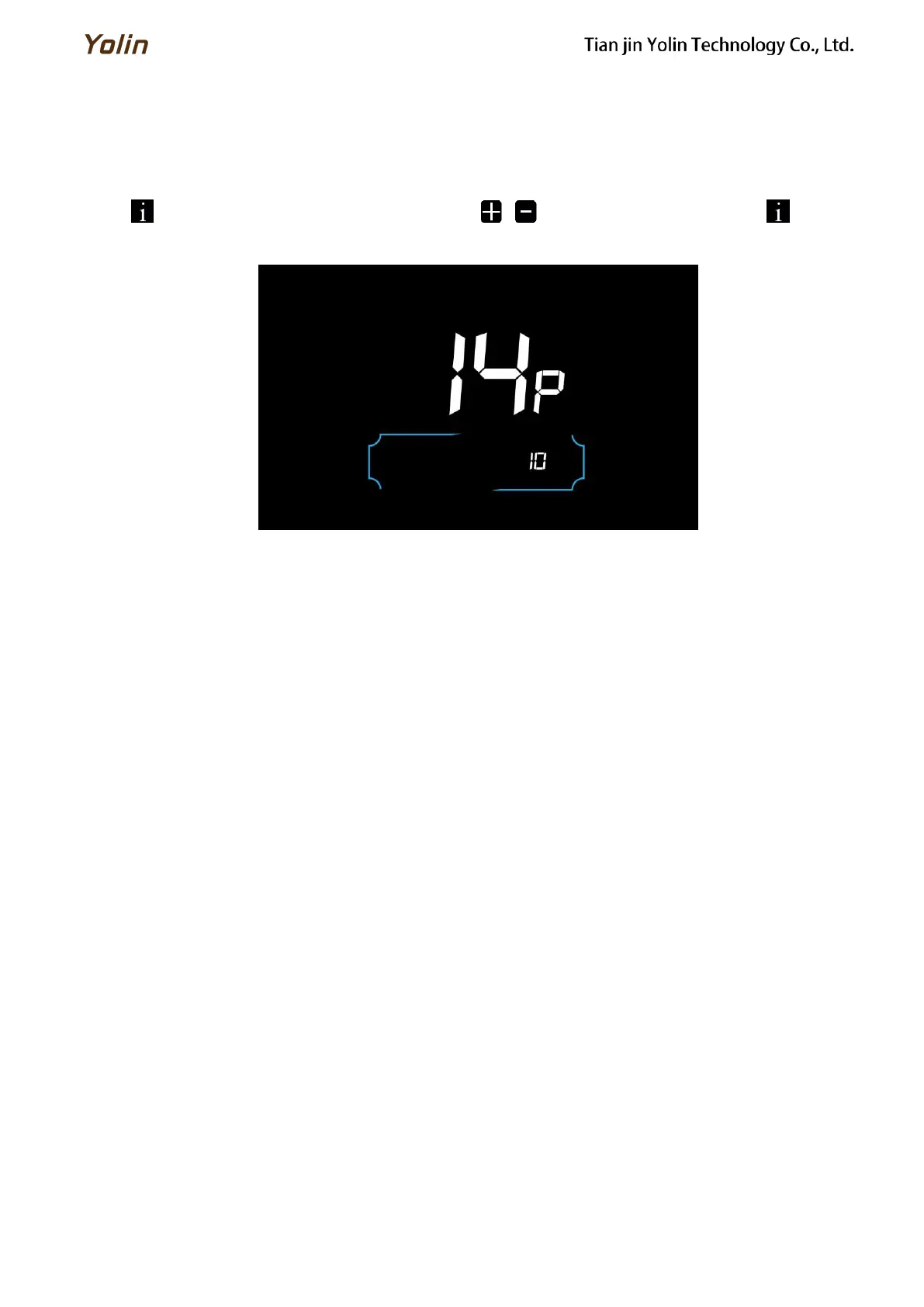
6.14 Auto Sleep Time Setting
14P is the auto sleep time setting. To save the battery power and reach higher range, this display will be turned off after
it has not been used for a time. The adjustable range is: 00~60min, 00 means no auto shutdown. The factory default setting
is 10 minutes.
Press to enter the parameter changing state. Press the / to select the parameter and press to save the
parameter setting and return to the personalized parameter setting interface.
Figure 6-14 Auto Power Off Time Setting Interface



 To Next Page