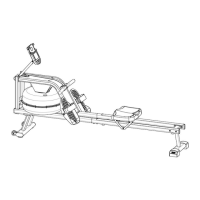
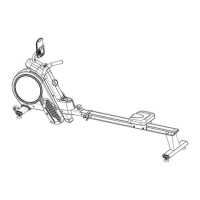
Monitor
FUNCTIONAL BUTTONS:
MODE Select function you want
SET Set value of the selected functions
RESET Press this button to reset current function values zero
FUNCTION AND OPERATIONS:
1, TIME ---- Press the key until sign of “TIME” display on LCD, the monitor will
display the time function on the screen.
2, CNT ---- Press the key until sign of “CNT” display on LCD, the monitor will
display the count from exercise start to end on the screen.
3, TCNT ---- Press the key until sign of“TCNT”display on LCD, the monitor will
display the total count from exercise start to end on the screen.
4, SPM ---- Press the key until sign of “SPM”on LCD, the monitor will display
the stroke function on the screen.
5, CAL---- Press the key until sign of“CAL”on LCD, the monitor will display the
calorie function on the screen.
NOTE
1. The monitor will shut off automatically, if no sign put into for 3 minutes, all
function value will be saved .You can press any key or restart exercising to
wake up the monitor.
2. If improper display on monitor, please re-install the batteries to have a
good result.
3. Battery spec:1.5V AAA 2PCS


 To Next Page