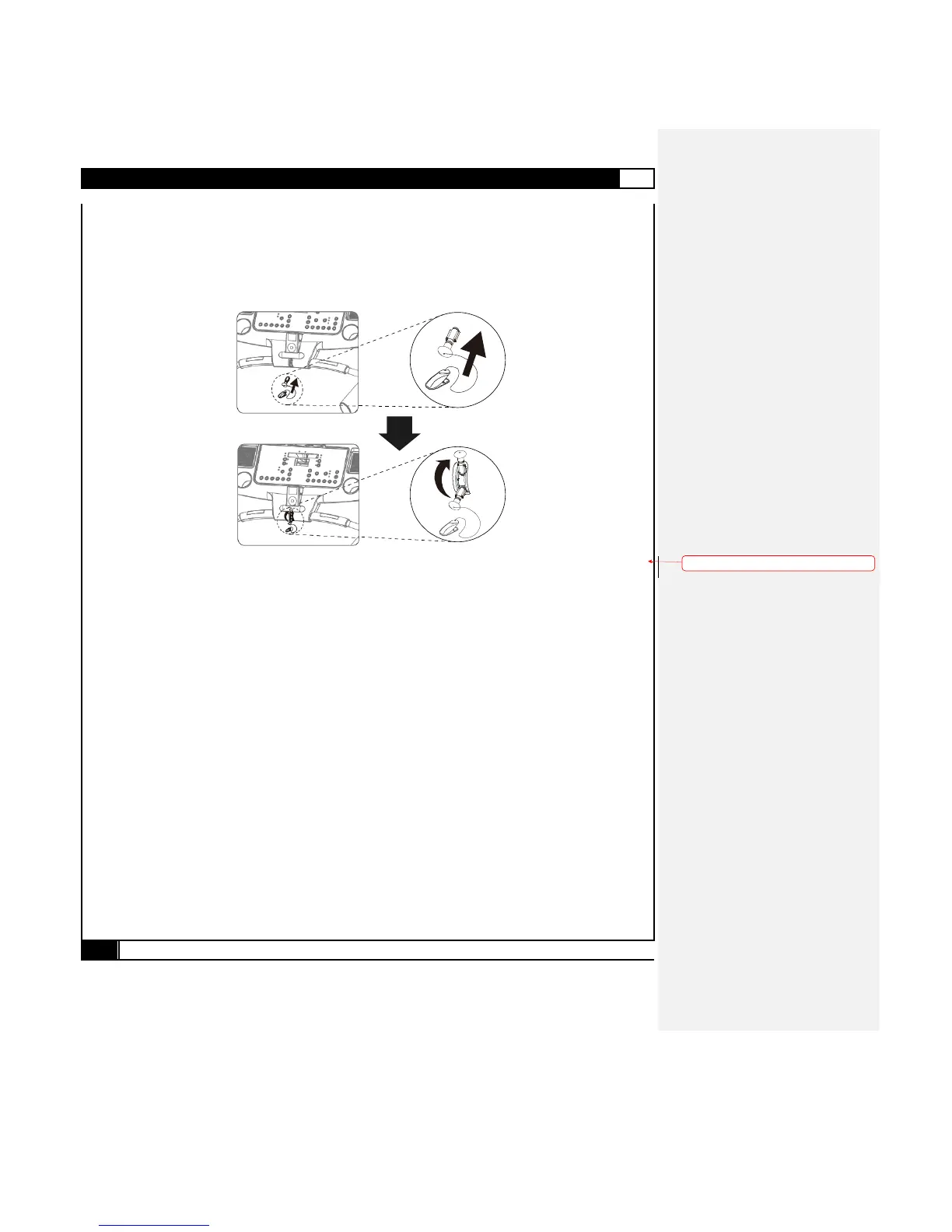
SAFETY KEY
The safety key must be inserted into the slot on the console in order to operate the treadmill. Always insert the safety key and attach
the clip to your clothing waist before beginning your workout. Please pay attention with the direction when you inserted Safety Key.
If you should encounter problems and need to stop the motor quickly, simply pull on the cord the disengage the safety key from the
console. To continue operation simply turn the power switch to off, set the speed controller to stop and then reinsert the safety key
into the console.
Buttons and Functions
START
Press to start exercise at an initial speed of 0.5 mph / 0.8 km/h.
STOP
Press to stop exercise during workout time.
ENTER
a. Press to confirm program and preset function values during setting mode.
b. Press to run setting procedure before pressing the START button.
Scan/Hold
Switches the LCD window display information:
The computer has a factory setting that auto switches between TIME, SPEED, PULSE, DISTANCE, CALORIES and
INCLINE LEVEL. Each value will be displayed for 10 seconds.
CUSTOM PROGRAM
When selecting the custom program from C1 to C3, follow the instructions to press this button and save the program as your
own custom workout program. Follow the C1-C3 CUSTOM PROGRAM operating instructions for details.
FITNESS-TEST
Press to start the Fitness-Test function to test your physical condition during a workout. Follow the Fitness-Test operating
instructions for details.
SPEED UP / DOWN
a. Press to increase/decrease exercise speed by 0.1mph / km/h.
b. Hold the button to rapidly increase/decrease speed by 0.5mph / km/h per second. Release the button to stop the function.
c. Press to select programs and preset related function value.
INCLINE UP / DOWN
Press up or down to change incline level.



 To Next Page