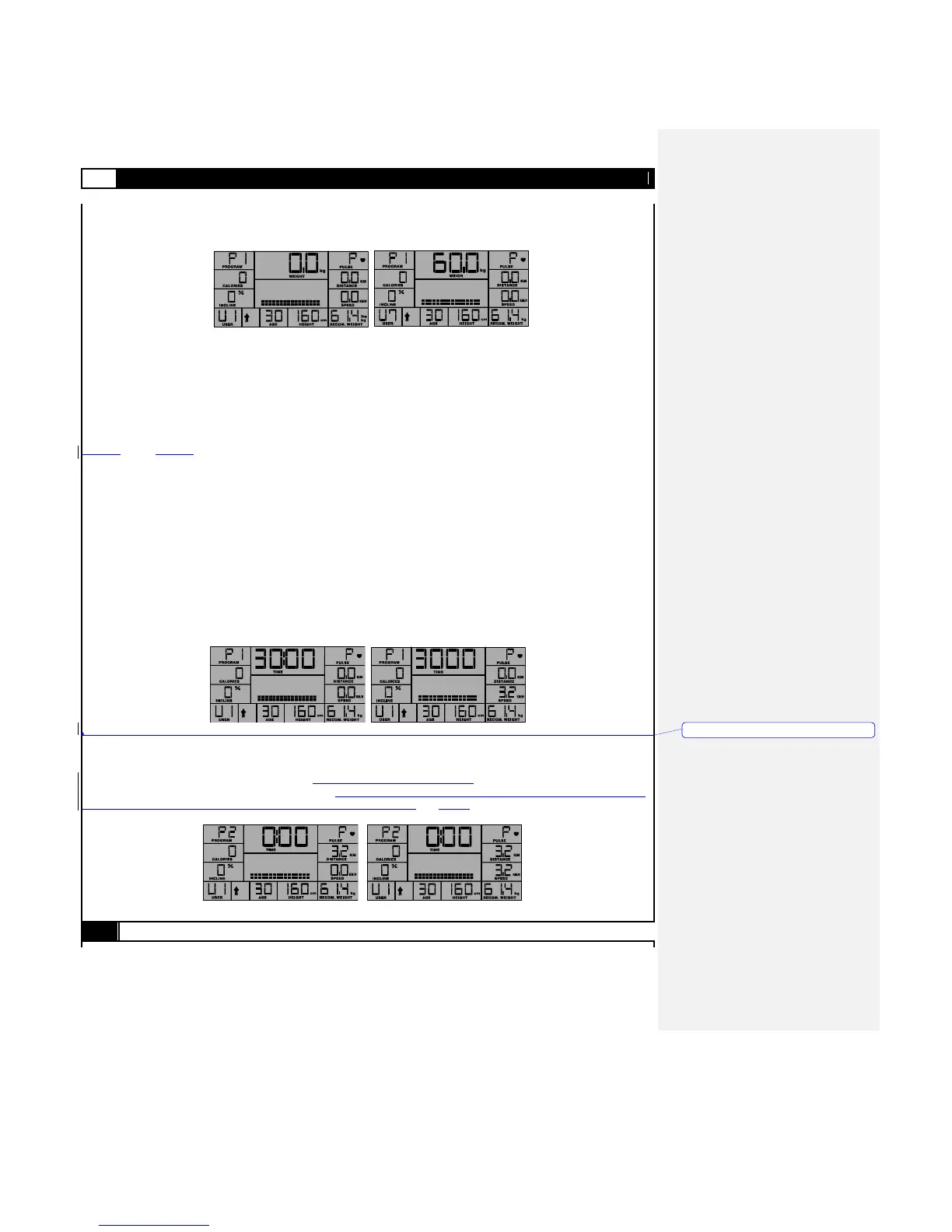
SET UP USER CODE
After setting the User WEIGHT, User ID will show a blinking “U1”,press UP / DOWN buttons to choose the User ID from U1 to U7
and press the ENTER button to assign the user ID shown.
SET USER GENDER
After assigning your user ID, the gender icon will display on the Upper LCD. Press the UP/DOWN buttons to switch between
male and female icon then press the ENTER button to select your gender.
SET USER AGE
After setting the User gender, the LCD will display the current (or default) setting for Age (30). Press the UP and DOWN button to
set the user Age and press ENTER to save.
SET USER HEIGHT
After setting the user Age, the LCD will display current (or default) setting for Height (160 cm / 5‟3‟‟). Press the
INCLINEUP and INCLINEDOWN buttons to set the user height and press ENTER to save.
PROGRAM MODE
After setting the user Height, the LCD will display a blinking P -, indicating that the user is now free to select from Programs 1-8.
Press the UP and DOWN buttons to select the program and press the ENTER button to set up that program. Details on each of
the Programs follow.
P1 - TARGET TIME PROGRAM
If user selects P1 and presses the ENTER, the LCD will blink 30.00 (min.).The user must next select the target time (min.) and then
press ENTER to confirm the setting. The user may then press the START button to begin the program. Time will count down from
the defined target time, with an initial speed with 3.2km/hr / 2.0 mph.
The user may press SPEED-UP or SPEED-DOWN to adjust the running speed.
The user may press INCLINE-UP or INCLINE-DOWN button to adjust the treadmill angle.
Press the STOP to pause the program, START to restart, or press the STOP button again to return to POWER ON MODE.
P2 - TARGET DISTANCE PROGRAM
If the user selects P2 and presses ENTER, the LCD will blink 3.2 (km/mi.). The user must next use UP /DOWN to setup the
Target Distance, and then press ENTER to confirm the setting.
The user must then press START to begin the program P2 – TARGET DISTANCE.
As previously described in Program P1, the user may at any time during the workout period alter the speed with SPEED-UP /
SPEED-DOWN, angle with INCLINE-UP / INCLINE-DOWN. The User may also pause (STOP) or STOP (2x) the workout, and will at
the conclusion of any given program enter the COOL DOWN program as detai LCD above.



 To Next Page