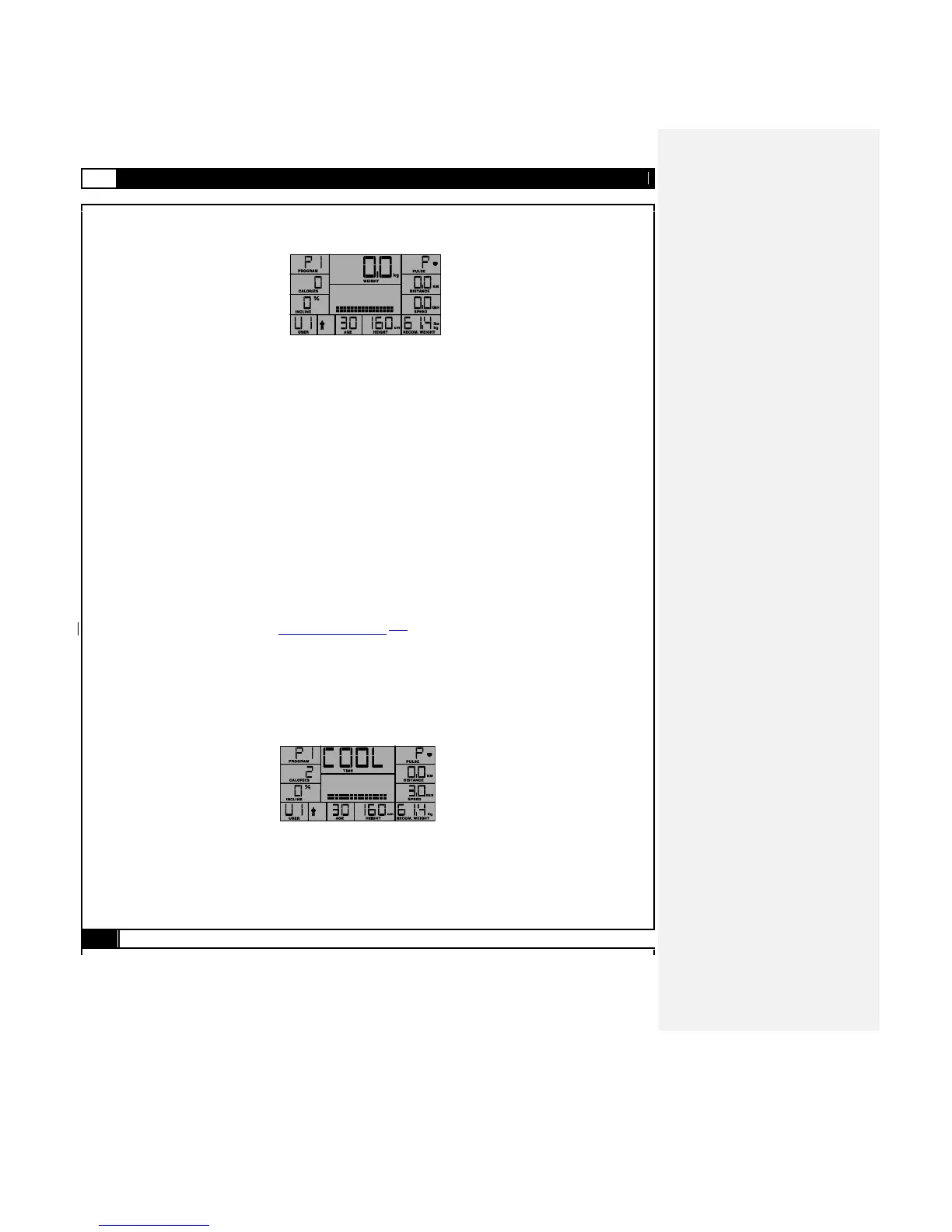
POWER ON MODE
When the unit is switched on, “PRESS START TO QUICK START OR ENTER TO SELECT PROGRAM” will display on the
LCD. Press START to begin training in QUICK START MODE or ENTER to go into PROGRAM MODE.
UNIT CONVERSION MODE – (KM / ML.)
Power on the treadmill, press and hold the START button then turn up the safety key to power on the computer. The console
will enter into the UNIT CONVERSION MODE. The console will sound a BEEP and show the current default setting KM
(kilometers) or ML (miles). Use START to switch between KM and ML. Press STOP to confirm the selection and return to
POWER ON MODE. The console will sound an extended BEEP as it saves the new setting.
SLEEP MODE
When the power is on the computer will automatically enter SLEEP MODE if it is left idle for 3 minutes without receiving any
input. Press any button to return to POWER ON MODE when the computer is in the SLEEP MODE.
SAFETY KEY
The safety key must be inserted into the slot on the console in order to operate the treadmill. Always insert the safety key and
attach the clip to your clothing at your waist before beginning your workout. If you should encounter problems and need to stop
the motor quickly, simply pull on the cord to disengage the safety key from the console. To continue operation turn the power
switch to on and reinsert the safety key into the console.
QUICK START MODE
Press the START after powering on the treadmill to enter Quick Start workout mode, when in QUICK START MODE, the treadmill
will countdown from 3 to zero and then the belt starts at 0.8km/h or 0.5 mph speed. The workout Time, Distance and
approximate Calories figure will count up from 0. The running speed will also display on screen. The user can press SPEED-UP
or SPEED-DOWN buttons to adjust running speed, and press INCLINE-UP or INCLINE-DOWN buttons to adjust the INCLINE level.
Press the STOP button to pause the program, and START to restart, or and press STOP again to return to POWER ON MODE.
COOL DOWN
After completion of each program the TIME LCD window will show “COOL” and blink then start a 50 seconds cool down procedure.
Time counts down from 01:00 to 00:00 and speed stays at 2 mph / 3.2 km/h and the incline level stays at level 0. Press the STOP
button to return to POWER ON status. To escape the cool down procedure press the STOP button once anytime during the process
to enter the PAUSE status and press the STOP button again to enter the POWER ON status



 To Next Page