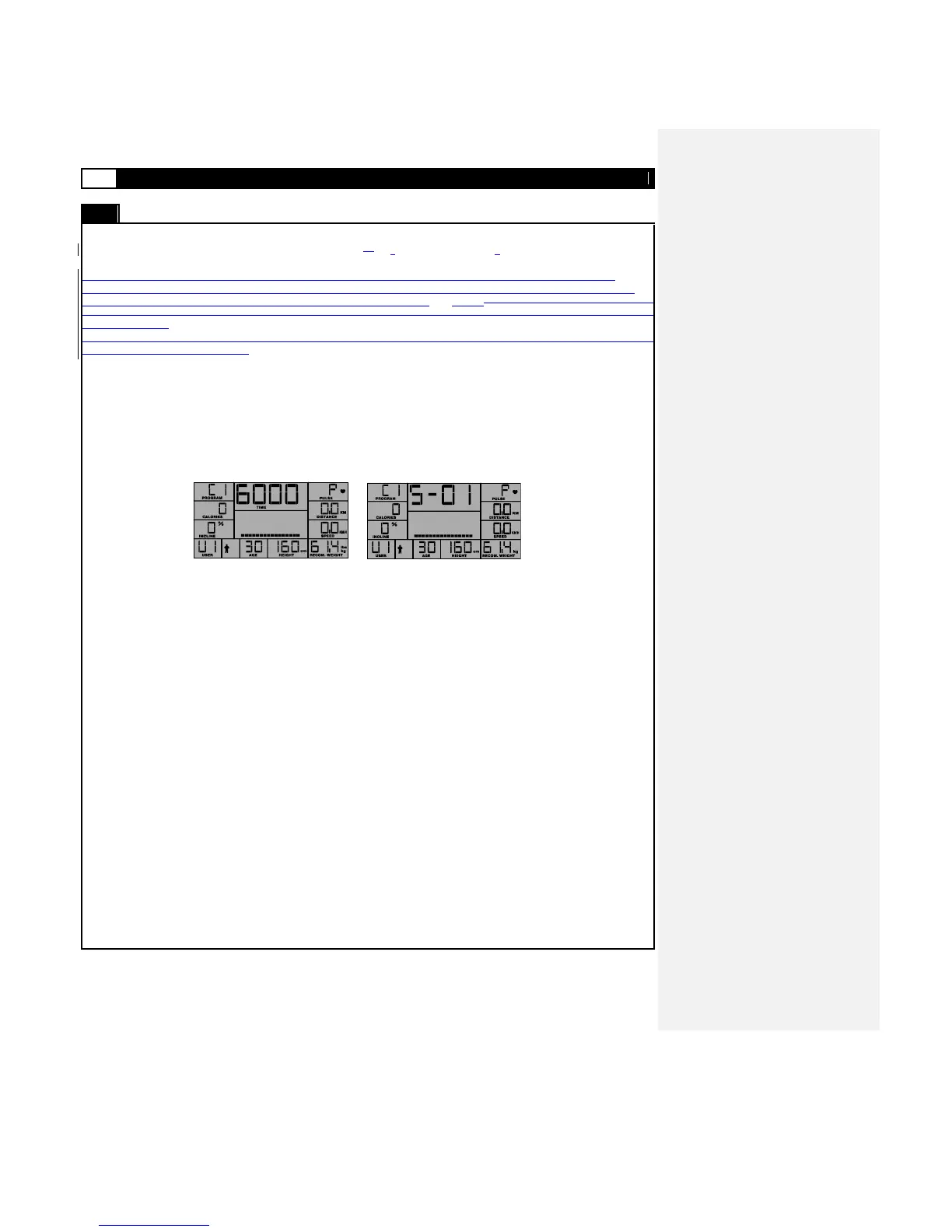
Reduced Mode
Toggling with START to Reduced Mode and then pressing STOP to ends the workout and deletes all subsequent speed and
incline settings that may have been previously been stored in that program.
As previously described in Program P1, the user may at any time during the workout period alter the speed with SPEED-UP /
SPEED-DOWN, angle with INCLINE-UP / INCLINE-DOWN. The User may also pause (STOP) or STOP (2x) the workout, and will
at the conclusion of any given program enter the COOL DOWN program as detai LCD above.As previously described in Program P1,
the user may alter speed with SPEED-UP / SPEED-DOWN, angle with INCLINE-UP / INCLINE-DOWN, and Pause, COOL DOWN or
STOP as described.
Note: During the workout Users can override the Speed and Incline settings by pressing the SPEED-UP/SPEED-DOWN and
INCLINE-UP/INCLINE-DOWN buttons.
If the total workout time is reached or
if the user decides to STOP the program, the SAVE screen will be portrayed, giving the user the option to save the recorded
session for use. The Save screen as shown below stays open for access over a course of 10 seconds. Should the counter
be permitted to count down to zero then a 1 min. COOL DOWN Program is initiated first. The user may still interrupt the
COOL DOWN sequence, by pressing STOP sequentially.
To save the last set of 1 min. intervals executed, the user must now simply press ENTER. This will overwrite any previous
interval settings for this program. To not save or overwrite the previous data the user must simply press STOP (once and again),
and they will be returned to POWER ON MODE.



 To Next Page