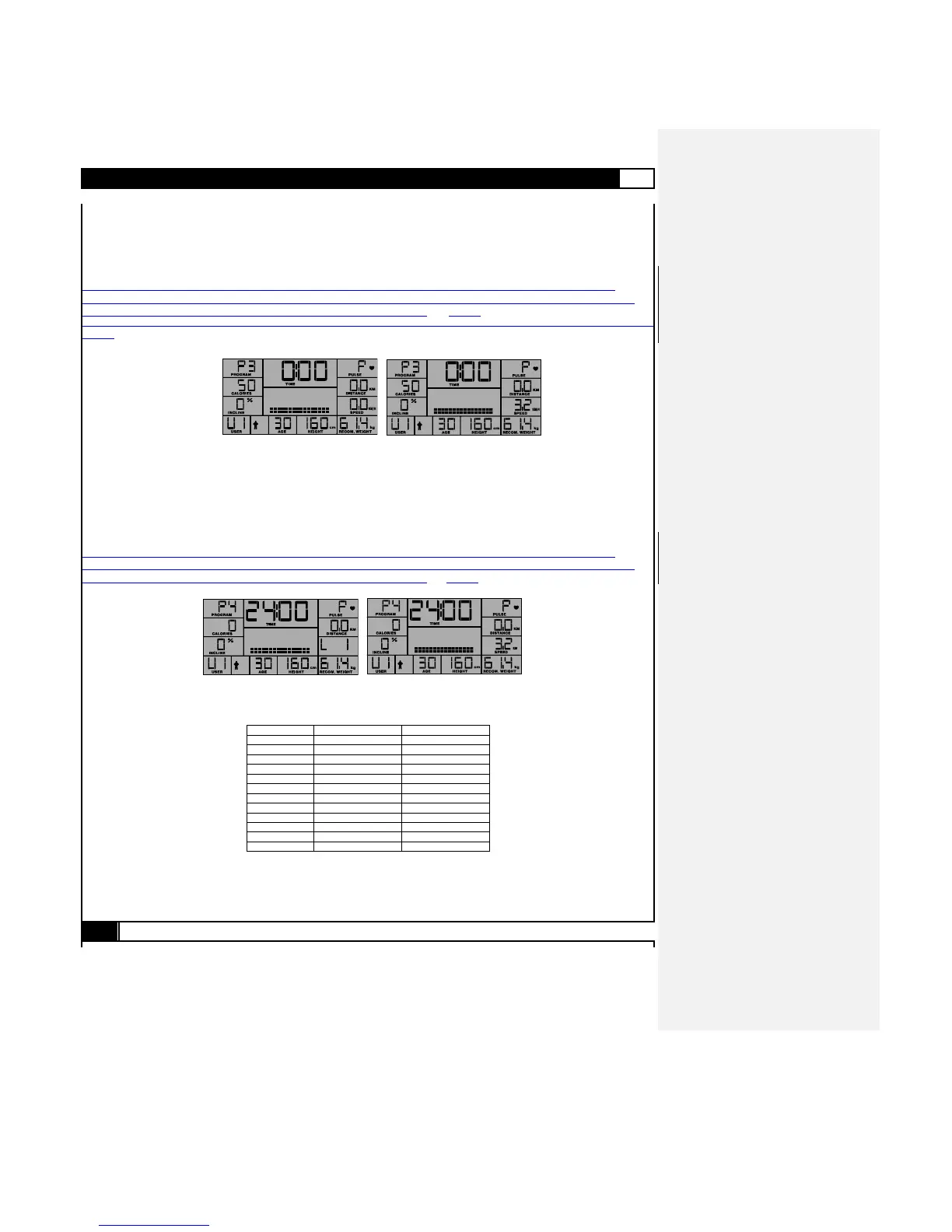
P3 - TARGET CALORIES PROGRAM
If the user selects the P3 program and presses ENTER, the LCD will begin blinking 50 (calories). The user must next use UP /
DOWN to setup Target Calories, and then press ENTER to confirm the setting.
The user may then press START to initiate the program, P3 – TARGET CALORIES. At program start the Calories will count
down from the Target Calories value, running at an initial speed setting of 3.2km/ h / 2.0 mph.
As previously described in Program P1, the user may at any time during the workout period alter the speed with SPEED-UP /
SPEED-DOWN, angle with INCLINE-UP / INCLINE-DOWN. The User may also pause (STOP) or STOP (2x) the workout, and will
at the conclusion of any given program enter the COOL DOWN program as detai LCD above.
As previously described in Program P1, the user may alter the speed with SPEED-UP / SPEED-DOWN, angle with INCLINE-UP / INCLINE-DOWN, and Pause, COOL DOWN or STOP as
described.
P4 - INCLINE INTERVAL PROGRAM
If user selects the P4 program, and presses ENTER, Level and Duration Time need to be setup to start the program.
After selecting the P4 program, L1 will first be blinking, and the user must use UP /DOWN to select a Performance Level between
L1 and L12, and then press ENTER to confirm the setting.
After setting the preferred Performance Level, the LCD will blink 24:00 (min.) workout time, the user must use UP/ DOWN to
setup total workout time in intervals of 4:00 (min.), then press ENTER to confirm the setting.
The user may then press START to initiate the program, P4 – INCLINE INTERVAL.
As previously described in Program P1, the user may at any time during the workout period alter the speed with SPEED-UP /
SPEED-DOWN, angle with INCLINE-UP / INCLINE-DOWN. The User may also pause (STOP) or STOP (2x) the workout, and will
at the conclusion of any given program enter the COOL DOWN program as detaiLCD above.



 To Next Page