29
5.4 MACHINE SHUTDOWN
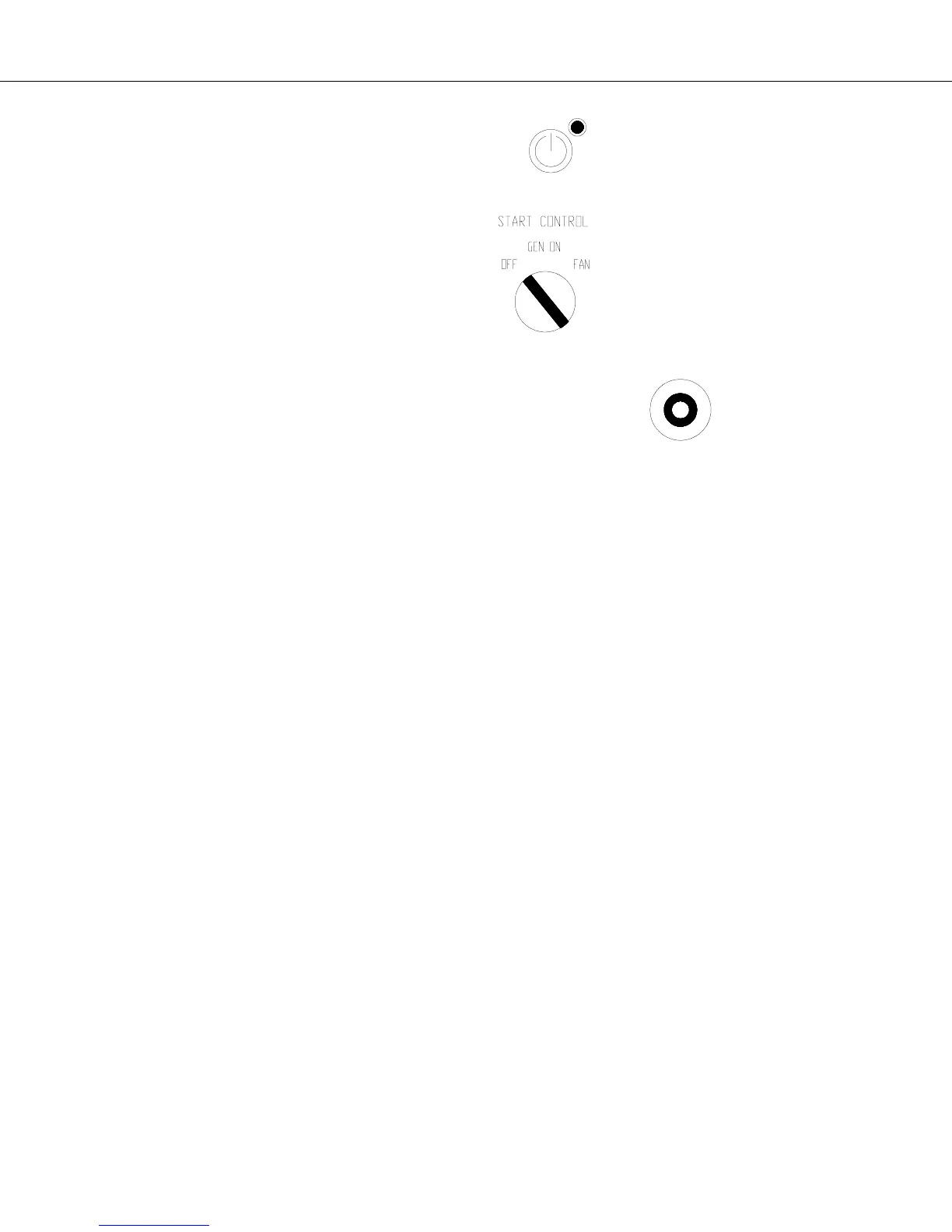
a) The system is stopped by pressing again the ON/OFF” button on the user interface board. The “ON” LED
is switched “OFF” and on the LCD display will show the status “STOPPING”. All the compressors will stop and the
supply fan shuts off after a pre-set timing of 30 seconds.
b) To bring the generator to stop, turn the “Start Control Switch” in “OFF” position. The generator engine will
come to a halt after the cooling pre-set timing of 5 minutes (cooling down timer) is satisfied.
Note: The generator can be forcibly stopped by pressing the “STOP/RESET” button on the engine’s module.


 To Next Page