Direct Access Keys Time Code Setup
26
Time Code Slate
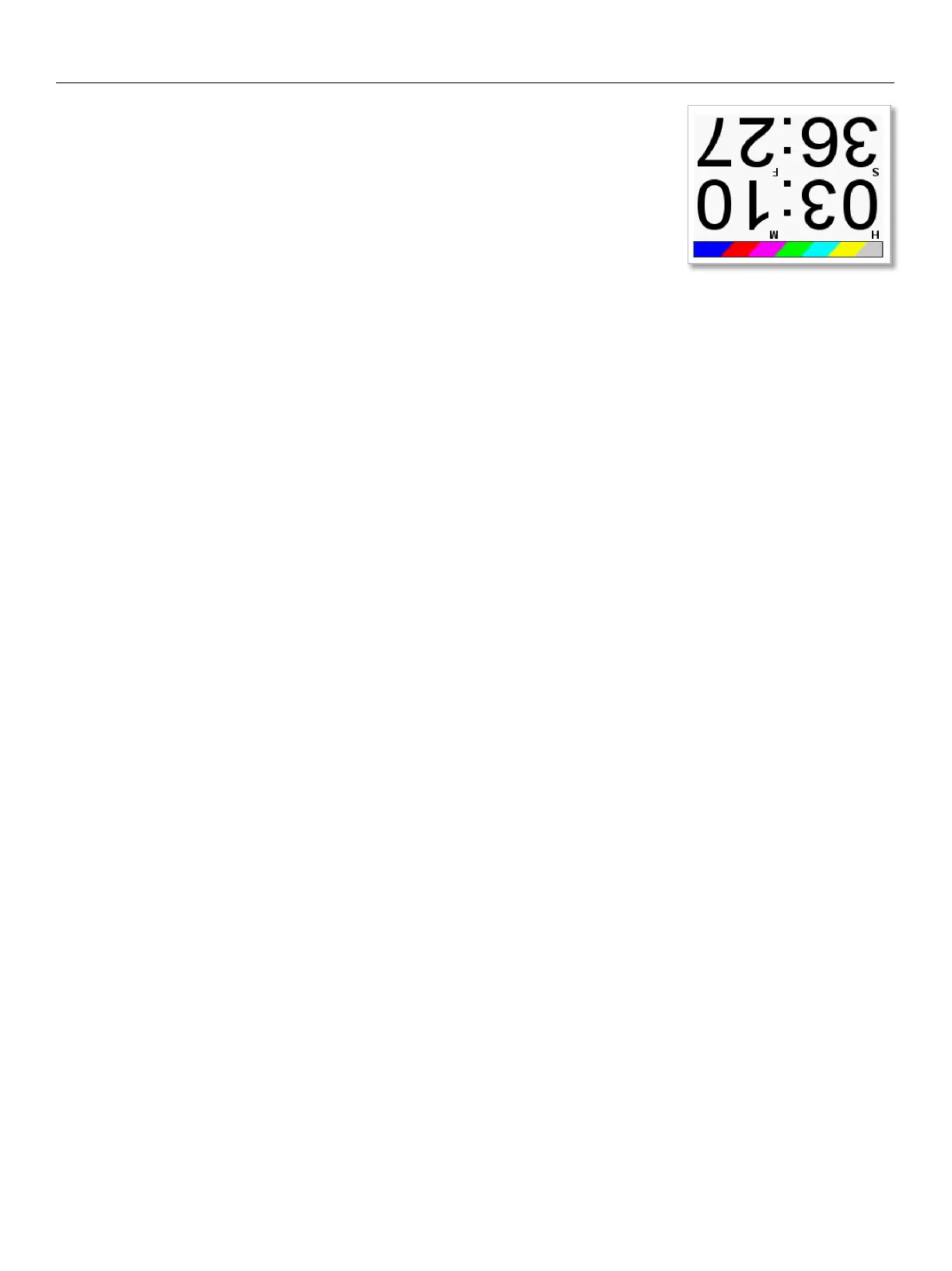
Pressing the F6 key tab will display the visual time code slate.
This is used to provide a visual sync for the camera to match picture and sound.
When the time code slate is displayed pressing the MENU knob will freeze the
time code display will freeze and a 1-frame beep tone will be sent to any bus that
has tone routed to an output.
Pressing any one of the function keys (F6 thru F11) will flip the orientation of the
slate.
The slate can also be quickly accessed from the home screen by pressing the F11
key.


 To Next Page