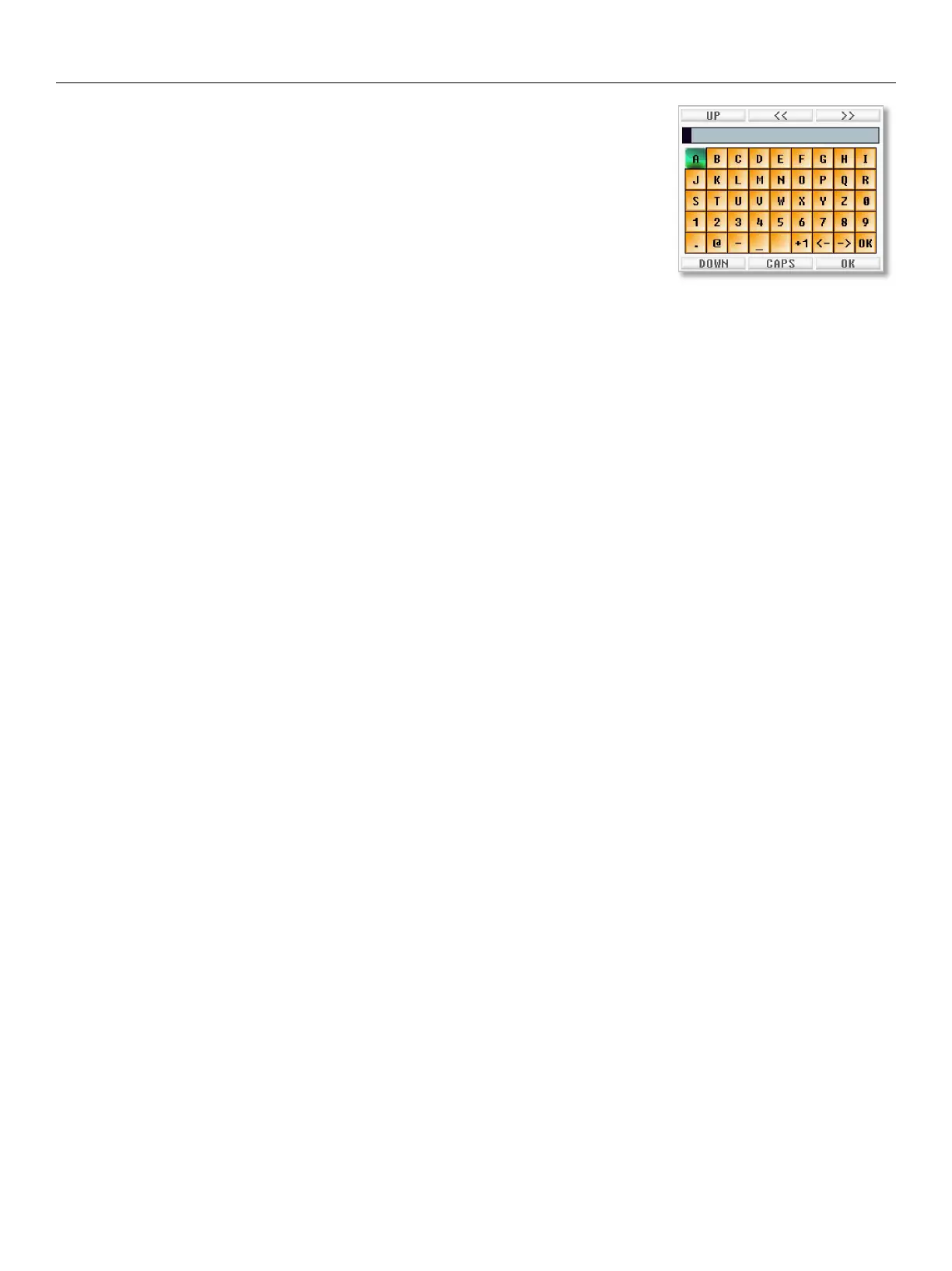
Nova Operations Onscreen Keyboard
43
Using the Onscreen Keyboard
• Scrolling the MENU knob will move the cursor laterally. When at the end of a row
the cursor will transition to the next lines.
• Use the F6 and F9 keys to move the cursor up and down.
Pressing and turning the MENU knob simultaneously will also move the cursor up
and down.
• Pressing the F7 and F8 keys will position the pointer with in the text.
• Pressing the F10 key will toggle between upper and lower case characters.
• When done select OK or press the F11 key.


 To Next Page