Zaxcom ZMT4 ZaxNet Menu
15
ZAXNET MENU
ZaxNet Mode
This menu sets the mode of the ZaxNet transceiver.
• OFF - The ZaxNet transceiver is disabled. The ZMT4 will not receive ZaxNet commands or time code and it
will not send any ZaxNet audio. Please note if ZaxNet mode is set to OFF the several ZaxNet menu items will
not appear.
• RX - The ZaxNet transceiver will receive ZaxNet commands and time code.
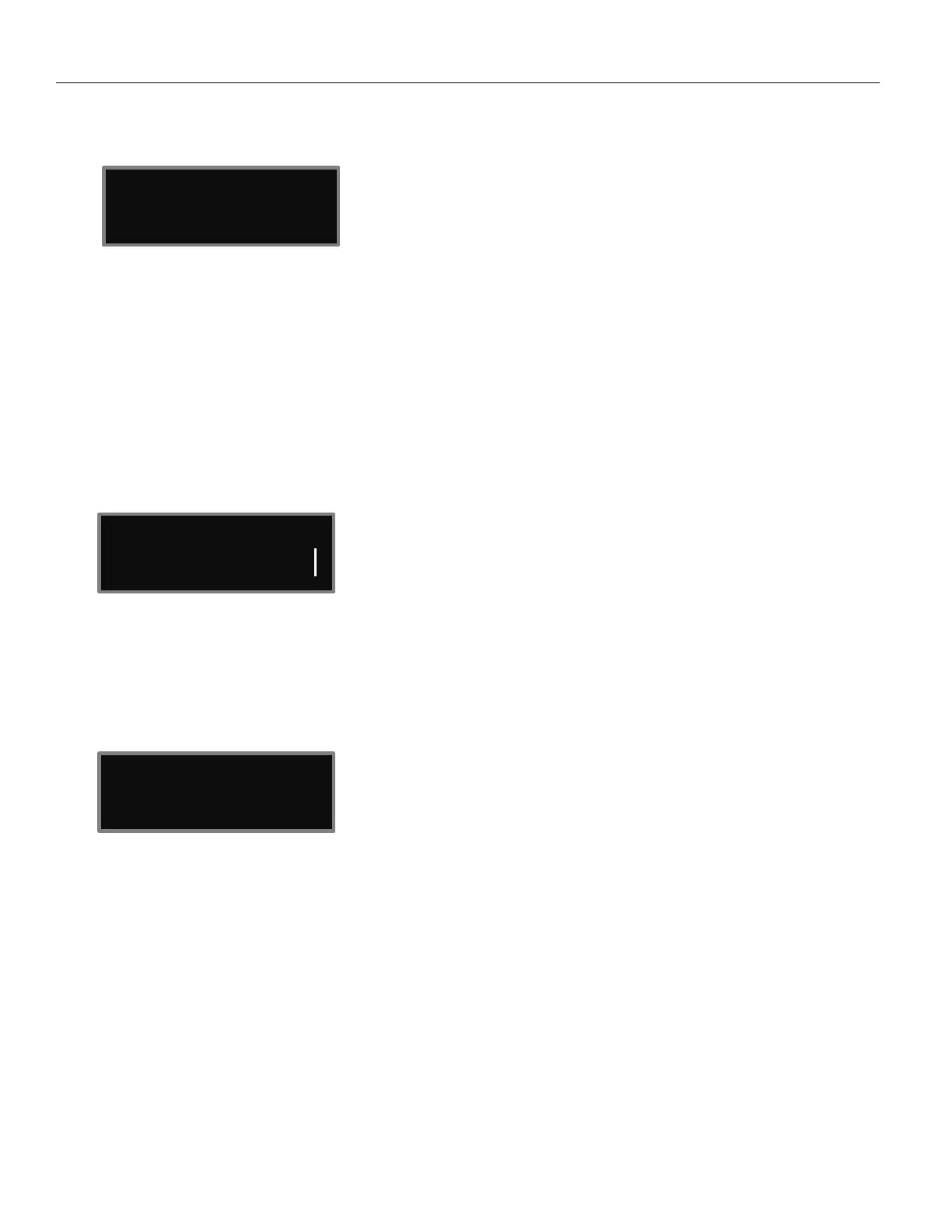
This screen will display what ZaxNet data is being received. Including total received information packets,
ZaxNet TC received, and remote-control commands received. This information is used for debugging
purposes.
• TX - The ZaxNet transceiver will send ZaxNet confidence audio and time code.
ZaxNet Receive Frequency Set
This menu will only appear if ZaxNet is set to receive (RX) mode
The ZaxNet receive frequency is the frequency that the ZMT4 will get its wireless time code and remote-control
commands on. This frequency will need to match the frequency of the corresponding ZaxNet transmitter.
When the ZMT4 is receiving a valid ZaxNet signal the signal strength will be shown as well as signal strength
meter that runs vertically on the far right side of the screen.
ZaxNet Transmit Frequency Set
This menu will only appear if ZaxNet is set to transmit (TX) mode
The ZaxNet transmit frequency is the frequency that the ZaxNet transmitter on the ZMT4 will broadcast time
code and confidence audio on. Please note the ZaxNet transmitted audio is for quality control purposes and the
expected range will be less than 20 feet.
RX FREQ : 2.403 RX
SIGNAL : 28
2.473


 To Next Page