Zaxcom ZMT4 Main Menu
7
Main Menu
To cycle through the main menu press the MENU key.
Microphone Gain Set
The microphone gain is adjusted from this menu. This menu displays the gain setting in decibels and a meter
indicating the audio signal. The meter is displayed horizontally from left to right.
UHF Transmit Frequency Set
This menu is where the UHF transmit frequency is set.
• Short presses of the INC or DEC key causes the value to change by 0.1 MHz
• Holding the INC or DEC key causes the value to change by 0.5 MHz
Phantom Power
This menu is where the phantom power is turned on and adjusted from. The ZMT4 has 6 user selectable power
options: When set to any voltage other than 5, the ZMT4 will input a balanced signal.
• OFF, 5V, 12V, 24V, 36V or 45V Phantom
WARNING - make sure the microphone attached to the transmitter is rated for the applied voltage before
engaging phantom power - not doing so can damage the microphone.
Transmitter Lock Page
This page enables a key lock function so no parameters can be changes. When the lock page is landed on
a countdown clock will begin. After 5 seconds the transmitter will lock, and the display will indicated that
it is LOCKED. If this screen is exited before the 5 seconds are up the transmitter will not lock. When the
transmitter is locked the OLED will turn off.
To lock the transmitter before the 5 seconds press and hold the DEC key.
Pressing the INC key when the transmitter is locked will display the ZMT4’s group and unit code, its
transmit frequency and serial number. Pressing the DEC key will display the units name, battery voltage
and current record segment number.
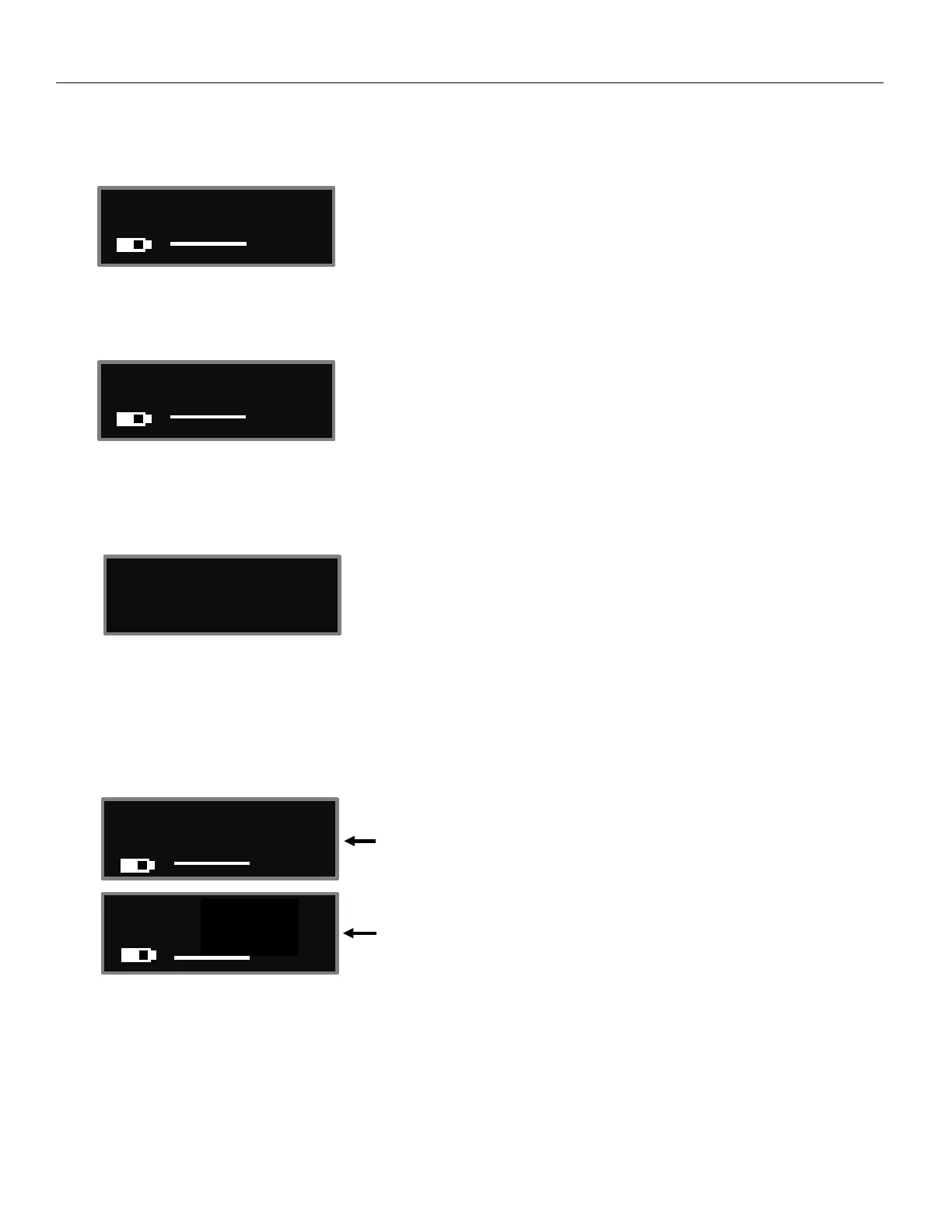
Countdown clock starting at 5 seconds
After the transmitter locks
23.98


 To Next Page